EasyManua.ls Logo

Panasonic PT-CW331R - User Manual

Panasonic PT-CW331R
6 pages
Print Icon
To Next Page IconTo Next Page
Loading...
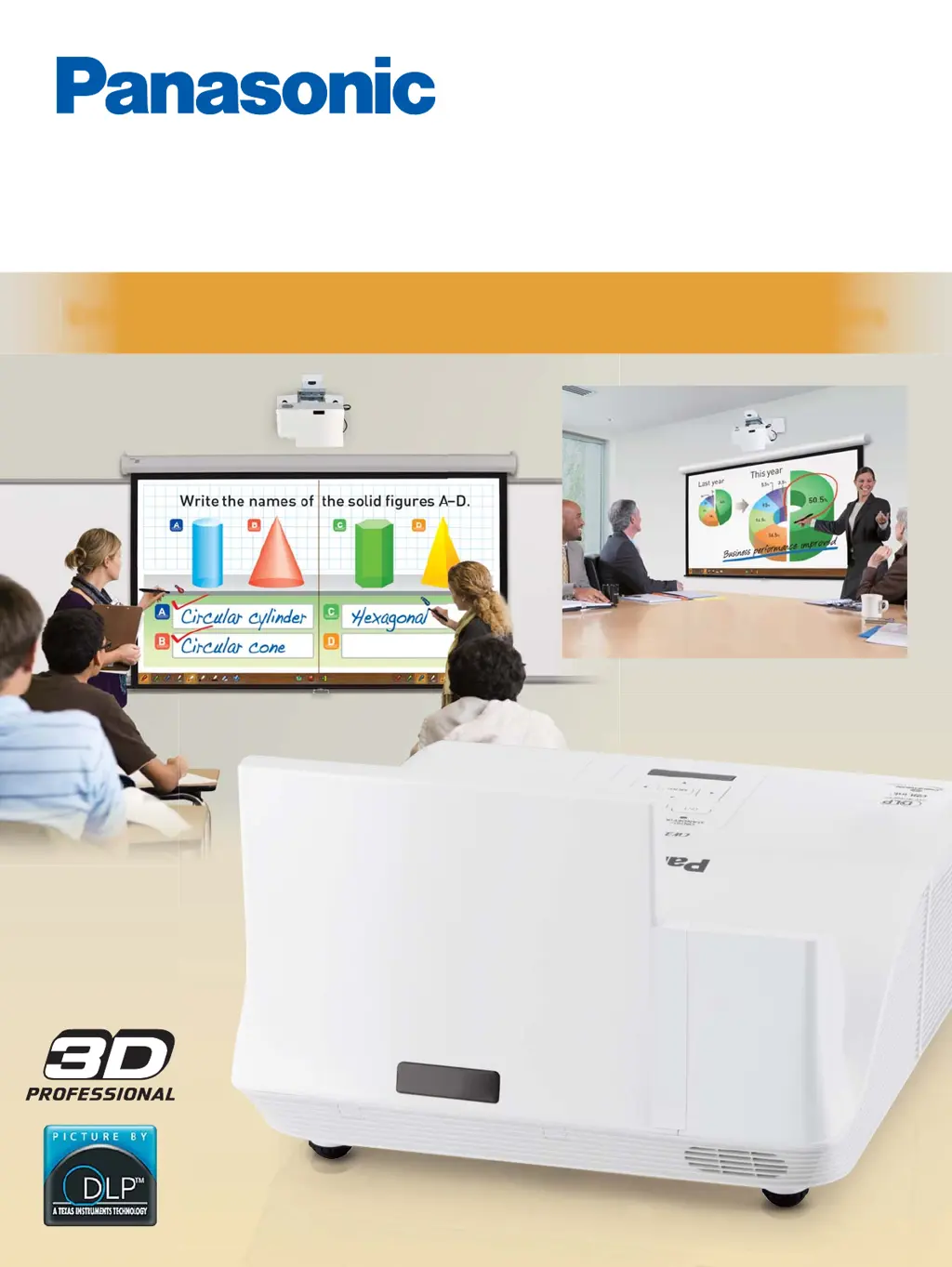
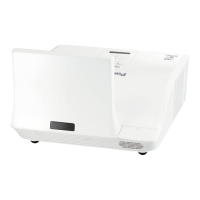
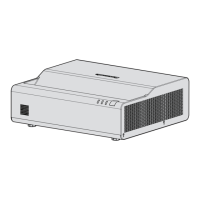
Enhanced Lineup of High-brightness Ultra-short Throw Projectors
PT-CW330 Series
PT-CW331R
PT-CW330
PT-CW241R
PT-CW240
PT-CX301R
PT-CX300
Ultra-short Throw 1-Chip DLP
Projectors

Questions and Answers

  • D
    Douglas TerrySep 2, 2025
    Why is the color pale on my Panasonic Projector?
    • K
      Kimberly LaneSep 2, 2025
      To fix pale or grayish colors on your Panasonic Projector, adjust the [Color] or [Hue] settings. Check the input source adjustments to ensure they are correct. If you're using an RGB cable, replace it if it's damaged.
  • E
    Erik Murray DDSAug 31, 2025
    How to fix a fuzzy picture on a Panasonic Projector?
    • B
      Brooke EvansAug 31, 2025
      To correct a fuzzy picture on your Panasonic Projector, start by adjusting the lens focus. If that doesn't sharpen the image, adjust the distance of the projector from the screen. Also, clean the lens if it's dirty. Lastly, realign the projector to be level.
  • M
    Megan WilsonAug 29, 2025
    How to restore sound to my Panasonic PT-CW331R Projector internal speaker?
    • C
      Corey ParkerAug 29, 2025
      If there's no sound from the internal speaker of your Panasonic Projector, first, reconnect the input terminals to ensure they are correctly connected. Then, increase the volume level if it's set to the minimum. Also, turn off the [AV mute] function if it's on. Disconnect the VARIABLE AUDIO OUT, as the projector's built-in speaker is not available when it is plugged in. Finally, disable the Mute function if it's enabled.
  • F
    fowleramandaAug 27, 2025
    What to do if messages display on Panasonic PT-CW331R?
    • K
      Kevin BenitezAug 27, 2025
      If your Panasonic Projector displays a message, it could be due to several reasons. A 'Dust Filter Reminder Message' indicates that the projector has reached the timer set in the [Filter Reminder (Hour)], suggesting that you should clean or replace the air filters. A 'Lamp Warning Message' means the lamp has reached its end of life and should be replaced as soon as possible. A 'Fan Locked Warning Message' indicates the fan has stopped during projection, in which case you should unplug the power cord and contact your dealer. Lastly, a 'Temperature Fail Message' means the internal temperature is too high, and you should confirm the display items.
  • E
    Emily GlassAug 26, 2025
    How to correct reversed image on Panasonic Projector?
    • Z
      zwallaceAug 26, 2025
      If the image on your Panasonic Projector is reversed, confirm [Ceiling Mount] in the [Position] menu.
  • A
    anthony81Aug 25, 2025
    Why does the remote control not operate my Panasonic Projector?
    • K
      Kristin PorterAug 25, 2025
      If your Panasonic Projector remote control isn't working, try replacing the remote control battery first. If that doesn't work, check the battery installation to ensure it's correct. Make sure there are no obstructions blocking the remote control signal receptor on the projector. Also, ensure that you are within the remote control's operation range by moving closer to the projector. Reduce strong light shining onto the signal receptor. Finally, ensure matching remote IDs on projector and remote.
  • C
    Carrie GrayAug 22, 2025
    What to do if no picture appears on Panasonic Projector?
    • J
      Joseph HendrixAug 22, 2025
      If you're not getting any picture on your Panasonic Projector, first, reconnect the video signal input source to ensure it's properly connected to a terminal. Then, adjust the input selection setting to the correct source. Increase the [Brightness] adjustment setting if it's at the minimum. Check the input source for any issues. Finally, turn off the [AV mute] function if it's in use.

Panasonic PT-CW331R Specifications

General IconGeneral
Resolution1280 x 800 (WXGA)
Contrast Ratio16, 000:1
Lamp Life (Eco)8, 000 hours
Display TypeLCD
Speakers10W Mono
Noise Level (Eco)29 dB
Power Consumption (Normal)310W
Power Consumption (Eco)240W
Lamp Life (Normal)4000 hours
ConnectivityHDMI, VGA, USB
Output TerminalsVGA, HDMI

Related product manuals