EasyManua.ls Logo

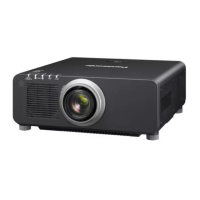
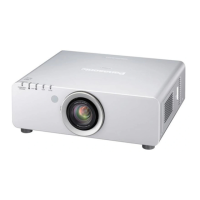
Panasonic PT-DZ6710U - User Manual

Panasonic PT-DZ6710U
52 pages
Print Icon
To Next Page IconTo Next Page
Loading...
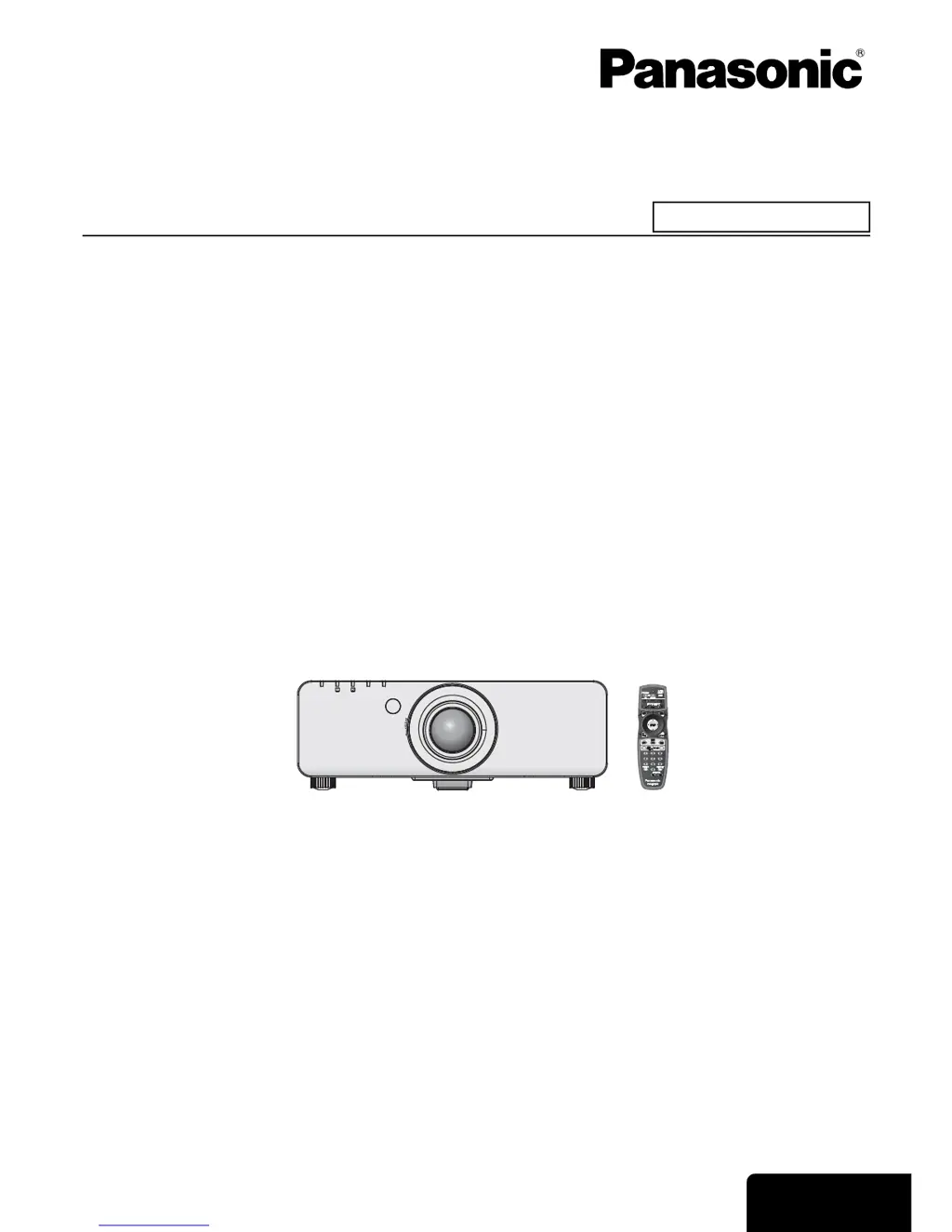
ENGLISH
Operating Instructions
DLP™Based Projector
Model No. PT-DZ6710U
PT-DZ6700U
PT-DW6300U
PT-D6000U
PT-D5000U
Before operating this product, please read the instructions carefully and save this manual for future use.
The information of these instructions are shared use with multiple models of DZ6710 series, DZ6700 series, DW6300 series,
D6000 series and D5000 series.
TQBJ0295-4
Commercial Use
STANDBY(RED)/STANDBY(RED)/
ON(GREEN) ON(GREEN)
LAMPLAMP TEMPTEMP
FILTERFILTER

Table of Contents

Other manuals for Panasonic PT-DZ6710U

Questions and Answers

  • M
    Michael DennisAug 16, 2025
    Why does my Panasonic PT-DZ6710U remote control not operate?
    • M
      Meghan EdwardsAug 16, 2025
      There could be several reasons why your Panasonic Projector remote control isn't working. First, the REMOTE CONTROLLER in the SECURITY menu might be disabled, so enable it. The batteries might be weak or not inserted correctly, so replace them or re-insert them properly. Also, check for obstructions blocking the signal receptor, ensure you're within the operation range, and reduce strong light exposure to the receptor. Finally, the remote control ID setting might be incorrect, so correct it.
  • M
    Miranda FosterAug 18, 2025
    How to fix Panasonic Projector control buttons that do not operate?
    • A
      apopeAug 19, 2025
      If the control buttons on your Panasonic Projector aren't working, it may be because the CONTROL PANEL of CONTROL DEVICE SETUP in the SECURITY menu is disabled. To resolve this, press and hold the MENU button for 2 seconds while pressing the ENTER button.
  • B
    Brandon WilliamsAug 22, 2025
    What to do if my Panasonic PT-DZ6710U Projector power does not turn on?
    • C
      Catherine RhodesAug 22, 2025
      If your Panasonic Projector isn't turning on, first check the power cord connection and ensure the POWER switch is on. Verify the wall outlet has an electric supply. If the TEMP or LAMP1/LAMP2 indicator is lit or flashing, refer to their respective instructions. Also, make sure the lamp unit cover is securely installed and reset the circuit breakers if they have tripped.
  • C
    Colleen ClarkAug 25, 2025
    Why does no picture appear on my Panasonic PT-DZ6710U?
    • C
      Chloe AlvarezAug 26, 2025
      If no picture is appearing on your Panasonic Projector, check that the video signal input source is properly connected to a terminal. Ensure the input selection setting is correct and increase the BRIGHTNESS adjustment setting. Verify that the input source connected to the projector is working correctly. Additionally, disable the shutter function if it's in use, and ensure the ACF unit is set correctly.
  • J
    Jay HollowayAug 28, 2025
    What to do if on screen menu does not appear on Panasonic PT-DZ6710U Projector?
    • C
      Christine ChavezAug 28, 2025
      If the on-screen menu does not appear on your Panasonic Projector, press the ON SCREEN button on the remote control.
  • A
    Angela KnappAug 30, 2025
    Why does picture from a computer not appear on Panasonic PT-DZ6710U?
    • T
      Tammy HillAug 30, 2025
      If the picture from a computer does not appear on your Panasonic Projector, the cable may be longer than the optional cable, so use a shorter cable. Also, the external video output from the laptop computer may not be correct, so change the external video output settings.
  • G
    Gina WilliamsSep 3, 2025
    What to do if the picture does not display correctly on Panasonic PT-DZ6710U Projector?
    • O
      ortizdonnaSep 3, 2025
      If the picture on your Panasonic Projector isn't displaying correctly, ensure the color format is set correctly. Check the VCR or signal source for problems. Make sure you are using a signal that is compatible with the projector.
  • R
    robertchaneySep 6, 2025
    Why does picture from a computer DVI-D graphic board not appear on Panasonic Projector?
    • J
      johngreenSep 6, 2025
      If the picture from a computer's DVI-D graphic board does not appear on your Panasonic Projector, update the graphic board driver to the latest version. Also, ensure the DVI-D IN setting in the DISPLAY OPTION menu is correct. After adjusting the DVI-D IN setting, restart the computer.
  • B
    Brian FernandezSep 9, 2025
    How to fix a fuzzy picture on a Panasonic PT-DZ6710U Projector?
    • J
      Jermaine DeanSep 9, 2025
      If the picture on your Panasonic Projector is fuzzy, try these steps: Adjust the lens focus. Reposition the projector to the correct distance from the screen. Clean the lens. Ensure the projector is level.
  • M
    michaelharringtonSep 12, 2025
    Why is the color pale or grayish on my Panasonic PT-DZ6710U?
    • J
      Jason EllisSep 12, 2025
      If the color on your Panasonic Projector appears pale or grayish, adjust the COLOR or TINT settings. Also, make sure the input source connected to the projector is adjusted correctly. If you are using an RGB cable, replace it, as it may be damaged.

Summary

Important Safety Notice

Safety Precautions and Warnings

Covers general safety, handling, and environment for projector operation.

Transport, Installation, and Disposal Safety

Details safe practices for moving, setting up, and discarding the projector.

About Your Projector

Projector Body and Controls Overview

Describes physical layout, indicators, and main parts of the projector.

Remote Control Operation and Setup

Explains remote functions, ID setting, and wired control options.

Setting Up and Initial Operation

Projection Methods and Lens Handling

Guides on projection methods and lens attachment/removal.

Power Cord Connection and First Projection

Details power connection and initial projection steps.

Basic Operation and Menu Navigation

Remote Control Operation and Input Selection

Covers remote range, input switching, and basic functions.

Menu Navigation and Setting Adjustments

Explains menu structure and how to adjust settings.

Maintenance and Troubleshooting

Monitor Lamp and Filter Indicators

Explains status indicators for lamps and filters.

Lamp and Filter Replacement Procedures

Guides on replacing consumable parts like the lamp and ACF.

Troubleshooting Common Problems

Lists typical issues and their solutions.

Technical Information

Compatible Signals and Specifications

Lists supported signals and key technical specs.

Dimensions and Mounting Safeguards

Provides physical dimensions and ceiling mount safety.

Panasonic PT-DZ6710U Specifications

General IconGeneral
Brightness6000 lumens
Resolution1920 x 1200 (WUXGA)
Input PortsHDMI, DVI-D, VGA, Component, Composite
Noise Level31 dB (Eco)
Lamp TypeUHM
Contrast Ratio2000:1

Related product manuals