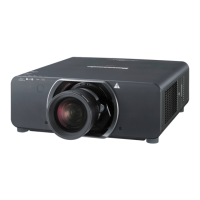
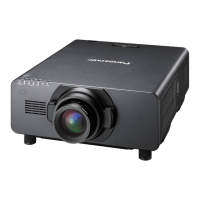
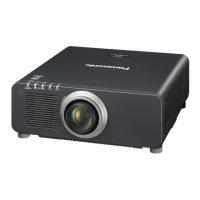
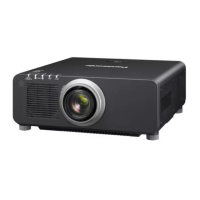
EasyManua.ls Logo

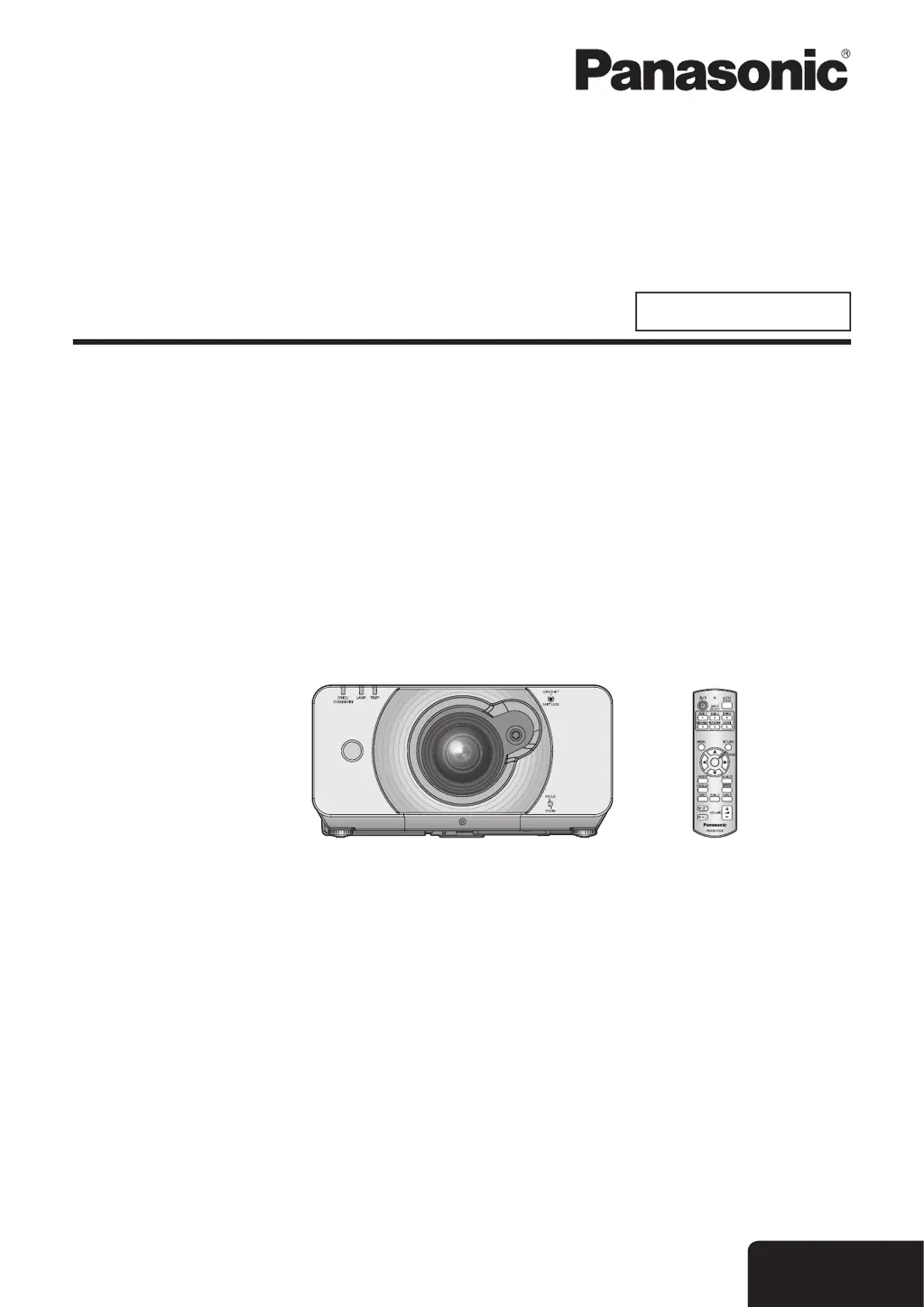
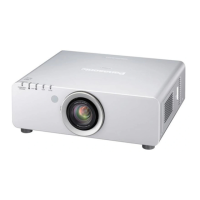
Panasonic PT-DZ570U - User Manual

Panasonic PT-DZ570U
95 pages
Print Icon
To Next Page IconTo Next Page
Loading...
Operating Instructions
Functional Manual
DLP™ Based Projector
Commercial Use
Thank you for purchasing a Panasonic Projector.
Before operating this product, please read the instructions carefully and save this manual
J
for future use.
Before using your projector, be sure to read
J
“Precautions with regard to safety”
(
Æ
pages 8 to 16).
TQBJ0349
Model No.
PT-DZ570U
PT-DW530U
PT-DX500U
ENGLISH
M1010TK0 -DW

Table of Contents

Other manuals for Panasonic PT-DZ570U

Questions and Answers

  • C
    Cheryl McdanielAug 17, 2025
    How to fix a Panasonic PT-DZ570U that won't turn on?
    • M
      Michael SanchezAug 17, 2025
      If your Panasonic Projector doesn't turn on, start by checking the power cord to ensure it's properly connected. Then, verify that the MAIN POWER switch is turned on. Also, check the wall outlet to confirm it has an electric supply. If the issue persists, reset the circuit breakers. Ensure the lamp unit cover is securely installed. If the LAMP or TEMP indicator is lit or flashing, refer to the indicator guide.
  • J
    Julian WatersAug 19, 2025
    What to do if no picture appears on Panasonic PT-DZ570U Projector?
    • C
      Christine SummersAug 20, 2025
      If you're not seeing a picture on your Panasonic Projector, first ensure the video signal input source is correctly connected to a terminal. Then, verify the input selection setting. Adjust the BRIGHTNESS setting to ensure it's not at the minimum. Check the input source for any issues. Also, ensure the AV MUTE function is disabled. If the Power indicator flashes red, consult your dealer.
  • T
    thomascarrollAug 22, 2025
    Why does the Panasonic PT-DZ570U remote control not operate?
    • J
      Jason DavisAug 23, 2025
      If the remote control for your Panasonic Projector isn't working, start by replacing the batteries. Make sure the batteries are inserted correctly. Remove any obstructions from the signal receptor on the projector. Ensure you are within the remote control's operational range by moving closer to the projector. Avoid strong light interference at the signal receptor. Check if the REMOTE CONTROLLER in the SECURITY menu is enabled. Verify the usage of the remote (REMOTE IN) terminal. Finally, correct the remote control ID setting, if necessary.
  • T
    Troy MarshallAug 25, 2025
    How to fix a fuzzy picture on a Panasonic PT-DZ570U?
    • S
      Stephen AlvarezAug 26, 2025
      If your Panasonic Projector's picture is fuzzy, adjust the lens focus. Reposition the projector to ensure it's at the correct distance from the screen. Clean the lens. Also, adjust the projector to be level.
  • F
    fullerzacharyAug 28, 2025
    What to do if the picture on Panasonic PT-DZ570U does not display correctly?
    • J
      Jennifer SheaAug 28, 2025
      If the picture on your Panasonic Projector isn't displaying correctly, set the SYSTEM SELECTOR correctly. Check the VCR or other signal sources for issues. Ensure the input signal is compatible with the projector.
  • T
    Tracey JamesAug 30, 2025
    Why doesn't the picture from my computer appear on the Panasonic PT-DZ570U?
    • M
      Mary MichaelAug 30, 2025
      If you're not seeing a picture from a computer on your Panasonic Projector, try using a shorter cable. If you're using a laptop, adjust the external output settings by pressing the [Fn] + [F3] or [Fn] + [F10] keys.
  • B
    Benjamin ThompsonSep 2, 2025
    Why do the Panasonic Projector control buttons not operate?
    • C
      Curtis TaylorSep 2, 2025
      If the control buttons on your Panasonic Projector aren't working, check if the CONTROL PANEL in the SECURITY menu is enabled. Also, verify the usage of the remote (REMOTE IN) terminal.
  • M
    Michael McknightSep 5, 2025
    Why is the color pale on my Panasonic PT-DZ570U?
    • D
      Dawn WardSep 5, 2025
      If the color on your Panasonic Projector appears pale or grayish, adjust the COLOR or TINT settings. Check and adjust the input source settings. If you're using an RGB cable, replace it if it's damaged.
  • R
    Robert WashingtonSep 8, 2025
    Why doesn't the picture from a computer DVI-D graphic board appear on the Panasonic Projector?
    • J
      jennifer79Sep 8, 2025
      If you're not seeing a picture from a computer DVI-D graphic board on your Panasonic Projector, set the [DVI-D IN] correctly in the [DISPLAY OPTION] menu. Update the graphic board driver to the latest version. Restart the computer.
  • M
    Mark EdwardsSep 12, 2025
    What to do if picture from a HDMI device does not appear on Panasonic PT-DZ570U?
    • J
      Jeanette MitchellSep 12, 2025
      If the picture from a HDMI device does not appear or isn't stable on your Panasonic Projector, check the secure connection of the HDMI cable. Ensure no unsupported signal cables are connected.

Panasonic PT-DZ570U Specifications

General IconGeneral
Resolution1920 x 1200 (WUXGA)
Aspect Ratio16:10
Display Type3LCD
Display TechnologyLCD
Projection Size40 - 300 inches
Contrast Ratio10, 000:1
Lamp Life4000 hours (eco mode)
Projection Distance1.2 - 10.3 m (3.9 - 33.8 ft)
Input PortsHDMI, DVI-D, VGA, Component, Composite
Zoom Lens1.6x
Input ConnectorsHDMI, DVI-D, VGA, Component, S-Video
Weight22.0 lbs (10 kg)

Related product manuals