EasyManua.ls Logo

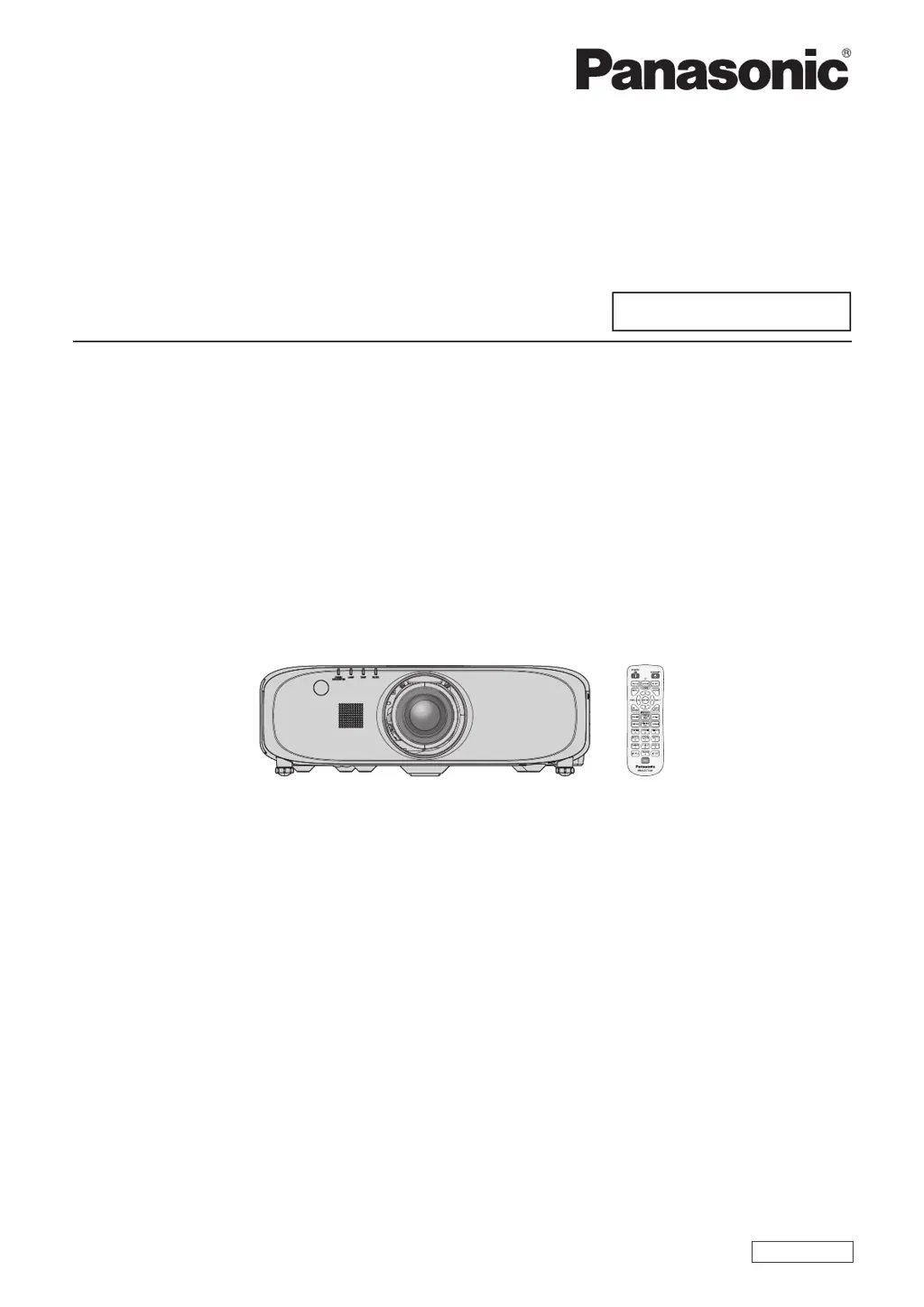
Panasonic PT-EZ770T - User Manual

Panasonic PT-EZ770T
153 pages
Print Icon
To Next Page IconTo Next Page
Loading...
Thank you for purchasing this Panasonic product.
This manual is common to all the models regardless of sufxes of the Model No.
z
Without L : The standard zoom lens supplied With L : The lens sold separately
Before operating this product, please read the instructions carefully and save this manual
for future use.
Before using this product, be sure to read “Read this rst!” (
x
pages 2 to 7).
TQBJ0667-2
LCD Projector
Commercial Use
Operating Instructions
Functional Manual
ENGLISH
Model No.
PT-EZ770T
PT-EW730T
PT-EX800T

Table of Contents

Other manuals for Panasonic PT-EZ770T

Questions and Answers

  • K
    katherine56Sep 17, 2025
    Why does video from an HDMI compatible device not appear or appear jumbled on my Panasonic PT-EZ770T?
    • C
      Christopher BakerSep 17, 2025
      If video from an HDMI compatible device doesn't appear or appears jumbled on your Panasonic Projector: * Ensure the HDMI cable is securely connected. * Try turning off and on the power of both the projector and the external device. * Verify that the input signal is compatible with the projector.
  • J
    Joel TuckerAug 25, 2025
    How to fix a Panasonic PT-EZ770T Projector when the power does not turn on?
    • K
      kathleenrobbinsAug 25, 2025
      If your Panasonic Projector isn't turning on, here are a few things to check: * Ensure the power plug is firmly inserted into the outlet. * Verify that the switch is not set to . * Confirm that the wall outlet is supplying electricity. * Check if the circuit breakers have tripped. * See if the lamp indicator or the temperature indicator is lit or flashing. * Make sure the lamp cover is securely attached.
  • D
    Daniel CharlesAug 26, 2025
    What causes a Panasonic PT-EZ770T Projector image to display incorrectly?
    • A
      april64Aug 27, 2025
      If the image on your Panasonic Projector is not displaying correctly, consider the following: * Ensure the [SYSTEM SELECTOR] selection is set correctly. * Check for any problems with the video tape or other image sources. * Verify that the input signal is compatible with the projector.
  • J
    Jennifer OrozcoAug 27, 2025
    Why is my Panasonic Projector not displaying image from computer?
    • J
      Jodi BaileyAug 27, 2025
      If the image from a computer is not appearing on your Panasonic Projector, consider these points: * Check if the cable is too long. For D-Sub cables, the length should be 10 m (32'10") or shorter. * Verify the external video output on the laptop is set correctly. (For example, the external output settings may be switched by pressing “Fn” + “F3” or “Fn” + “F10” simultaneously. The method varies depending on the computer type, so refer to the user manual provided with your computer.)
  • A
    Anna BarnettSep 18, 2025
    Why is there no image output from the DisplayPort of the computer on my Panasonic PT-EZ770T Projector?
    • M
      Michael RileySep 18, 2025
      If the image output from the DisplayPort of your computer is not appearing on the Panasonic Projector, consider the following: * If connecting to a computer with an early-type chipset or graphics card compatible with DisplayPort, the projector or computer may not operate properly. * Update the graphics accelerator driver of the computer to the latest version. * Turn off and on the power of both the projector and the external device. * Ensure the input signal is compatible with the projector.
  • C
    Cynthia TateDec 1, 2025
    Why does my Panasonic Projector remote control not respond?
    • L
      Larry GarzaDec 1, 2025
      If the remote control for your Panasonic Projector isn't responding, consider these points: * Check if the batteries are depleted and replace them if necessary. * Ensure the batteries are inserted with the correct polarity. * Make sure there are no obstructions between the remote and the projector's signal receiver. * Verify the remote is within its effective operating range. * Check if other light sources, like fluorescent lights, are interfering with the signal. * Confirm that the [REMOTE CONTROL] setting in [CONTROL DEVICE SETUP] is not set to [DISABLE]. * Check if the terminal is being used for contact control. * Ensure the ID number setting operation is correct. * Verify the cable connected to the terminal is connected to the remote control wired terminal.
  • M
    Michael StokesSep 9, 2025
    How do I fix a Panasonic PT-EZ770T Projector when the menu screen is missing?
    • L
      Larry TaylorSep 9, 2025
      If the menu screen does not appear on your Panasonic Projector, check if the on-screen display function is turned off (hidden).
  • S
    Sheila Gomez MDSep 12, 2025
    What to do if DIGITAL LINK input isn't working on Panasonic PT-EZ770T Projector?
    • J
      Jessica OlsonSep 12, 2025
      If the DIGITAL LINK input image or sound is not being output on your Panasonic Projector: * Ensure the connections between the twisted-pair-cable transmitter and the projector or an external device are correctly done. * Verify that [DIGITAL LINK MODE] is set to [AUTO] or [DIGITAL LINK], and not to [ETHERNET]. * Check if a signal that is not compatible with a twisted-pair-cable transmitter is being input.
  • J
    jim50Sep 4, 2025
    How to troubleshoot no audio on a Panasonic Projector?
    • C
      Christine HarringtonSep 4, 2025
      If you're not getting any audio output from your Panasonic Projector, check the following: * Ensure the external device is connected correctly to the audio input terminal. * Verify that [MUTE] in [AUDIO SETTING] is not set to [ON]. * Confirm that the audio input selection in [AUDIO SETTING] is set correctly.
  • J
    Joseph TaylorSep 2, 2025
    Why does the image from my computer not appear on my Panasonic PT-EZ770T?
    • C
      carrollkimberlySep 2, 2025
      If you're not seeing an image from your computer on the Panasonic Projector, consider these points: * Check if the cable is too long. (For D-Sub cables, it should be 10 m (32'10") or shorter). * Verify that the external video output on the laptop is set correctly. (For example, you might need to press “Fn” + “F3” or “Fn” + “F10” simultaneously. Refer to your computer's user manual as the method varies.)

Panasonic PT-EZ770T Specifications

General IconGeneral
Brightness7000 lumens
Contrast Ratio5000:1
Technology3LCD
Projection System3LCD
Native Resolution1920 x 1200 (WUXGA)
Input TerminalsHDMI, DVI-D, VGA, S-Video, Composite
Output TerminalsVGA
Noise Level37 dB (Normal) / 29 dB (Eco)

Related product manuals