EasyManua.ls Logo

Panasonic PT-EX500U - User Manual

Panasonic PT-EX500U
118 pages
Print Icon
To Next Page IconTo Next Page
Loading...
Operating Instructions
Functional Manual
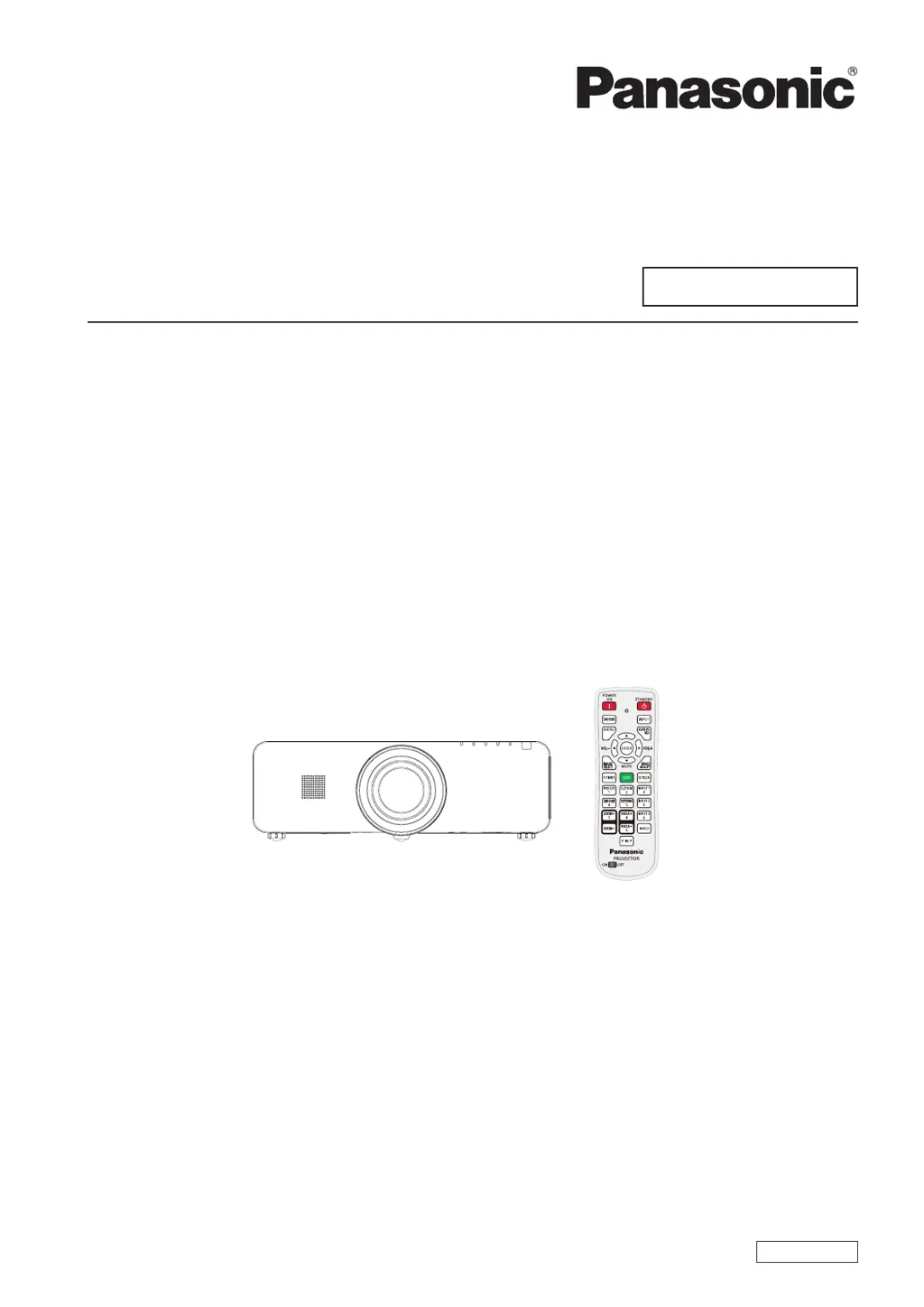
LCD Projector
Commercial Use
Model No.
PT-EZ570E
PT-EZ570EL
PT-EW630E PT-EW630EL
PT-EW530E PT-EW530EL
PT-EX600E PT-EX600EL
PT-EX500E PT-EX500EL
ENGLISH
LV4A
Thank you for purchasing this Panasonic Product.
Before operating this product, please read the instructions carefully, and save this manual for future use.
J
Before using your projector, be sure to read “Read this rst!” (
J
Æ
pages 2 to 8).
The information of these instructions are shared use with multiple models of EZ570 series, EW630 series,
EW530 series, EX600 series and EX500 series.
Lens is optional for the projectors that “L” follows in model number.
J

Table of Contents

Other manuals for Panasonic PT-EX500U

Questions and Answers

  • J
    joshuahardingAug 19, 2025
    How to fix Panasonic PT-EX500U Projector when power does not turn on?
    • H
      Hannah DuranAug 19, 2025
      If your Panasonic Projector isn't powering on, begin by verifying the power cord is securely connected. Then, ensure the wall outlet has electricity and check the circuit breakers. Also, examine the , , and indicators for any alerts. Finally, make sure the lamp cover is securely installed. If the power cord isn't connected, please check the power cord connection. If there is no electric supply is at the wall outlet, check the wall outlet for electricity. If the circuit breakers have tripped, check and reset the circuit breakers. If the indicator, indicator, or indicator lit or blinking, inspect the indicators for issues. If the lamp cover has not been securely installed, ensure the lamp cover is securely installed.
  • K
    kyleandersonAug 21, 2025
    Why is there no picture on my Panasonic PT-EX500U?
    • O
      Olivia CampbellAug 21, 2025
      If no picture is appearing on your Panasonic Projector, first check that the video signal input source is properly connected to the correct terminal. Next, ensure the input selection setting is correct. If the image is still not appearing, increase the [Brightness] adjustment setting. Check the connected input source for any issues and disable the [Shutter] function if it is enabled. Check the connections to the video signal input source. Adjust the input selection settings. Increase the brightness adjustment setting. Check the connected input source for any issues. Disable the [Shutter] function.
  • J
    Jesus JamesAug 26, 2025
    Why does picture from a HDMI device not appear or is not stable on my Panasonic PT-EX500U?
    • C
      christophercooperAug 26, 2025
      If the picture from your HDMI device does not appear or is unstable on your Panasonic Projector, first ensure the HDMI cable is firmly connected. If the issue persists, reset the power of both the projector and the connected devices. Also, verify that you are using a supported signal cable. Ensure the HDMI cable is firmly connected. Reset the power of the projector and connected devices. Use a supported signal cable.
  • K
    Kyle Barker PhDAug 28, 2025
    What to do if Panasonic PT-EX500U picture does not display correctly?
    • M
      Matthew DanielsAug 28, 2025
      If the picture on your Panasonic Projector is not displaying correctly, check the VCR or signal source for any issues. Also, ensure that you are inputting a signal that is compatible with the projector. Check the VCR or signal source for issues. Use a compatible signal for input.
  • H
    Heather GuzmanAug 30, 2025
    Why picture from a computer does not appear on my Panasonic PT-EX500U Projector?
    • B
      brian99Aug 30, 2025
      If the picture from your computer is not appearing on the Panasonic Projector, the cable may be too long; use a shorter cable if necessary. Also, check and correct the external video output settings on your laptop computer. Use a shorter cable if necessary. Check and correct the external video output settings.
  • F
    Felicia BowersSep 1, 2025
    What to do if Panasonic Projector picture is fuzzy?
    • A
      Anthony SchroederSep 2, 2025
      If the picture on your Panasonic Projector appears fuzzy, try these steps: First, adjust the lens focus. Next, reposition the projector to ensure it's at the correct distance from the screen. After that, clean the lens. Ensure the projector is properly leveled and remove the lens cap if it's still attached. Adjust the lens focus. Reposition the projector to the correct distance. Clean the lens. Properly level the projector. Remove the lens cap.
  • E
    Elizabeth RobertsonSep 4, 2025
    Why is there no sound from the internal speaker of my Panasonic PT-EX500U Projector?
    • W
      William ArmstrongSep 4, 2025
      If there is no sound coming from the internal speaker of your Panasonic Projector, check the input terminal connections first. Ensure the volume is not set to the minimum. Also, check if the [Shutter] or [Mute] functions are enabled and disable them. If an AUDIO OUT cable is connected, disconnect it, as this disables the projector's built-in speaker. Finally, verify that the Build-in SP function is correctly set. Check the connections to the input terminals. Increase the volume. Check the [Shutter] function settings. Disconnect the AUDIO OUT cable. Disable the [Mute] function. Ensure the Build-in SP function is set correctly.
  • D
    Daniel HawkinsSep 6, 2025
    Why is the color pale or grayish on my Panasonic PT-EX500U Projector?
    • E
      Erika Long MDSep 6, 2025
      If the color on your Panasonic Projector appears pale or grayish, adjust the [Color] and [Tint] settings. Check the settings of the connected input source. If you are using a computer cable, replace it if it is damaged. Adjust the [Color] and [Tint] settings. Check the settings of the connected input source. Replace the damaged computer cable.
  • D
    davisbryanSep 9, 2025
    What causes Panasonic PT-EX500U control buttons not to operate?
    • D
      dandersonSep 9, 2025
      If the control buttons on your Panasonic Projector are not working, it may be because the side control is locked. To unlock it, go to [Key lock] under [Security] in the [Setting] section and unlock the side control from the settings.
  • R
    Randy AndrewsSep 12, 2025
    What to do if no sound is output from a HDMI device on Panasonic PT-EX500U Projector?
    • A
      Amy BushSep 12, 2025
      If no sound is being output from a HDMI device on your Panasonic Projector, set the sound channel of the attached device to Linear PCM. If that doesn't work, connect the audio cable to AUDIO IN 1 terminal and set to "Audio 1" in "Sound" of "Setting" menu. Adjust the sound channel setting. Connect the audio cable and adjust the settings accordingly.

Panasonic PT-EX500U Specifications

General IconGeneral
Brightness5000 lumens
Native ResolutionXGA (1024 x 768)
Contrast Ratio2000:1
Lamp Life (Eco Mode)5000 hours
Aspect Ratio4:3
Noise Level (Normal Mode)37 dB
Noise Level (Eco Mode)29 dB
InputsHDMI, VGA, S-Video
OutputsVGA
Display Type3LCD

Related product manuals