PV-500 User's Manual
English
I Video Editing
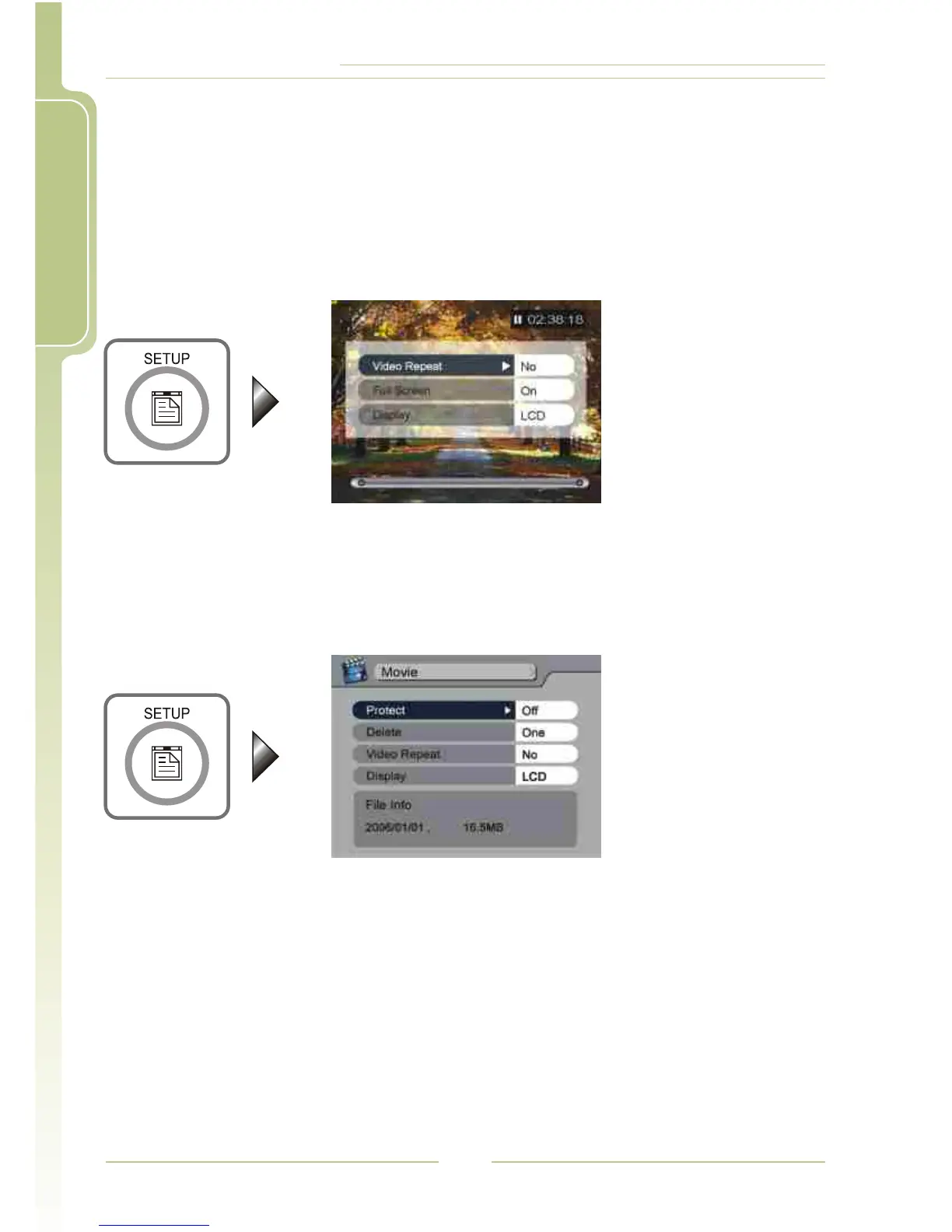
4 During Video Playback
4 In File List Mode
Press SETUP button, the video will be paused, and the setting items will
appear, please see "Basic Operation - SETUP" for the procedure of
operating the buttons.
Press SETUP button, the setting items will appear, please see "Basic
Operation - SETUP" for the procedure of operating the buttons.
22




 To Next Page