PV-500 User's Manual
English
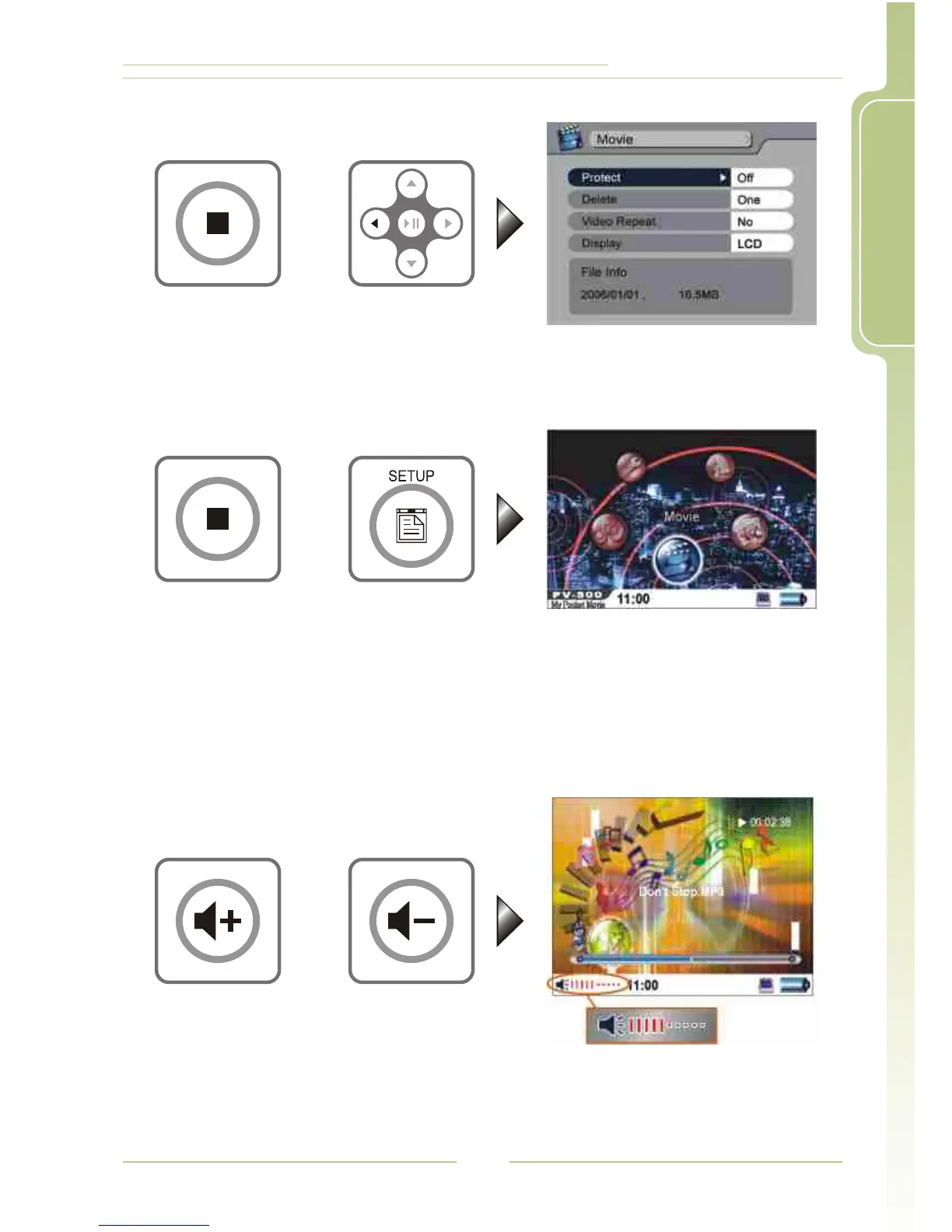
6. Do not make any change and return to main menu: Press or3<
7. Exit SETUP: Press SETUP button or press right after finishing the
operation described in 6.
<
4 Adjust Volume
While playing Video, Audio or Slide + Audio, you adjust the sound
volume by pressing the Volume buttons, volume varies in 10 steps
9
or
or
or





 To Next Page