PV-500 User's Manual
English
28
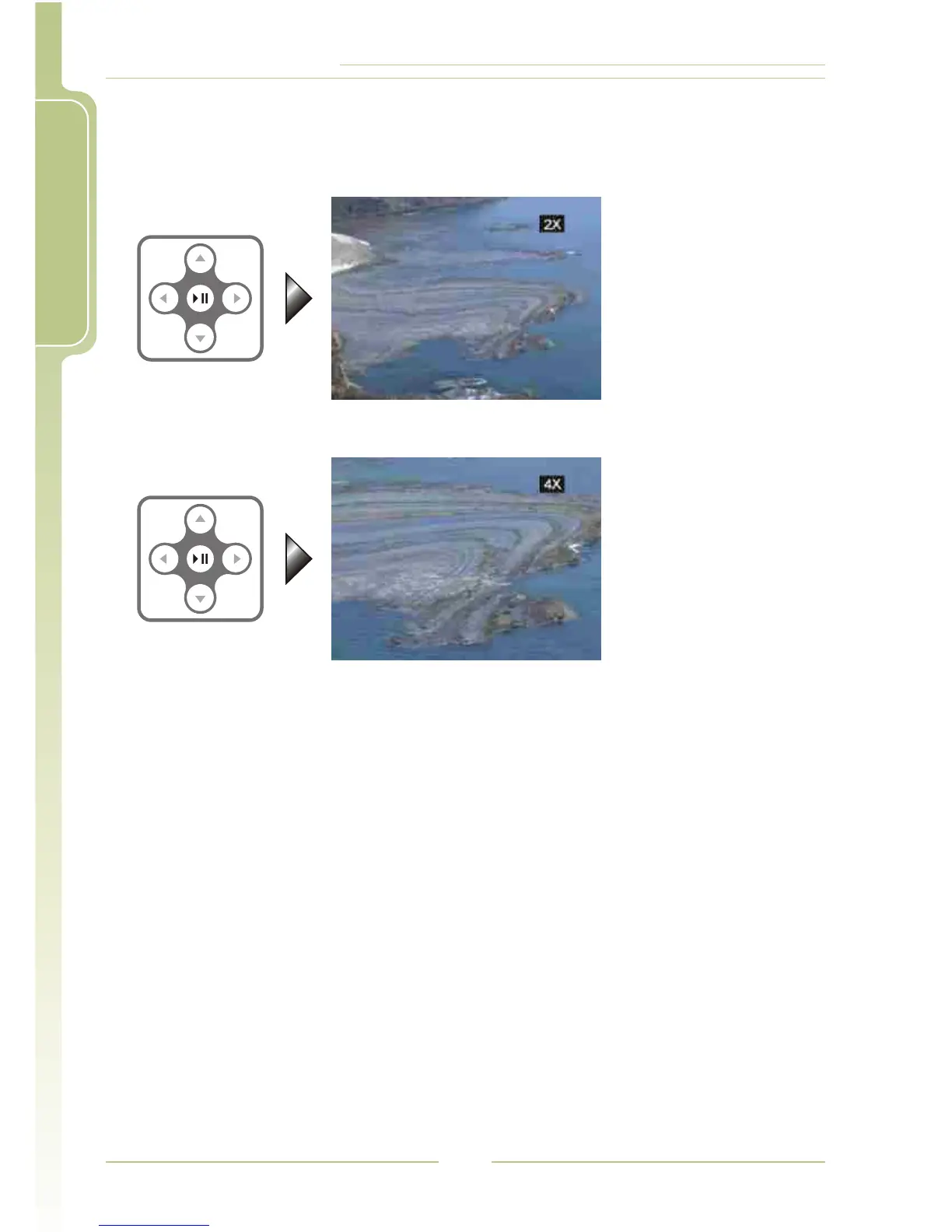
4 Zoom in the Photo by 2 times / 4 times
1. Zoom in by 2 times: press4; (while t he im age is e nlarged, p ress5/6
/3/4to move the position)
2. Zoom in by 2 times: press4; two t imes
! Notice:
The screen will show the current magnification -- 2X/4X; if
the image is displayed in full screen state and 4X is shown,
and at this moment if you press without s ee a ny e ffect, it
means that the image has been maginified to its maximum
extent and it is impossible to enlarge any more.
4;
I Slide Show + Audio
file listIn File List Mode or Image Browsing Mode, press SETUP button to
show the setting items, select "Start Slide Show" and press4; to s tart t he
Slide Show + Audio function ( the image files and the Audio files that you
want to play need to be stored in the same folder.)










 To Next Page