PV-500 User's Manual
English
7
I Basic operation
4 Turn on / off the player
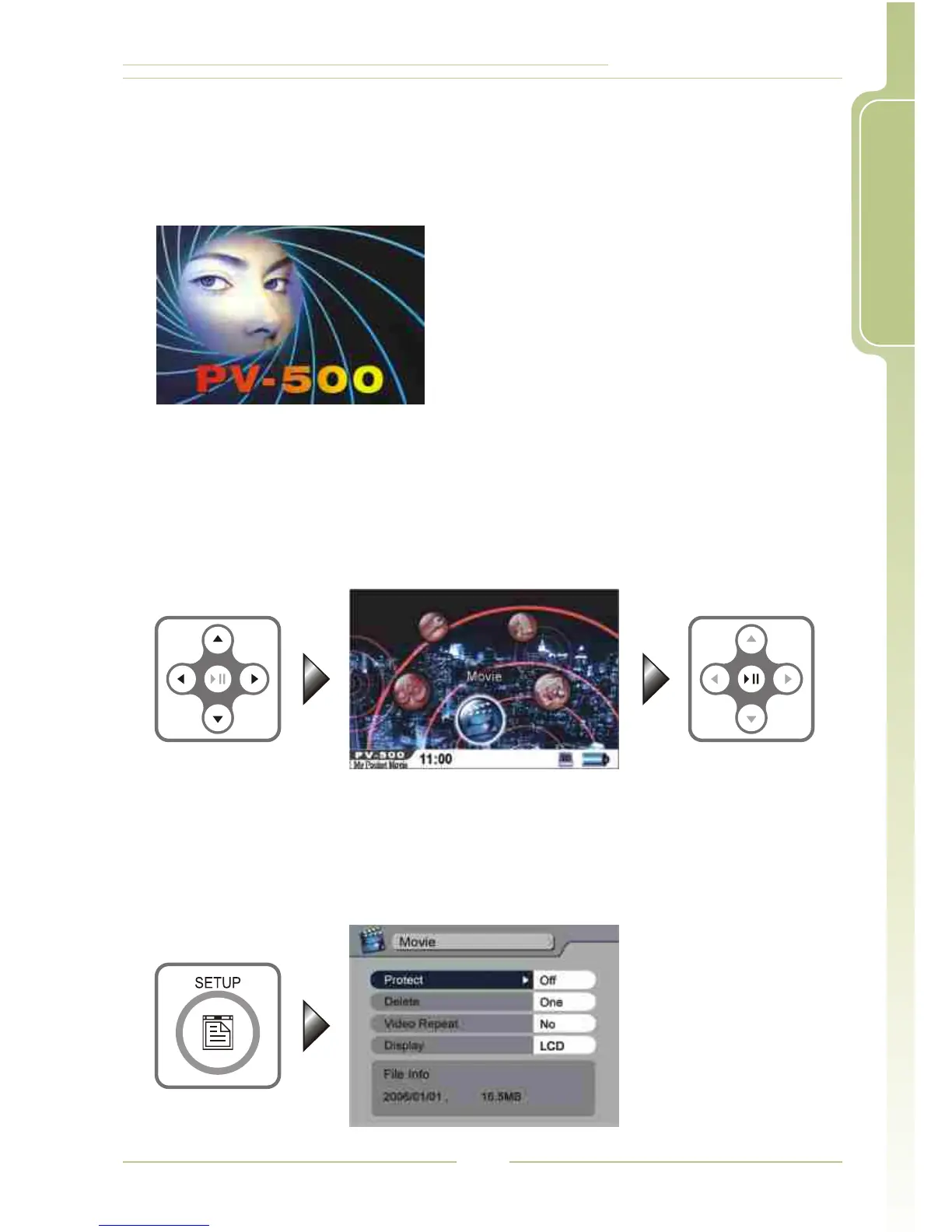
Turn On: Stir the Power On/Off button on
PV-500 to turn on the power and
the greeting screen will appear.
Turn off: Stir the Power On/Off button on
PV-500 or press the Power button
on the remote control to
immediately turn off PV-500.
4 Select Functions
1. After the player is turned on, it will show the screen of Main Menu,
press / / / to select desired functions.
2. After selection, press to e nter t he f unction t hat y ou've s elected.
5634
4;
4 SETUP
1. While you enter Video, Audio, Image modes, and various standby
modes, press SETUP button to edit the settings.




 To Next Page