PV-500 User's Manual
English
33
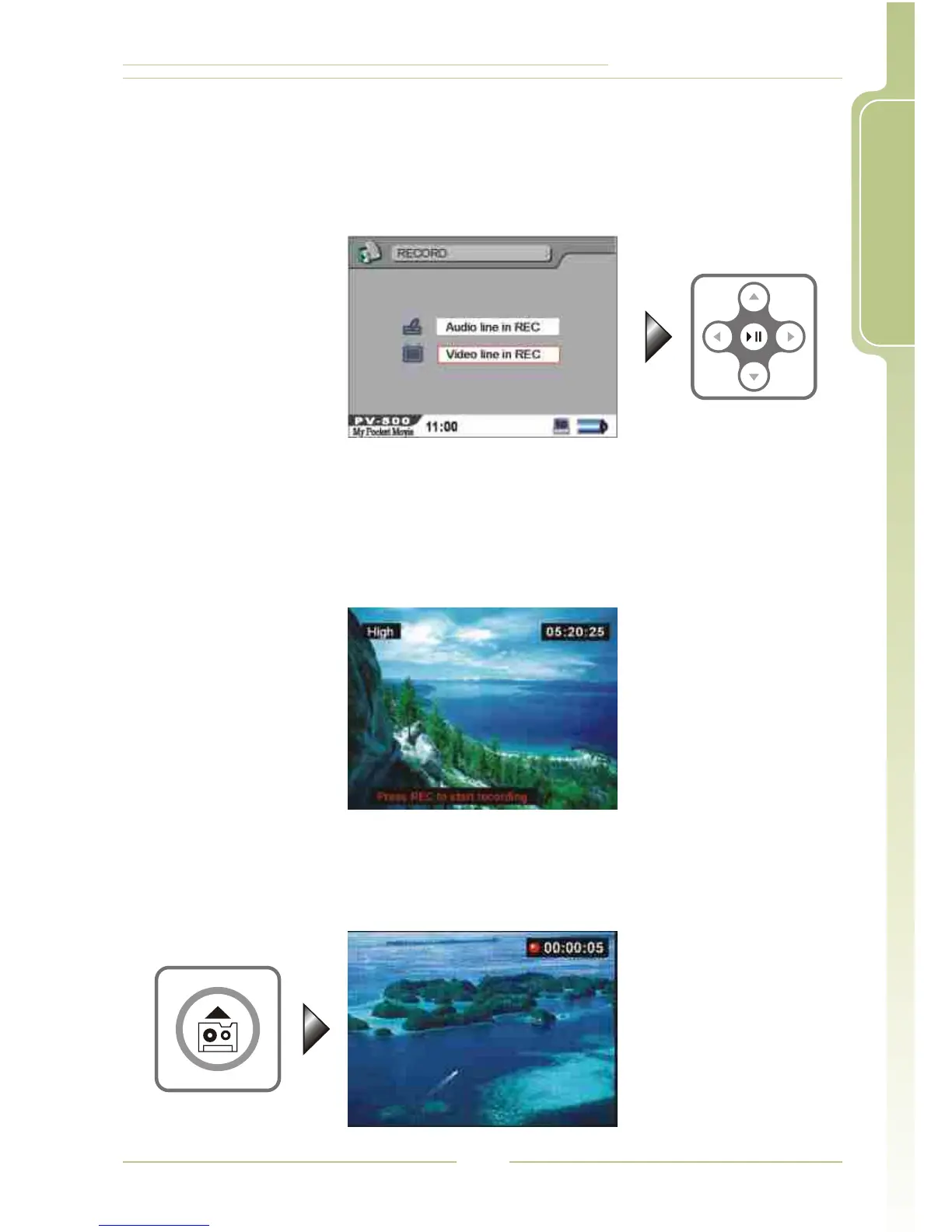
3. Select Video Line in REC
Select External Video Source Recording, press ENTER button to
enter standby mode (make sure to connect the video sensor to the
AV IN jack on PV-500, it will record the video into a MPEG4 file whose
format is AVI)
5. Start Recording
Press REC button to start recording, the file is stored in "MyRecord"
folder.
4. If the message "Press REC button" disappears: in Standby mode, if
there is no operation within 5 seconds, the messages of recordable
time, quality and "Press REC button" will disappear, you have to press
REC button again to return to Standby Mode, and then press REC
button in Standby Mode to start the recording.




 To Next Page