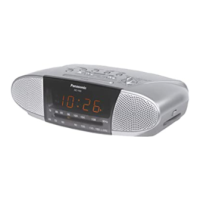
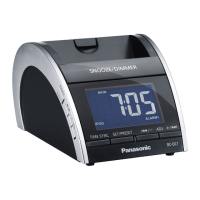
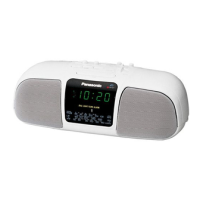
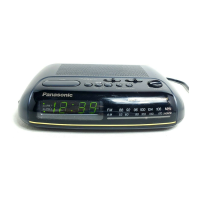
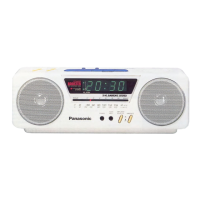
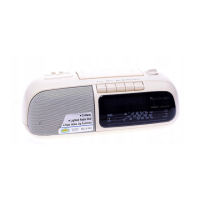
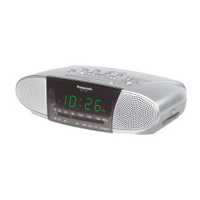
Reset the clock regularly to maintain accuracy. (Monthly accuracy +/-30
seconds)
This is a 12-hour clock.
This example shows how to set the clock for 10:30 A.M.
1 Press and hold [DISP/-TIME SET]
until the time display flashes.
2 Press [i, 5/9] or [j, :/6] to adjust the time.
2 [i, 5/9]: Increases the time by one-minute units.
2 [j, :/6]: Decreases the time by one-minute units.
The time changes faster if you hold [i, 5/9] or [j, :/6]
down.
3 Press [DISP/-TIME SET].
The time is set.
For your reference:
≥When you play a CD, the display changes but the clock is displayed
again after about 10 seconds.
≥The light in the main unit's display comes on for about 5 seconds when
you press a button.
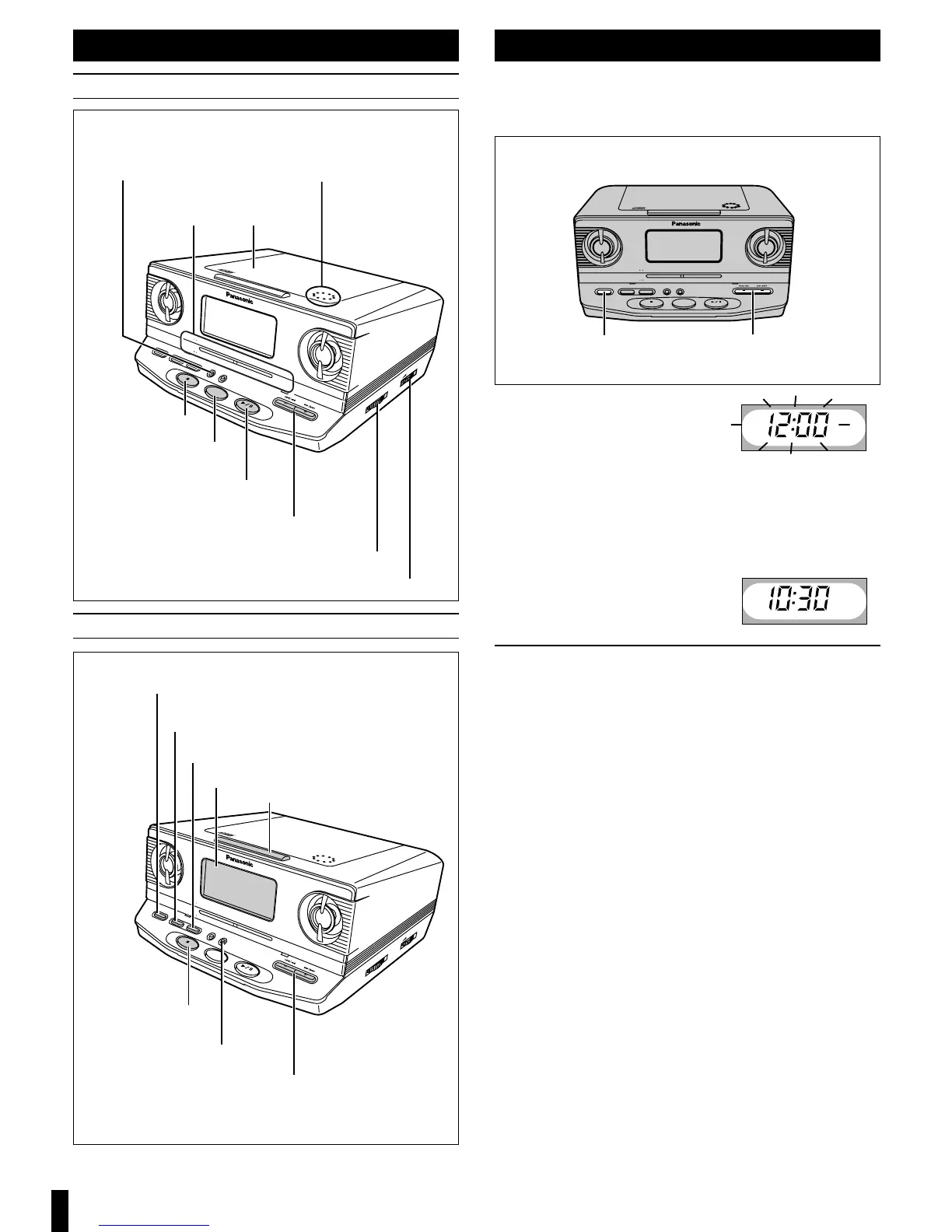
CD lid open button
(PUSH, OPEN/CLOSE)
CD play mode,
FM mode button
(MODE)
Radio on, band select button
(FM/AM, RADIO)
CD play, pause button
(1/ ;, CD)
Stop button (∫, OFF)
Skip, search buttons
(s, r, :/6, 5/9)
Volume control (VOLUME)
Stop button (∫, OFF)
CD lid
CD, Radio
Alarm, Sleep timer and Basic operations
Sleep timer button (SLEEP)
Time adjust buttons
(s, r, :/6, 5/9)
CD/Radio alarm setting buttons
(AL 1/-SET)
Buzzer alarm setting buttons
(AL 2/-SET)
Display
Doze button (DOZE)
Display, time set button
(DISP/-TIME SET)
Dial display
Tuning dial (TUNING)


 To Next Page