EasyManua.ls Logo

Panasonic RF-2200BS - SW RF Alignment

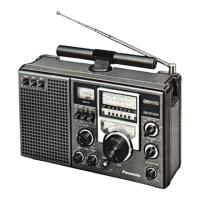
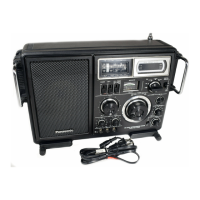
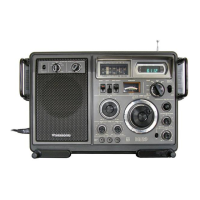
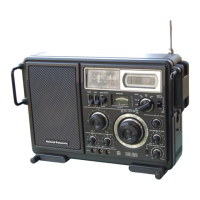
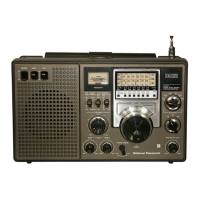
Panasonic RF-2200BS
15 pages
Print Icon
To Next Page IconTo Next Page
To Previous Page IconTo Previous Page
Loading...
|
il.
SW
RF
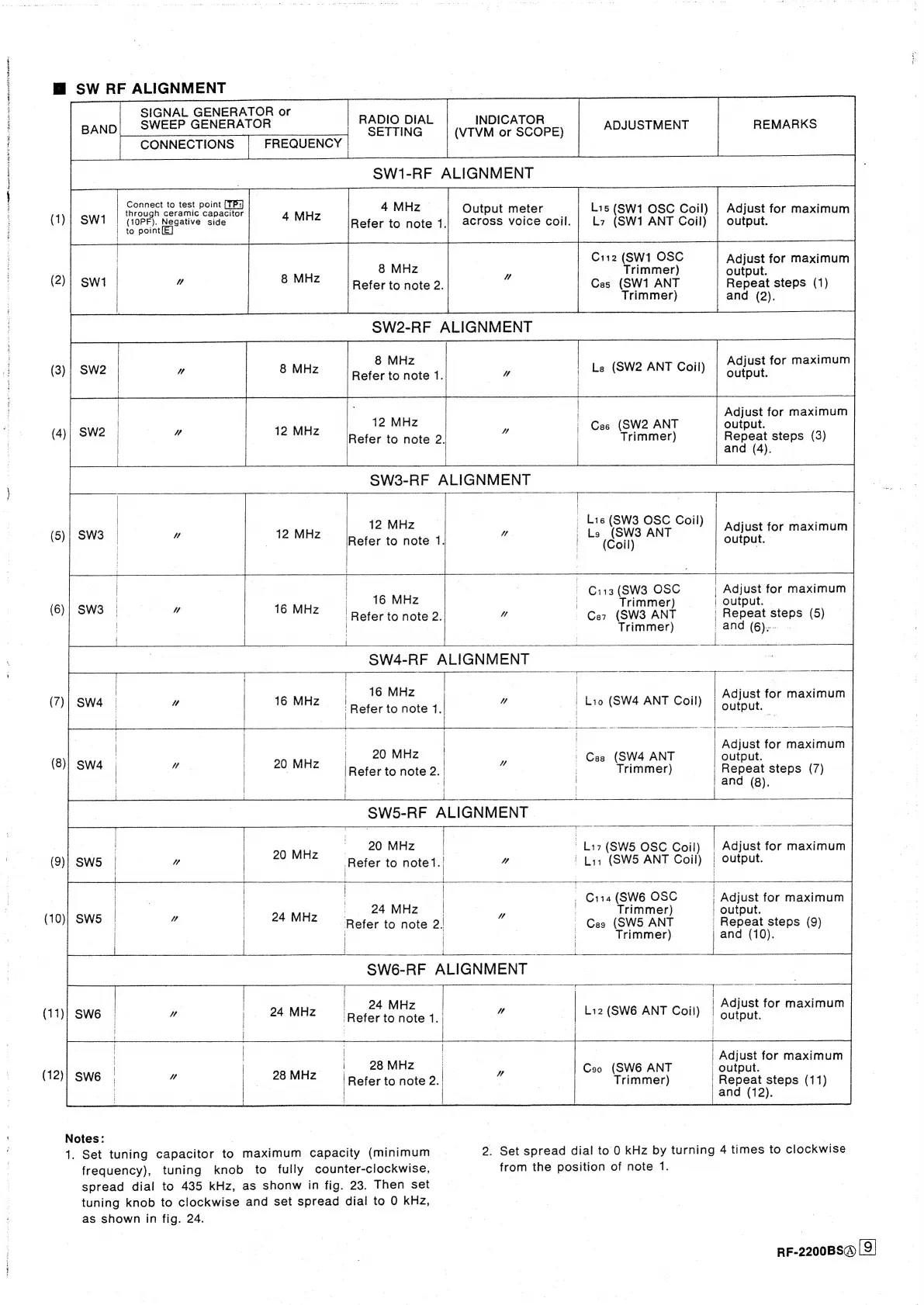
ALIGNMENT
SIGNAL
GENERATOR
or
WEEP
GENERATOR
RADIO
DIAL
INDICATOR
=
SETTING
(VTVM
or
SCOPE)
ADJUSTMENT
REMARKS
Connect
to
test
point
through
ceramic
capacitor
{10PF).
Negative
side
|
to
point
Lis
(SW1
OSC
Coil)
L7
(SW1
ANT
Coil)
Adjust
for
maximum
Output
meter
output.
across
voice
coil.
(1);
SW1
Refer
to
note
1.
Cii2
(SW1
OSC
Adjust
for
maximum
|
8
MHz
_
Trimmer)
output.
(2))
Swi
|
uw
8
MHz
Palerta
neta:
Ces
(SW1
ANT
Repeat
steps
(1)
|
Trimmer)
and
(2).
Adjust
for
maximum
8
MHz
|
Le
(SW2
ANT
Coil)
output.
Refer
to
note
1.
Adjust
for
maximum
Ces
(SW2
ANT
output.
Trimmer)
Repeat
steps
(3)
and
(4).
SW3-RF
ALIGNMENT
ap
|
|
|
7
_
Lie
(SW3
OSC
Coil)
,
Pee
|
12
MHz
|
Adjust
for
maximum
(5)|
SW3
|
uv
|
12
MHz
Bier
kes
eke
a.
:
Ls
esi”
ANT
output.
!
|
:
Ci13
(SW3
OSC
|
Adjust
for
maximum
16
MHz
|
16
MHz
|
Trimmer)
|
output.
.
Refer
to
note
2.
4
Car
(SW3
ANT
_
Repeat
steps
(5)
|
:
Trimmer)
/
and
(6):
|
2
eaten
en
oe
earn
serene
inten
enerearataat-snrenareet
SW4-RF
ALIGNMENT
|
|
|
rr
A
eas
Wer
Sa
|
|
|
16
MHz
|
|
7
!
|
Adjust
for
maximum
(
)
SW4
"
16
MHz
!
a
aieiio
note
1.|
W
|
Lio
(SW4
ANT
Coil)
output.
-
|
Adjust
for
maximum
|
|
|
|
|
!
|
20
MHz
SS
|
8
:
|
Cas
(SW4
ANT
output.
(8)
Sw4
|
20
MHZ
ter
to
note
2._
a
|
Trimmer)
Repeat
steps
(7)
:
!
|
|
and
(8).
SW5-RF
ALIGNMENT
|
20
MHz.
ZO
MHz.
L17(SW5
OSC
Coil)
|
Adjust
for
maximum
(9)}
SWS
|
u
Refer
to
notet.
Mu
'
Li1
(SW5
ANT
Coil)
|
output.
|
i
|
|
aad
eee
ee
ee
ee
Og
en
|
|
|
|
Sau
|
_
Cita
oe
a
|
Adjust
for
maximum
|
|
Zz
rimmer
|
output.
(10)}
SWS
|
4
MINZ
Refer
to
note
2.
4
Ces
(SWS
ANT
—-
Repeat
steps
(8)
|
|
|
|
|
Trimmer)
and
(10).
SW6-RF
ALIGNMENT
:
_
:
ites
ee
|
|
|
|
24
MHz
..,
|
Adjust
for
maximum
(11)|
SW6
Ww
24
MHz
Refer
to
note
1.
W
|
Li2(SW6
ANT
Coil)
"output.
|
|
28
MHz
|
Coo
(SW6
ANT
|
Refer
to
note
2.
|
|
Trimmer)
Adjust
for
maximum
output.
Repeat
steps
(11)
and
(12).
|
|
1
|
Notes:
7
1.
Set
tuning
capacitor
to
maximum
capacity
(minimum
2.
Set
spread
dial
to
0
kHz
by
turning
4
times
to
clockwise
frequency),
tuning
knob
to
fully
counter-clockwise,
from
the
position
of
note
1.
spread
dial
to
435
kHz,
as
shonw
in
fig.
23.
Then
set
tuning
knob
to
clockwise
and
set
spread
dial
to
0
kHz,
as
shown
in
fig.
24.
RF-2200BS@
9)

Related product manuals