The operation tone
The operation tone can be turned on or off to suit your preference. (The tone is set
not to sound when the unit is shipped.)
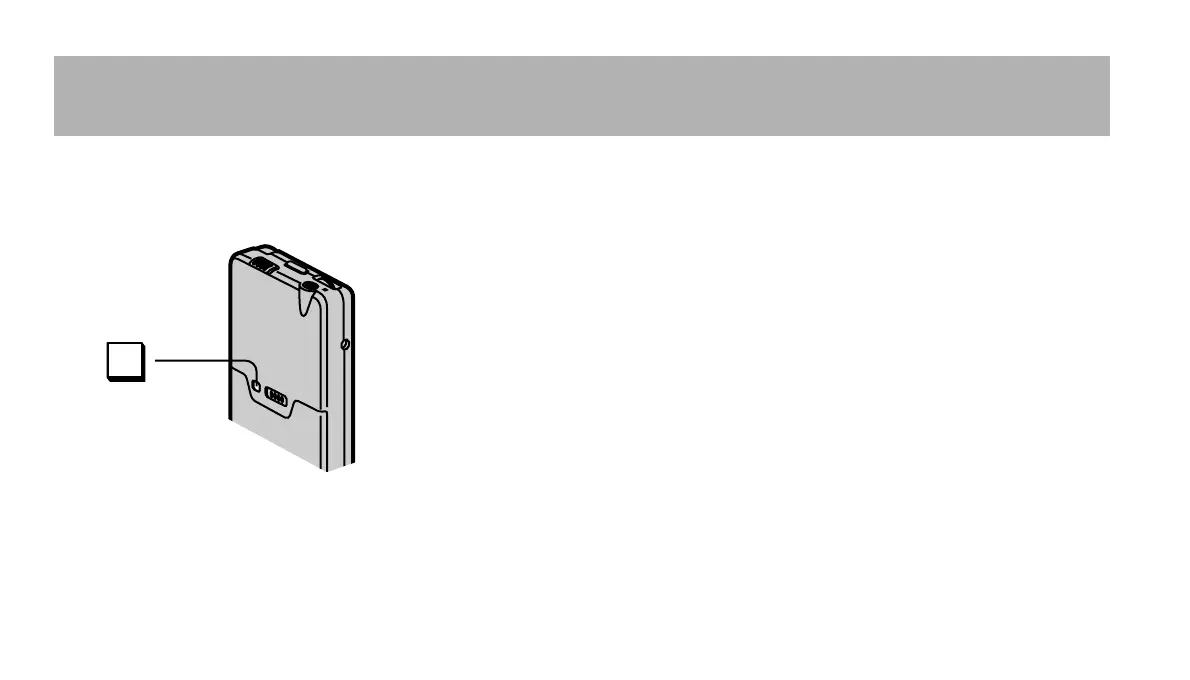
While the unit is stopped, press [10
SEC REVIEW, BEEP] for 2 seconds.
“BEEP” is displayed for a second and a tone sounds each
time the unit is operated.
Repeat the above to turn the tone off again. “OFF” is dis-
played for a second.
For your reference
The tone may be turned off if the unit is left without battery power for a time.
10 SEC
REVIEW
BEEP













 To Next Page