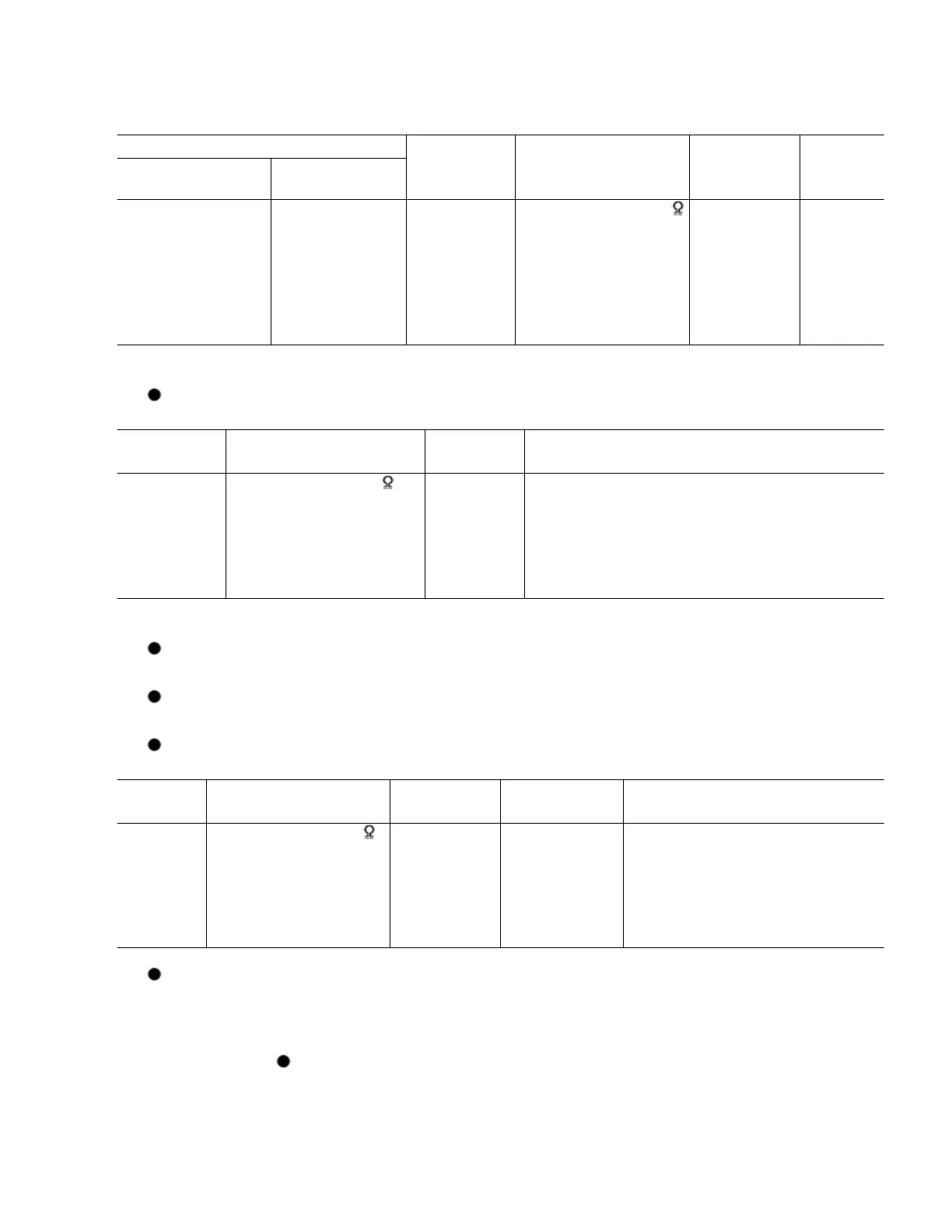
Signal Generator or Sweep Generator Radio Dial
Setting
Indicator (Electronic
Voltmeter or
Oscilloscope)
Adjustment
(Shown in
Fig.1)
Connections Frequency
Fashion a loop of
turns of wire
and radiate signal
loop of receiver.
87.9 kHz Point of non-
interference.(on
/ about
600kHz)
Headphone Jack (32
) Fabricate the plug as
shown in Fig.2 and
then connect the lead
wires of the plug to
the measuring
instrument.
[*1] L4 ( FM
ANT Coil)
Adjust
output.
[*1] Fix antenna coil with wax after completing alignment.
HEAD AZIMUTH ALIGNMENT
Test Tape Iindicator (Electronic
Voltmeter or Oscilloscope)
Adjustment Remark
QZZCFM ( 8
kHz, -20 dB )
Headphone Jack (32 )
Fabricate the plug as
shown in Fig.2 and then
connect the lead wires of
the plug to the measuring
instrument.
Azimuth
Screw
(Shown in
Fig.3)
1. Insert a test tape (QZZCFM) and start playback in the forward
direction.
2. Adjust the azimuth screw for maximum waveform on the
oscilloscope and the similar output on L and R channels.
3. When adjusting the azimuth in the reverse direction, repeat the
adjustment several times because of a little slip on the forward
direction side.
CAUTION :
Please remove the screw-locking bond left on the head base when replacing the
azimuth screw.
After the adjustment, apply screwlock to the azimuth adjusting screw. ( Screw-
locking bond: RZZ0L01)
TAPE SPEED ALIGNMENT
Test Tape Equipment Connection
Electronic Counter
Adjustment Specification Remarks
(
3 kHz, -10
dB )
Headphone Jack (32 )
Fabricate the plug as
shown in Fig.2 and then
connect the lead wires
of the plug to the
measuring instrument.
- 3000 ± 90 Hz Play mode
BIAS AND ERASE VOLTAGE CHECK
1. Set the unit to TUNER mode.
2. Insert the Normal blank tape (QZZCRA) into DECK and set the unit to “REC”
mode (use “ REC/STOP” key).
32



 To Next Page