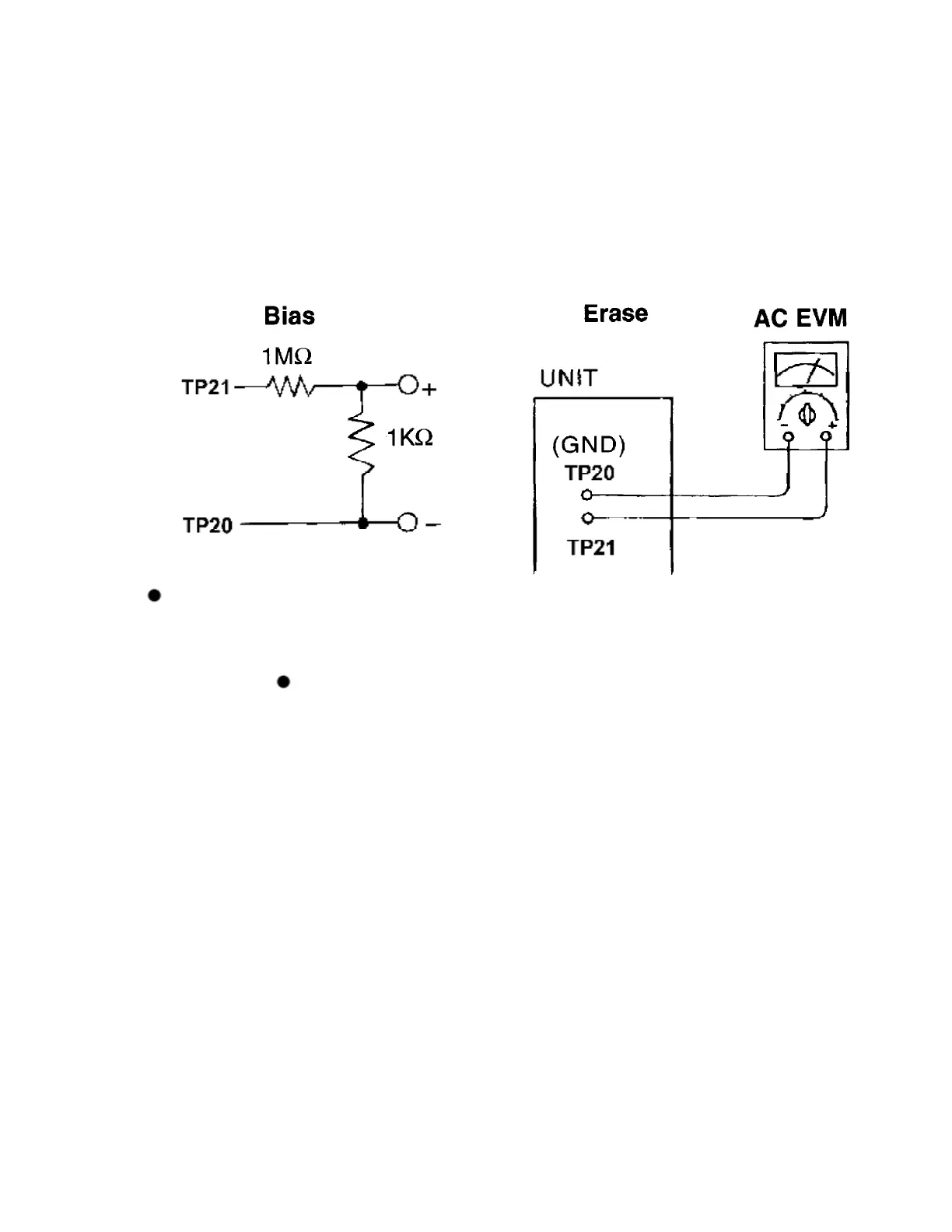
3. Measure and make sure that the output is within the standard value.
4. Insert the CrO2 tape (QZZCRX).
5. Repeat steps 2 and 3.
Bias voltage for Deck (Standard value) : 9.0 ± 2.0mV
BIAS FREQUENCY ADJUSTMENT (DECK)
1. Set the unit to TUNER mode.
2. Insert the Normal blank tape (QZZCRA) into DECK and set the unit to “REC”
mode (use “ REC/STOP” key).
3. Adjust L1001 so that the output frequency is within the standard value.
Standard Value : 56 ± 7 kHz
33



 To Next Page