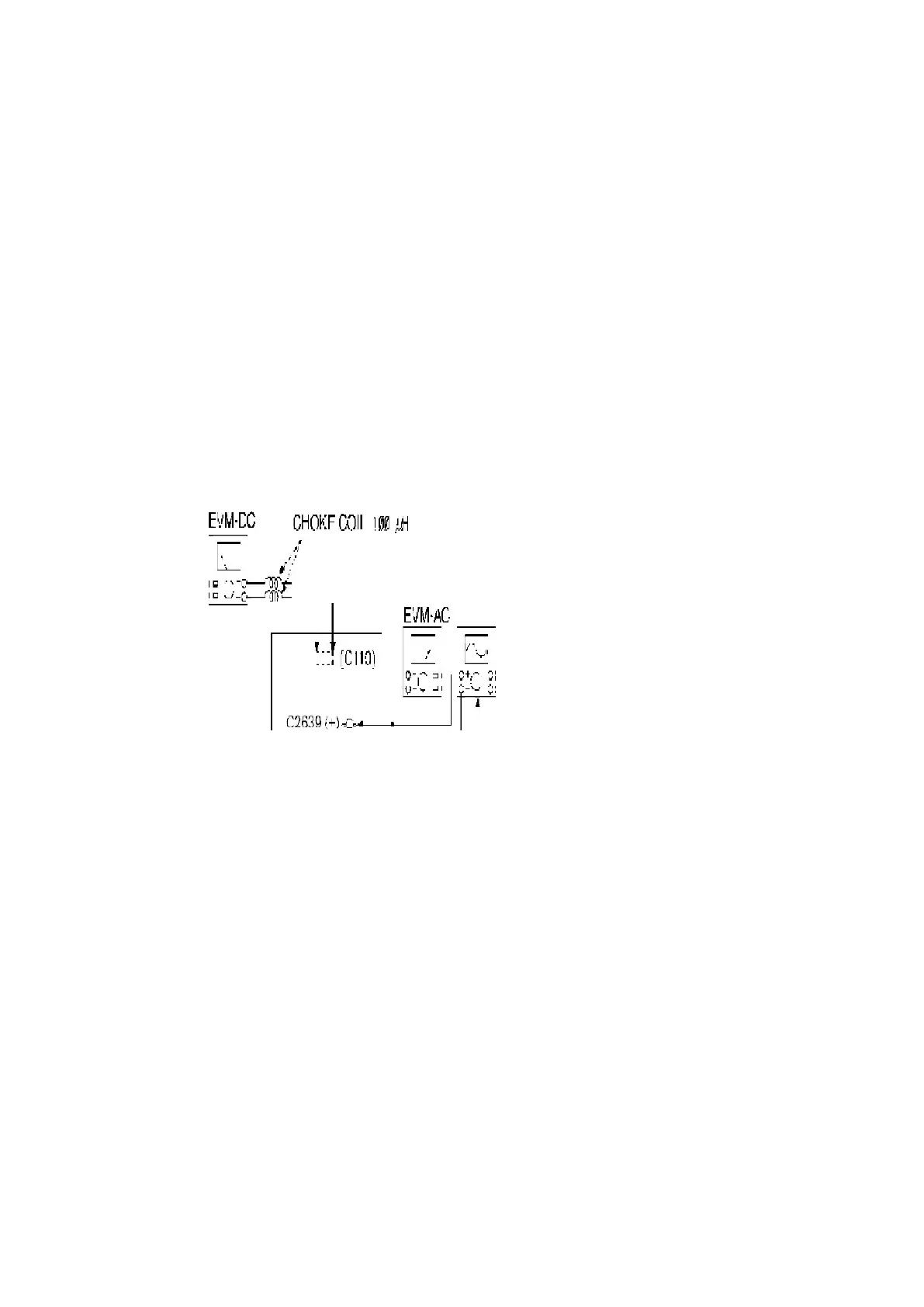
2. Select [TUNER] on selector and set to [AM] mode.
3. Set AM-SG to 520kHz.
4. Receive 520kHz in the unit.
5. Adjust L2601 (OSC) so that the EVM-AC is maximized.
6. Set AM-SG to 600Hz.
7. Receive 600Hz in the unit.
8. Adjust L2601 (ANT) so that the EVM-SG is maximized.
9. Set AM-SG to 520kHz.
10. Receive 520kHz in the unit.
11. Adjust L2602 (OSC) so that the EVM-DC value is with 1.1±0.5V.
Fig. 7
13.2.3. Adjustment Point
Below is the locations of alignment points on the Main (Tuner) P.C.B.
68



 To Next Page