EasyManua.ls Logo

Panasonic SC-AK110 - User Manual

Panasonic SC-AK110
16 pages
Print Icon
To Next Page IconTo Next Page
Loading...
RQT6713-2B
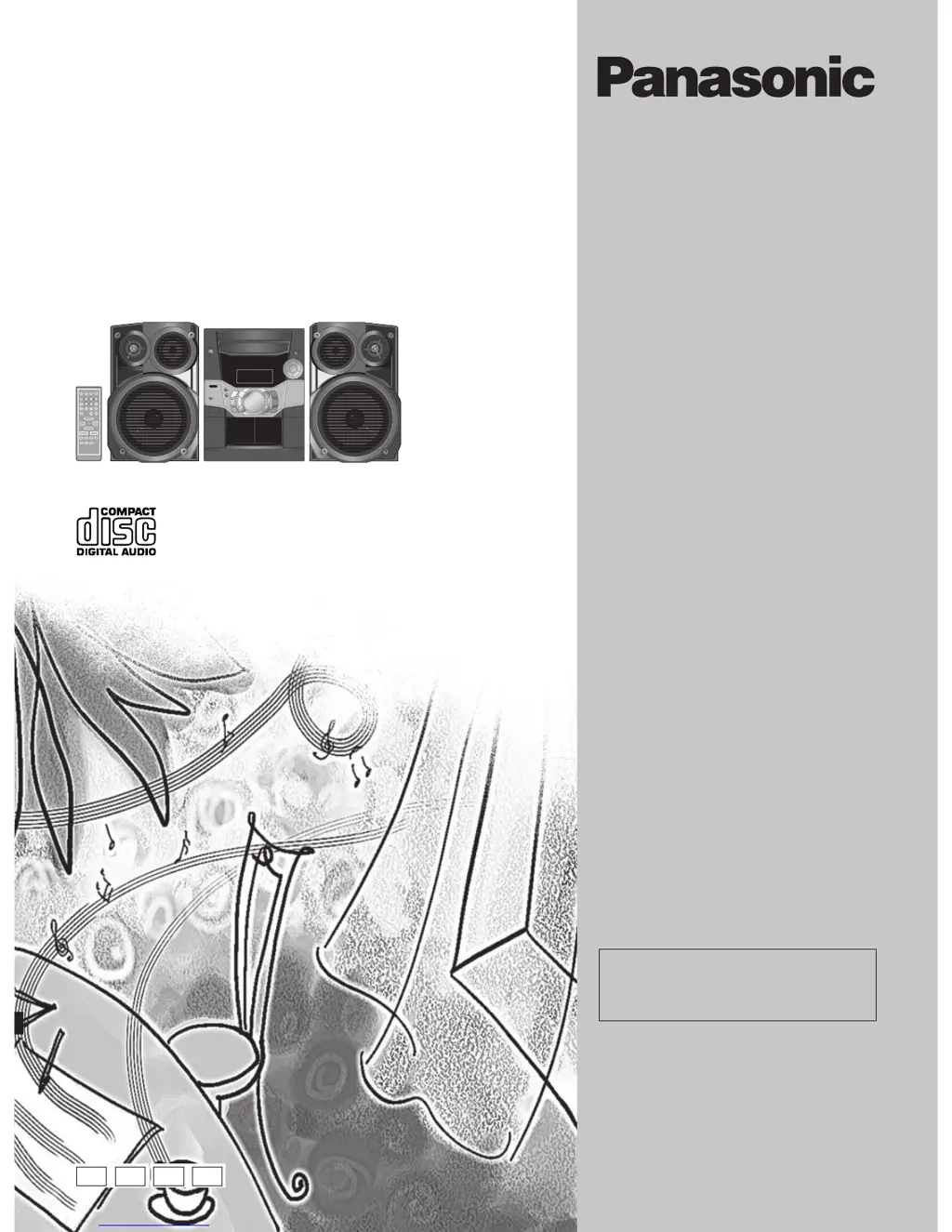
CD Stereo System
Operating Instructions
Model No. SC-AK310
SC-AK210
SC-AK110
Note:
“EB” on the packaging indicates the United
Kingdom.
Before connecting, operating or adjusting this pro-
duct, please read these instructions completely.
Please keep this manual for future reference.
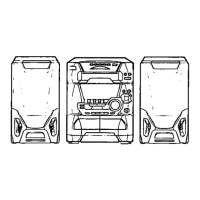
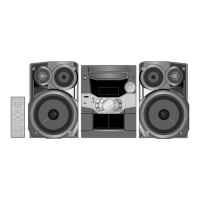
The illustrations show SC-AK310.
E EB EE GN
SC-AK310 is for Australia, New Zealand, Russia
and Ukraine only. SC-AK210 is for United
Kingdom and Continental Europe only.
SC-AK110 is for Australia and New Zealand only.

Questions and Answers

  • M
    Michael CaseyJul 30, 2025
    How to fix a Panasonic Stereo System remote that is not working?
    • J
      jliuJul 30, 2025
      If the remote control for your Panasonic Stereo System isn't working, first ensure that the batteries are correctly inserted. If they are, try replacing them with fresh batteries.
  • D
    Danielle MooreAug 4, 2025
    What to do if my Panasonic Stereo System displays 'TAKE OUT/DISC'?
    • R
      rachelbestAug 5, 2025
      If your Panasonic Stereo System display is wrong, play won’t start, a CD-RW cannot be read, or “TAKE OUT/DISC” appears, the disc may be upside down. Try wiping the disc. If the disc was incompletely formatted, use recording equipment to fully format it before recording. Condensation inside the unit due to temperature change may be the issue; wait an hour and try again. Replace scratched, warped, or non-standard discs. The tray will open automatically, remove the disc, ensure the tray is empty, and close it. The unit will make disc changing noises and then should operate normally.
  • M
    Mark Hall PhDAug 11, 2025
    What to do if my Panasonic SC-AK110 Stereo System has no sound?
    • W
      williamssarahAug 11, 2025
      If your Panasonic Stereo System has no sound, the sound stops, is unfixed, reversed, or only comes from one speaker, or you hear humming during play, or see “ERROR”, “– –:– –”, or “F61” displayed, it could be due to a short in the speaker wires, speakers strained by high volume, or the unit overheating. Try turning up the volume. Turn the unit off, identify and fix the cause, and then turn it back on. Also, check the speaker connections. If the problem persists, it may indicate a power supply issue and you should consult a dealer.
  • M
    Mark HughesAug 17, 2025
    Why is there noise coming from my Panasonic Stereo System?
    • P
      Paul MitchellAug 17, 2025
      If you are hearing noise, the stereo indicator flickers or doesn’t light up, the sound is distorted, you hear a beat sound, or a low hum during AM broadcasts on your Panasonic Stereo System, try using an outdoor antenna. Turn off the TV or move it away from the unit. Also, separate the antenna from other cables and cords.
  • M
    Makayla MillerAug 23, 2025
    What to do if the TV picture disappears when using my Panasonic Stereo System?
    • M
      Mark OrozcoAug 25, 2025
      If the picture on your TV disappears or stripes appear on the screen when using your Panasonic Stereo System, the antenna's location or orientation may be incorrect. If using an indoor antenna, switch to an outdoor one. Also, the TV antenna wire may be too close to the unit; separate the antenna wire of the TV from the unit.

Summary

AC Mains Lead Safety (For United Kingdom)

Mains Lead Usage Notes

Important safety information and guidelines for using the AC mains lead.

Replacing the Mains Plug Fuse

Step-by-step instructions for replacing the fuse in the UK mains plug.

General Safety Precautions

Voltage and Power Source Safety

Warnings and advice on using correct voltage and power sources.

AC Mains Lead Protection and Handling

Instructions for maintaining the integrity of the AC mains lead.

Service and Unauthorized Repair

Guidance on when to seek professional service and avoid self-repair.

Remote Control Guide

Operating the Remote Control

How to point and use the remote control effectively for system operation.

System Setup and Connections

Connecting the AC Mains Lead

Final connection of the power cord to the unit and outlet.

Unit Controls and Display

Main Unit Front Panel Controls

Overview of buttons, indicators, and display on the main unit.

Remote Control Functions

Detailed explanation of each button on the remote control.

CD Playback Operations

CD Handling and Selection

Guidelines for inserting, playing, and preventing damage to CDs.

Radio Reception and Tuning

Troubleshooting and Maintenance

Common Operational Issues

Solutions for frequent problems related to sound, controls, and display.

System Specifications

Panasonic SC-AK110 Specifications

General IconGeneral
TypeMini Hi-Fi System
CD PlayerYes
Cassette DeckYes
Number of Discs1
Speaker Configuration2.0 Channel
ConnectivityAuxiliary input
RadioFM/AM tuner
Playable MediaCD, CD-R, CD-RW
Power Output40W Total Power (20W per channel)

Related product manuals