o
©b.
SLOW_EARCH _
%
FMMOD_P MEMORY
<< IH_
©©
SLOW/SEARCH
b
[ovo !.-- L-- L'-J__ I-- LJ i
I _ _JL I I1_ L II I I ,,
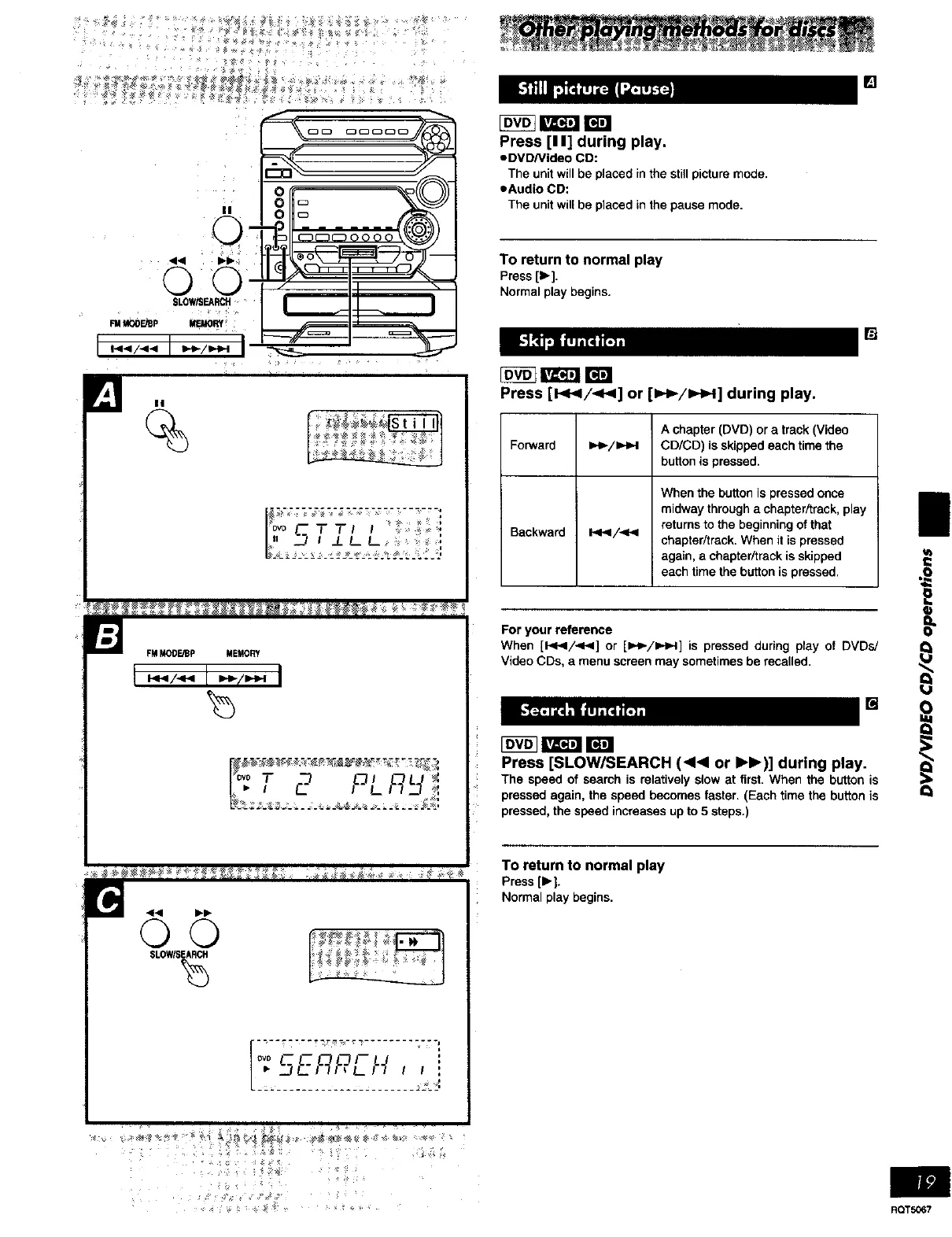
Press [I I] during play.
• DVDNideo CD:
The unit will be placed in the stiff picture mode.
eAudio CD:
The unit will be placed in the pause mode,
To return to normal play
Press[1_].
Normalplaybegins.
Press [!<_/-<_] or [).-_/IHH] during play.
[]
A chapter (DVD) or a track (Video
Forward 1,._-/1_,4 CD/CD) is skipped each time the
button is pressed.
When the button is pressed once
midway through a chapter/track, play
returns to the beginning of that
Backward I.<</<P< chapter/track. When it is pressed
again, a chapter/track is skipped
each time the button is pressed.
[]
For your reference
When [1<</<1<1] or [H,_/UH,,-n]is pressed during play of DVDs/
Video CDs, a menu screen may sometimes be recalled.
[]
Press [SLOW/SEARCH (<<1 or IH_)] during play.
The speed of searchis relativelyslowat first.When the buttonis
pressedagain, the speedbecomesfaster.(Each time the buttonis
pressed,thespeed increasesupto 5 steps.)
To return to normal play
Press ()" i.
Normal play begins.
II
Q
RQT5067















 To Next Page