EasyManua.ls Logo

Panasonic SC-EN5 - User Manual

Panasonic SC-EN5
16 pages
Print Icon
To Next Page IconTo Next Page
Loading...
RQT6734-1P
CD Stereo System
Operating Instructions
Model No. SC-EN5
SC-EN53
Before connecting, operating or adjusting this product, please read these
instructions completely.
Please keep this manual for future reference.
P PC
AUX
TUNER/BAND
TUNING MODE
EQ
LIVE VIRTUALIZER
PLAY MODE
VOLUME
DISPLAY SLEEP PGM/–CLEAR
CD
CLOCK
TIMER ADJ
TIMER
ON/OFF
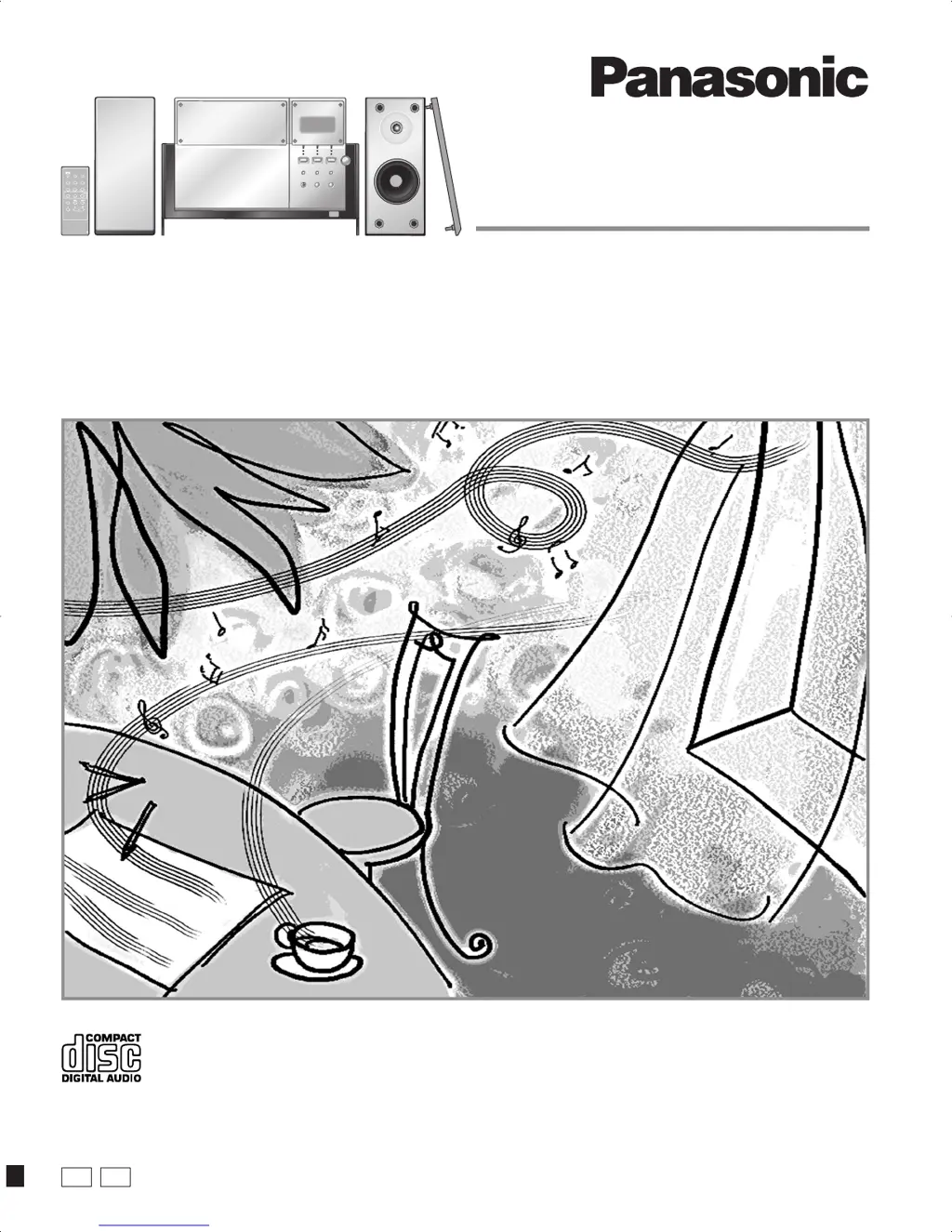
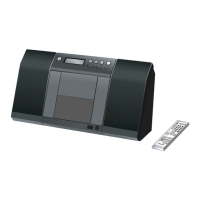
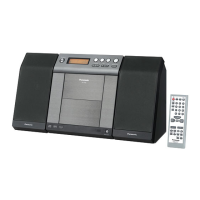
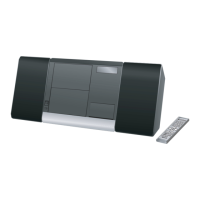
The illustrations show SC-EN5.
01-01 SC-EN5 P [En] 2/26/03, 2:02 PM1

Questions and Answers

  • H
    haasgaryAug 5, 2025
    How to fix a Panasonic SC-EN5 Stereo System remote control that isn't working?
    • A
      Angel WiseAug 5, 2025
      If the remote control for your Panasonic Stereo System isn’t working, first check that the battery is inserted correctly. If it is, the battery may be worn out, so try replacing it.
  • K
    Kelsey HarmonAug 11, 2025
    Why does the picture on my TV disappear when using my Panasonic SC-EN5 Stereo System?
    • M
      Matthew CarterAug 11, 2025
      If you notice stripes appearing on your TV screen or the picture disappearing when your Panasonic Stereo System is in use, it's likely due to the TV antenna wire being too close to the unit or the antenna's location being incorrect. To resolve this, separate the antenna wire of the TV set from the unit.
  • P
    Patrick MoonAug 18, 2025
    What to do if I hear a beat sound on my Panasonic Stereo System?
    • I
      Isaiah GrayAug 18, 2025
      If you are hearing a beat sound or a low hum or noise during AM broadcasts on your Panasonic Stereo System, turn the TV off or separate it from the unit. Also, separate the antenna from other cables and cords and keep the AM antenna away from the unit.
  • B
    Brandon HensleyAug 23, 2025
    Why won't my Panasonic SC-EN5 Stereo System play or display correctly?
    • M
      Mariah LongAug 25, 2025
      If the display on your Panasonic Stereo System is showing incorrect information or playback won't start, and especially if CD-RW discs cannot be read, several factors could be the cause. Ensure the disc is inserted correctly (not upside down). Try wiping the disc to remove any smudges or dirt. If you're using a CD-RW, make sure it was fully formatted using the recording equipment before recording. If the disc is scratched, warped, or non-standard, replace it. Finally, if there's been a sudden temperature change, condensation may have formed inside the unit; wait about an hour for it to clear, then try again.
  • F
    fskinnerOct 29, 2025
    What to do if my Panasonic SC-EN5 has no sound or the sound stops?
    • L
      Latoya HallOct 29, 2025
      If your Panasonic Stereo System isn't producing any sound, the sound stops unexpectedly, is distorted, reversed, or only comes from one speaker, or if you hear a humming noise during playback, several factors could be at play. It might be due to shorted speaker wires, speakers being strained by high volume, or the unit operating in a hot environment. Try turning up the volume and switching the unit off, identifying and fixing the problem, and then turning it back on. Also, keep AC mains leads and fluorescent lights away from the cables. If an error message like 'ERROR', '--:--' or 'F76' is displayed, it may indicate incorrect operation. In this case, read the instructions and try again. If '--:--' appears, especially after plugging in the AC adapter for the first time or after a power fail...

Summary

IMPORTANT SAFETY INSTRUCTIONS

The Remote Control

Placement of Speakers

Set-up Procedures

Front Panel and Remote Controls

Main Unit Controls

Description of buttons and indicators on the main stereo system unit.

Remote Control Overview

Identification and function of buttons on the remote control.

CD Player Operations

Repeat and Random Play Modes

Program Play Mode

Radio Tuning Modes

Manual Radio Tuning

How to manually tune into radio stations using the unit or remote control.

Preset Radio Tuning

Instructions for storing and selecting favorite radio stations.

Sound Quality Settings

Timer Functions

Using the Play Timer

Instructions for setting the unit to turn on and play music at a specific time.

Using the Sleep Timer

How to set the unit to automatically turn off after a specified duration.

Troubleshooting and Maintenance

Common Problems and Solutions

Guide to resolving common operational issues like no sound, errors, or remote control problems.

Product Service Information

Panasonic SC-EN5 Specifications

General IconGeneral
Output Power20 W
BluetoothYes
CD PlayerYes
FM RadioYes
USB PlaybackYes
Number of Discs1
TunerFM
Speaker Type2-way
Playable MediaCD, CD-R, CD-RW
Weight2.5 kg

Related product manuals