CLOCK/
©
®
If you set the timer incorrectly
Repeat the procedure from step I1.
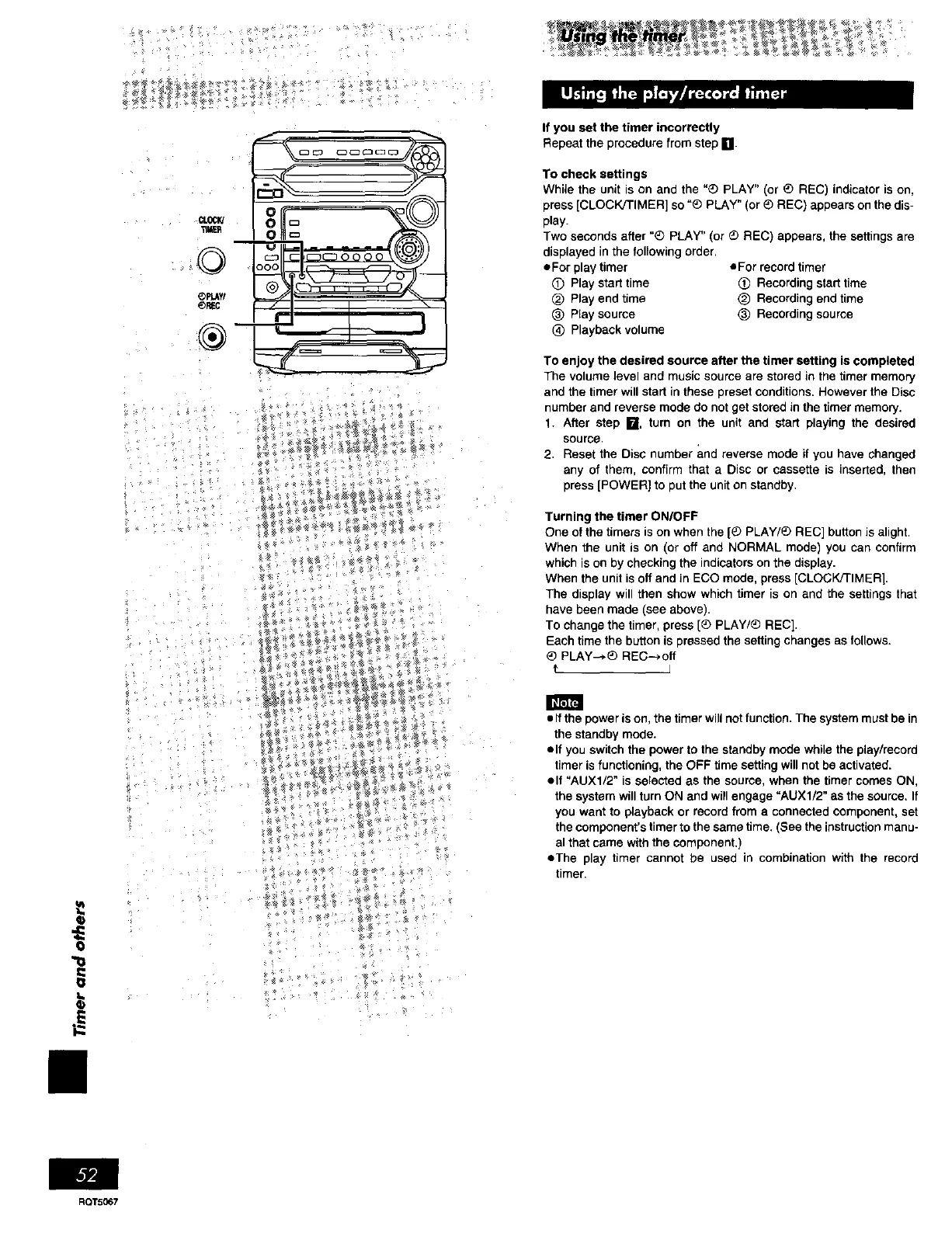
To check settings
While the unit is on and the "® PLAY" (or _) REC) indicator is on,
press [CLOCK/TIMER] so "_ PLAY" (or _b REC) appears on the dis-
play.
Two seconds after "_ PLAY" (or _) REC) appears, the settings are
displayed in the following order.
eFor play timer oFor record timer
(T) Play start time (_) Recording start time
(_) Play end time _) Recording end time
(_ Play source (_) Recording source
(_ Playback volume
To enjoy the desired source after the timer setting is completed
The volume level and music source are stored in the timer memory
and the timer will start in these preset conditions. However the Disc
number end reverse mode do not get stored in the timer memory.
1. After step I_1, turn on the unit and start playing the desired
source.
2. Reset the Disc number and reverse mode if you have changed
any of them, confirm that a Disc or cassette is inserted, then
press [POWER) to put the unit on standby.
Turning the timer ON/OFF
One of the timers is on when the [_ PLAY/O RED] button is alight.
When the unit is on (or off and NORMAL mode) you can confirm
which is on by checking the indicators on the display.
When the unit is off and in ECO mode, press [CLOCK/TIMER].
The display will then show which timer is on and the settings that
have been made (see above).
To change the timer, press [® PLAY/_ REC].
Each time the button is pressed the setting changes as follows.
_) PLAY-_) REC- ,off
t J
m
O
"o
• If the power is on, the timer will net function. The system must be in
the standby mode.
elf you switch the power to the standby mode while the play/record
timer is functioning, the OFF time setting will not be activated.
elf "AUXl/2" is selected as the source, when the timer comes ON,
the system will turn ON and will engage "AUXl/2" as the source, If
you want to playback or record from a connected component, set
the component's timer to the same time. (See the instruction manu-
al that came with the component.)
eThe play timer cannot be used in combination with the record
timer,
ROT5067















 To Next Page