Control guide (continued)
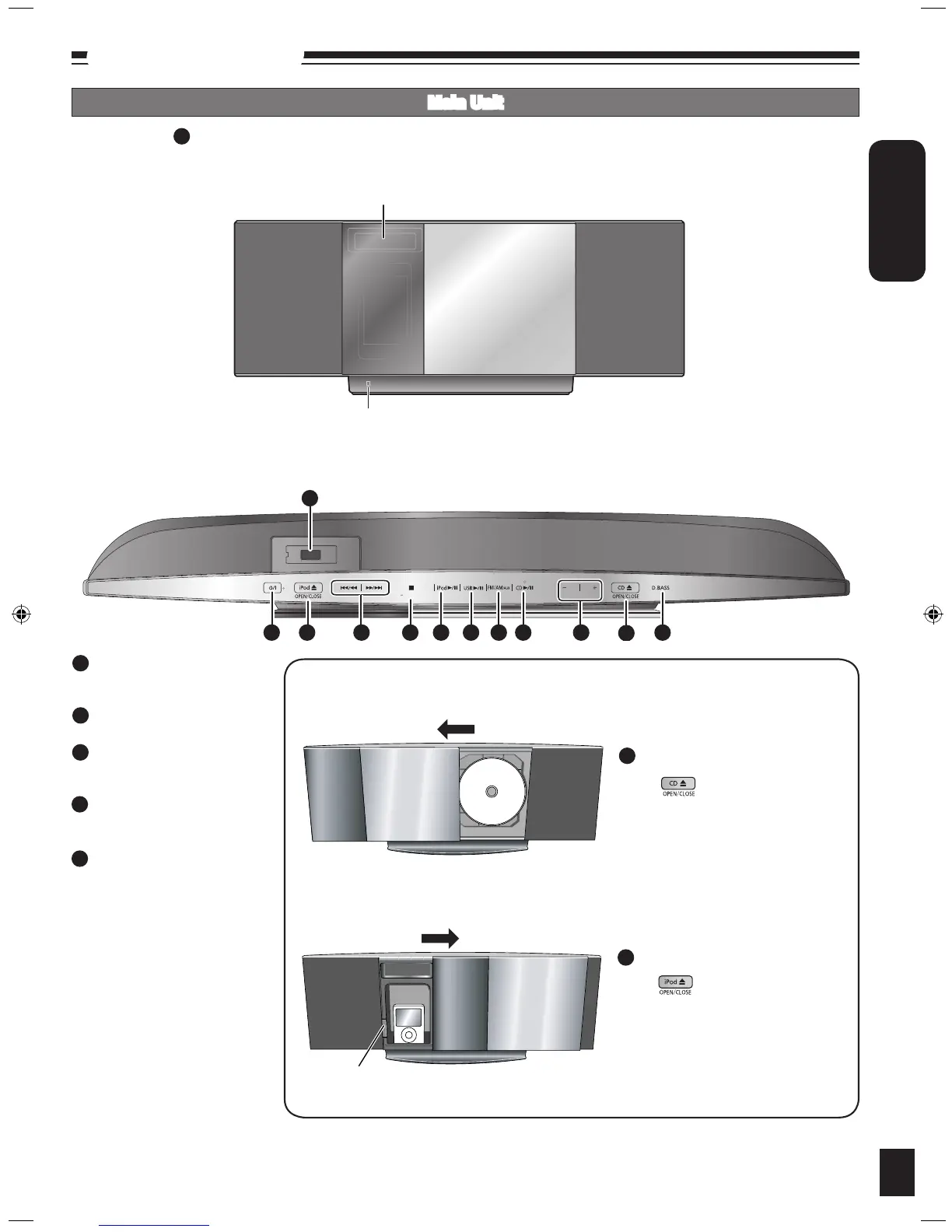
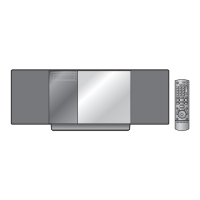
Main Unit
Top View (Top Panel)
Front View
Remote control signal sensor
Display
Buttons such as function the same as the remote control.•
1
[iPod ;, OPEN/CLOSE] (12)
Open and close sliding door for
iPod operation.
[g, –DEMO] (5)
Stop/Demo
[FM/AM/AUX] (4, 9, 13)
FM/AM selection
Connecting to other external units
[CD ;, OPEN/CLOSE] (8)
Open and close sliding door for
CD operation.
USB port (13)
33
34
DEMO
VOLUME
1 33 25 34 8 7 6 2035 26
36
37
7
35
Sliding door Operation
36
Docking switch
36
Press to open sliding door.
Press again to close sliding door after
setting the CD in place. (Refer to
page 8 for inserting the CD.)
To operate CD
33
Press to open sliding door.
Press again to close sliding door after
iPod is inserted into the dock properly.
(Refer to page 12 for inserting the
iPod.)
To operate iPod
37
SC-HC4EP,GA (RQTX0257-2B).indb 7 3/25/2009 12:12:14 PM







 To Next Page