Manual tuning
1
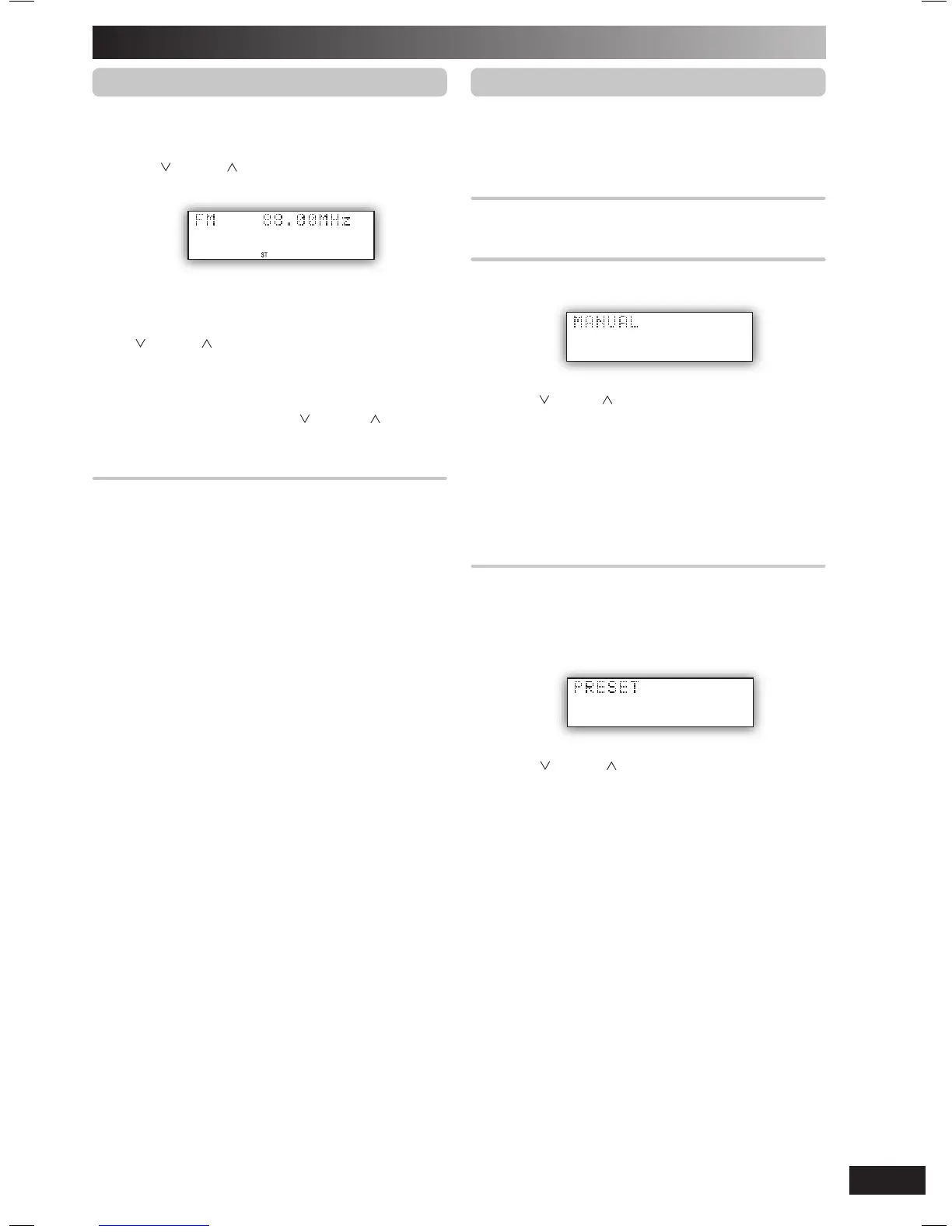
Press [TUNER/BAND] to select “FM”.
2
Press [PLAY MODE] to select “MANUAL”.
3
Press [ /4] or [ /¢] to select the frequency of
the required station.
“
ST ”
is displayed when a stereo FM broadcast is being
received.
To tune automatically
Press
[ /4] or [ /¢] for a moment until the frequency
starts changing rapidly. The unit begins auto tuning, stopping
when it fi nds a station.
• Auto tuning may not function when there is excessive
interference.
• To cancel auto tuning, press [ /4] or [ /¢] once
again.
To improve FM sound quality
To improve FM sound quality
Press and hold [PLAY MODE] to display “MONO”.
To cancel
Press and hold [PLAY MODE] again until “MONO”
disappears.
• MONO is also cancelled if the frequency is changed.
• Turn off “MONO” for normal listening.
Memory preset
Up to 20 stations can be set in the FM band.
Preparation
Press [TUNER/BAND].
Automatic presetting
Press and hold [PROGRAM] to start presetting.
Manual presetting
1
Press [PLAY MODE] to select “MANUAL”.
2
Press [ /¢] or [ /¢] to tune to the required
station.
3
Press [PROGRAM].
4
Press numeric buttons to select a channel.
The station occupying a channel is erased if another
station is preset in that channel.
5
Repeat steps 2 to 4 to preset more stations.
Selecting a preset station
Selecting a preset station
Press numeric buttons to select the channel.
For two-digit channel, press [
h
10], then the two digits.
OR
1
Press [PLAY MODE] to select “PRESET”.
2
Press [ /¢] or [ /¢] to select the channel.
NS55DB_EB_EN.indd 9NS55DB_EB_EN.indd 9 4/2/07 12:15:48 PM4/2/07 12:15:48 PM


 To Next Page