Tape deck operations
17
RQT5243
1
3 2 1 1 2 3
2 3 4 5 6 7
Button commands and positioning of current track work as follows.
Note
TPS searches for silent parts of about 4 seconds normally found be-
tween tunes. As a result, it may not function properly in the following
cases:
³With short silent parts
³When noise occurs between tunes
³With silent parts found within tunes
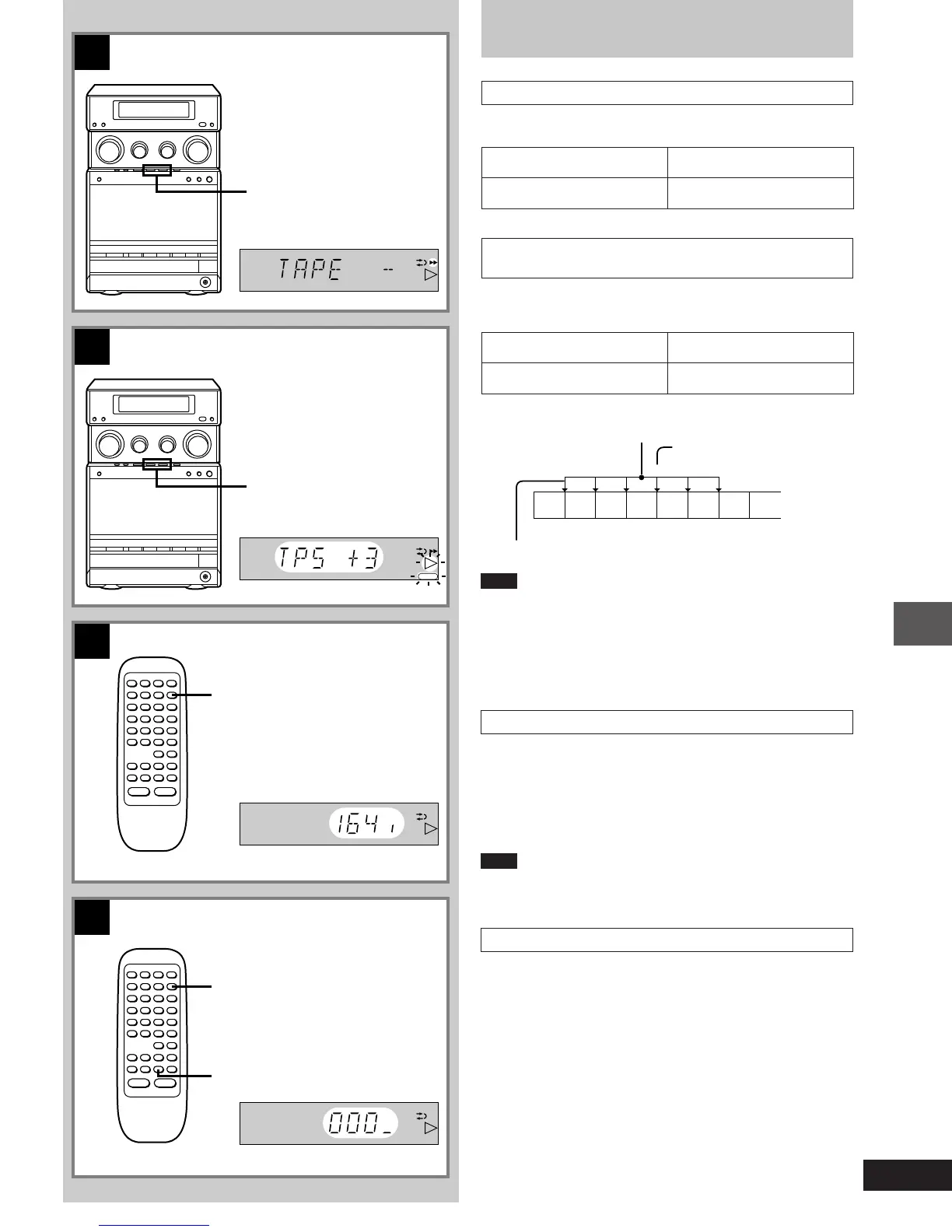
To display the tape counter C
[by\remote\control\only]
Press [DISPLAY] to select tape counter display.
Each time you press the button;
Present time>Tape counter>Original display
^------------------------------------------------------------}
Note
“–– –– –– ––” appears on the tape counter display when a cassette
has not been inserted.
To reset the tape counter to 000 D
[by\remote\control\only]
Select tape counter display by pressing [DISPLAY] and
then press [COUNTER RESET].
Listening to tapes
To fast-forward or rewind the tape A
Press [REW] or [FF] in the stop mode.
To rewind To fast-forward
REW FF
To find the beginning of a program
(TPS: Tape Program Sensor) B
Press [REW] or [FF] during play.
Press the button once for each track to be skipped (up to 9 tracks).
Backward Forward
REW FF
Number of times the
button is pressed
Play starts from this point
Current track
B
A
D
C
REW FF
DISPLAY
DISPLAY
PLAY
FWD
FWD
FWD
COUNTER
RESET
FWD
REW FF
1-23e.p65 11/9/99, 4:35 PM17














 To Next Page