EasyManua.ls Logo

Panasonic SC-PM25 - User Manual

Panasonic SC-PM25
28 pages
Print Icon
To Next Page IconTo Next Page
Loading...
RQT5717-2Y
Before connecting, operating or adjusting this product, please read these
instructions completely.
Please keep this manual for future reference.
PP
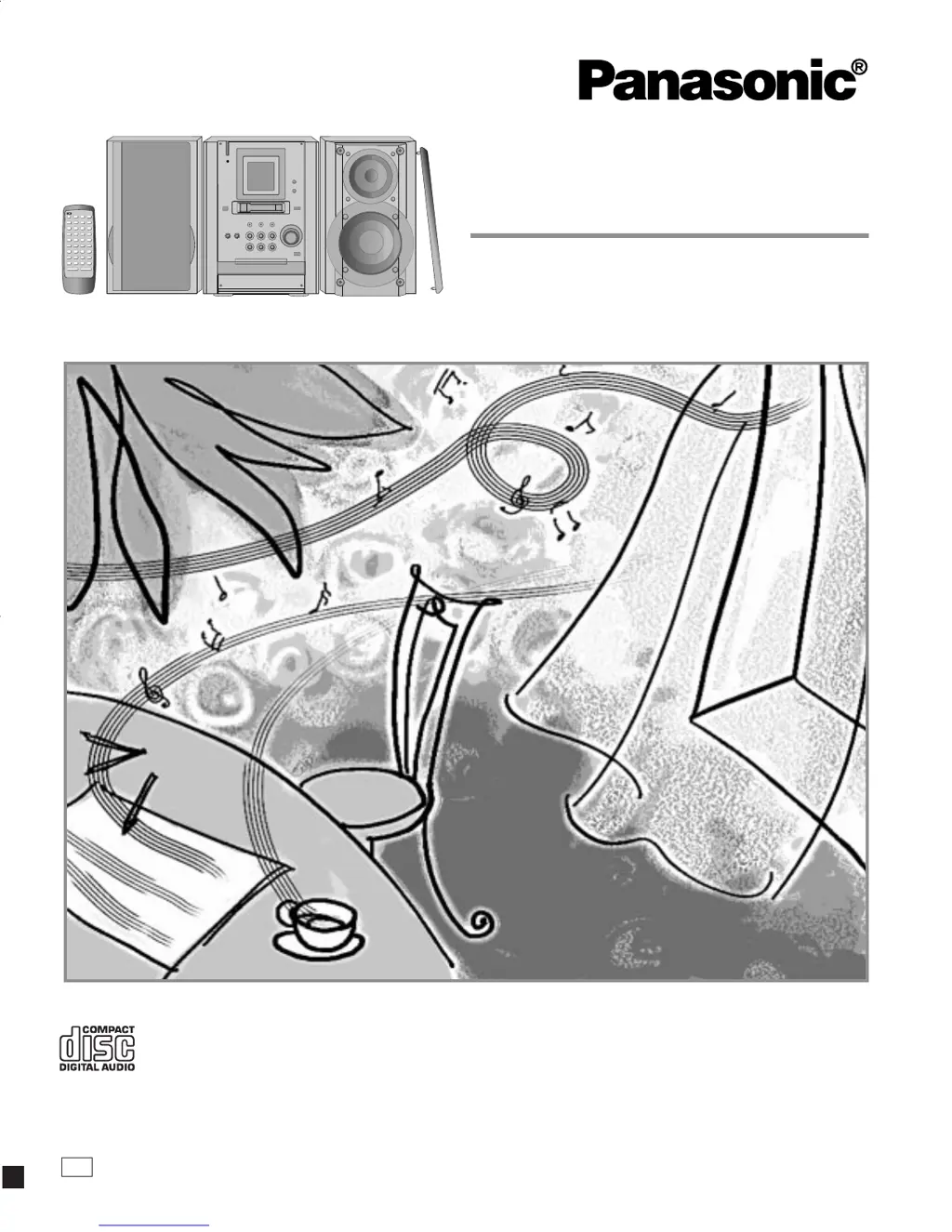
CD Stereo System
Operating Instructions
Model No. SC-PM25
enCover 7/16/01, 10:06 AM1

Questions and Answers

  • P
    pcunninghamJul 30, 2025
    Why does my Panasonic Stereo System remote control not work?
    • T
      Tiffany SpencerJul 30, 2025
      If the remote control for your Panasonic Stereo System isn’t working, first check if the batteries are inserted correctly. If they are, the batteries may be worn out; replace them with new ones.
  • J
    Justin WilliamsAug 10, 2025
    What to do if my Panasonic SC-PM25 has no sound?
    • K
      kchoiAug 10, 2025
      If your Panasonic Stereo System has no sound, first, turn the volume up. Then, check the speaker connections and ensure the speaker cords are not shorted. If they are shorted, turn the unit off, correct the connections, and turn it back on. Also, keep AC power supply cords and fluorescent lights away from the unit's cables. If “- -:- -” appears on the display because you plugged in the AC power supply cord for the first time or there was a power failure, set the time. If “F61” is displayed and the above steps don't fix the problem, it indicates a power supply issue, and you should consult a dealer.
  • C
    Caitlyn WilsonAug 18, 2025
    What to do if the picture on the TV disappears when using my Panasonic SC-PM25 Stereo System?
    • L
      Lindsay CollinsAug 18, 2025
      If the picture on your TV disappears or stripes appear on the screen when using your Panasonic Stereo System, and you are using an indoor antenna, switch to an outdoor antenna. Also, ensure that the TV antenna wire is separated from the unit.

Summary

Getting Started with Your Audio System

Supplied Accessories

Check and identify all included accessories for setup.

Important Safety Instructions

Critical safety guidelines for safe operation and handling.

Remote Control Guide

Instructions for battery installation, usage, and care of the remote.

System Connections

Step-by-step guide to connect antennas, speakers, and power.

Listening to Music and Radio

Radio Tuning and Presets

How to tune radio stations manually and set presets.

CD Playback Operations

Basic CD playback, track navigation, and selection.

Advanced CD Modes

Using direct access, repeat, and random playback modes.

Cassette Tape Playback

Inserting, playing, and managing cassette tapes.

Recording Audio Content

Cassette Tape Recording Basics

Preparing tapes and understanding recording types.

Recording Radio Broadcasts

Steps to record audio from FM or AM radio.

Recording from CDs to Tape

Methods for copying CDs onto cassette tapes.

System Features and Timers

Sound Quality Settings

Adjusting bass, treble, and using the sound virtualizer.

External Input and Headphones

Connecting external sources and using headphones.

Timer Functions Overview

Setting play, record, and sleep timers for automated operation.

Reference and Support

Troubleshooting Common Issues

Solutions for frequent operational problems and error messages.

Service and Warranty Information

Details on service centers, warranty, and customer support.

Technical Specifications

Comprehensive technical data for the unit.

Panasonic SC-PM25 Specifications

General IconGeneral
Power Output20 W
Disc PlaybackCD, CD-R, CD-RW
Supported Audio FormatsMP3, WMA
Radio TunerFM
Preset Stations30
USB PortYes
Headphone JackYes
Remote ControlYes
Speaker Type2-way speakers
ConnectivityAux-in
TypeMicro Hi-Fi System

Related product manuals