11
TQBM0360
This function allows you to program up to 24 tracks.
[CD] (CD-DA)
1 Press [PROGRAM] in the stop mode.
“PROGRAM” is shown for a few seconds.
2 Press the numeric buttons to select the desired
track.
Do this step again to program other tracks.
3 Press [1/;] to start playback.
[CD] (MP3), [USB]
1 Press [PROGRAM] in the stop mode.
“PROGRAM” is shown for a few seconds.
2 Press [3, 4] to select the desired album.
3 Press [9] and then press the numeric buttons
to select the desired track.
4 Press [OK].
Do steps 2 through 4 again to program other tracks.
5 Press [1/;] to start playback.
Note:
• The program memory is cleared when you open the disc
tray or remove the USB device.
FM radio
30 FM stations can be preset.
Preparation
Press [RADIO, EXT-IN] repeatedly to select “FM”.
1 Press [RADIO MENU] to select “A.PRESET”.
2 Press [2, 1] to select “LOWEST” or
“CURRENT” frequency.
LOWEST:
To begin auto preset with the lowest frequency
(FM 87.9 or FM 87.5).
CURRENT:
To begin auto preset with the current frequency*
1
.
3 Press [OK] to start presetting.
• The tuner starts to preset all the stations it can receive
into the channels in ascending order.
To cancel, press [∫].
*1: To change the frequency, refer to “Manual tuning and
presetting”.
1 Press [6] or [5] to tune in to the station.
• Alternatively, press [:/6] or [5/9] on the
main unit when “MANUAL” is selected as the tune
mode*
2
.
To tune automatically, press and hold the button until
the frequency starts changing quickly.
2 Press [PROGRAM].
3 Press the numeric buttons to select a preset
number.
Do steps 1 through 3 again to preset more stations.
The new station replaces any station that occupies
the same preset number.
Press the numeric buttons, [:] or [9] to select
the preset station.
• Alternatively, press [:/6] or [5/9] on the main
unit when “PRESET” is selected as the tune mode*
2
.
*2: To change the tune mode
1 Press [RADIO MENU] repeatedly to select “TUNE
MODE”.
2 Press [2, 1] to select “MANUAL” or “PRESET”, and
then press [OK].
Press [DISPLAY].
Note:
• “STEREO” is displayed when this unit tunes to a stereo
broadcast.
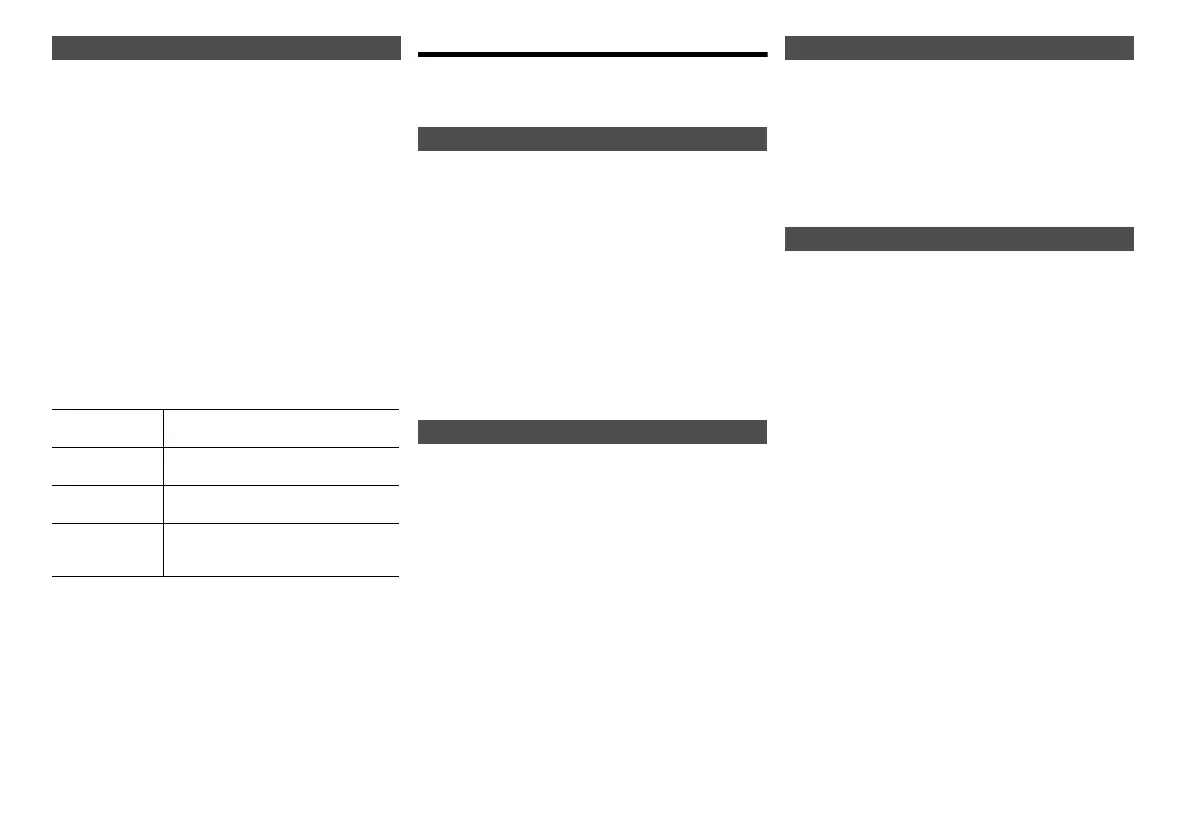
Program playback [CD] [USB]
Check program
contents
Press [:] or [9] in the stop
mode.
Clear the last
track
Press [DEL] in the stop mode.
Cancel
program mode
Press [PROGRAM] in the stop mode.
• “PGM OFF” is shown for a few seconds.
Clear all
programed
tracks
Press [∫] in the stop mode. “CLEAR
ALL” is shown. Within 5 seconds,
press [∫] again.
Automatic presetting
Manual tuning and presetting
Selecting a preset station
To display the current FM signal status
“FM ST”: FM stereo broadcast is being received.
“FM - - - -”: No broadcast is received or FM broadcast
received is weak or in monaural.
“FM MONO”: You have set the “FM MODE” to “MONO”.
(> 14, “If noise is excessive during FM
reception.”)
SC-PMX90PC-TQBM0360_eng.book 11 ページ 2019年2月21日 木曜日 午後12時13分







 To Next Page