EasyManua.ls Logo

Panasonic SC-VK925D - User Manual

Panasonic SC-VK925D
112 pages
Print Icon
To Next Page IconTo Next Page
Loading...
Operating Instructions
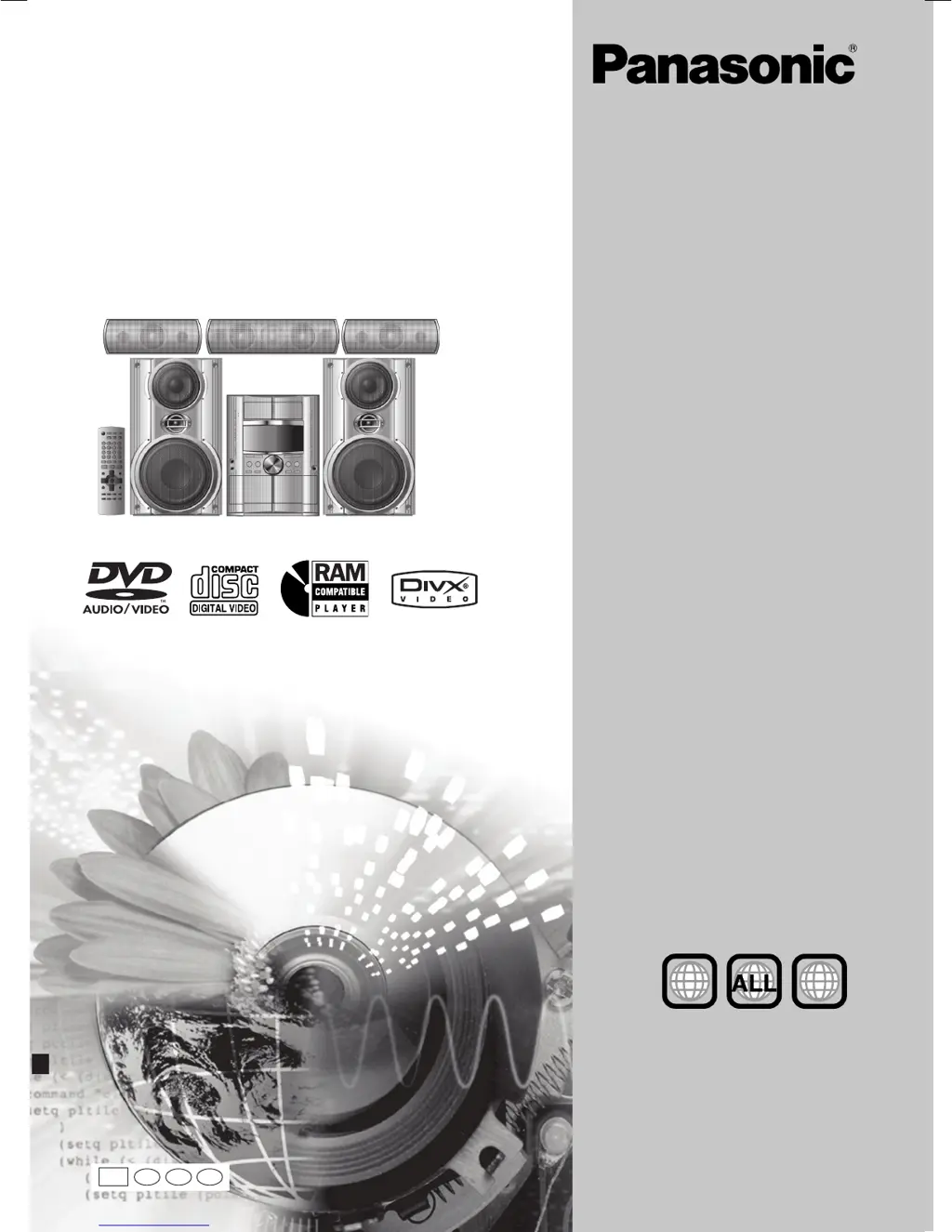
DVD Stereo System
Model No. SC-VK725D/SC-VK825D/
SC-VK925D
Before connecting, operating or adjusting this
product, please read the instructions completely.
Please keep this manual for future reference.
Region number
The player plays DVD-Video marked with labels
containing the region number "2" or "ALL".
Example:
2
3
4
2
RQT8251-G
L0605NC0
GC
En Pe Ar
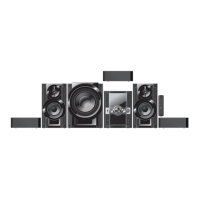
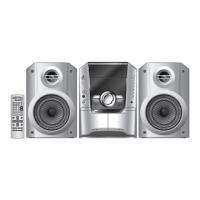
The above illustration of the unit is an example and shows SC-VK725D.
RQT8251(Cv)new 6/7/05, 3:24 PM1

Questions and Answers

  • D
    David WilliamsAug 13, 2025
    What to do if Panasonic Stereo System sound quality is poor?
    • M
      Maureen FigueroaAug 13, 2025
      If you are experiencing poor sound quality or are unable to record with your Panasonic Stereo System, try cleaning the heads. If you're trying to record and the erasure prevention tabs have been removed, cover the holes with adhesive tape.
  • D
    Dr. Samuel ReedAug 19, 2025
    Why my Panasonic SC-VK925D Stereo System has no power?
    • V
      Victoria GarciaAug 19, 2025
      If your Panasonic Stereo System has no power and switches to standby mode, first, ensure the AC power cord is securely inserted. It's also possible the unit entered standby due to the sleep timer or auto-off function.
  • F
    frankshawnAug 26, 2025
    How to fix subtitles on Panasonic Stereo System?
    • M
      Mr. Patrick Taylor PhDAug 26, 2025
      If the subtitles are not displayed or the subtitle position is wrong on your Panasonic Stereo System, you can adjust the position in the Display Menu under “Subtitle Position”. Also, ensure that you have enabled subtitles to be displayed. Note that subtitles may not be available on all discs.
  • S
    stevenwadeSep 1, 2025
    Why can't I access the setup menu on my Panasonic SC-VK925D?
    • M
      mgarciaSep 1, 2025
      If you cannot access the Setup menu on your Panasonic Stereo System, make sure that 'DVD/CD' is selected as the source. Also, cancel any program and random play settings.
  • R
    Ronald MillerNov 7, 2025
    What to do if my Panasonic Stereo System is not responding to remote or buttons?
    • C
      christophermontesNov 7, 2025
      If your Panasonic Stereo System isn't responding to button presses or the remote, DVDs won't play, or you've forgotten your password, try these steps: Ensure you are using discs compatible with the unit. Be aware that some disc operations might be restricted. If the issue is due to lightning or static, turn the unit off and on again. For condensation, wait 1-2 hours. Replace depleted remote batteries and aim the remote at the sensor. Turn off CD Mode by pressing [CD MODE]. Check the video/audio connections and the power/input settings of connected devices. Ensure the disc has recorded content. To reset a forgotten password, press and hold [L STOP] on the unit and [h10] on the remote until 'Initialised' disappears from the TV. As a last resort, turn the unit off and on to restore default se...

Panasonic SC-VK925D Specifications

General IconGeneral
TypeMini Hi-Fi System
BluetoothYes
CD PlayerYes
USB PortYes
FM RadioYes
Number of Discs1
TunerFM
OutputsHeadphone
Weight3.5 kg
Playable MediaCD, CD-R, CD-RW, MP3, WMA
InputsAUX, USB

Related product manuals