EasyManua.ls Logo

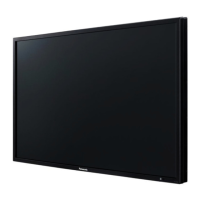
Panasonic TH-42LFP30W - User Manual

Panasonic TH-42LFP30W
56 pages
Print Icon
To Next Page IconTo Next Page
Loading...
h
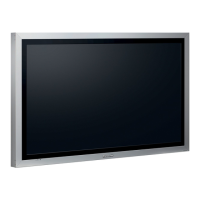
TH-42LFP30W
TH-47LFP30W
Operating Instructions
FULL HD LCD Display
Model No.
English
Please read these instructions before operating your set
and retain them for future reference.

Other manuals for Panasonic TH-42LFP30W

Questions and Answers

  • K
    Kayla SmithAug 11, 2025
    How to fix no color on my Panasonic TH-42LFP30W?
    • J
      Jacqueline NelsonAug 12, 2025
      If there's no color on your Panasonic Monitor, you should: * Adjust the Color controls, as they may be set at the minimum level. * Check the Color system settings.
  • M
    myerschelseaAug 21, 2025
    What to do if my Panasonic TH-42LFP30W Monitor remote control is not working?
    • K
      knicholsAug 21, 2025
      If your Panasonic Monitor's remote control isn't working, consider these possibilities: * The batteries may be completely discharged; check their status. * The batteries might not be inserted correctly; verify their placement. * The remote control sensor could be exposed to strong light; check for and eliminate any such interference. * The remote control might not be the one designed for your unit; ensure you're using the correct remote.
  • C
    cloganAug 31, 2025
    Why does my Panasonic TH-42LFP30W Monitor power off automatically?
    • M
      Megan MillerSep 1, 2025
      If your Panasonic Monitor is turning off unexpectedly, review the power management settings. Specifically, check the settings for 'Power management', 'No signal power off', and 'No activity power off' in the Setup menu.

Panasonic TH-42LFP30W Specifications

General IconGeneral
BrandPanasonic
ModelTH-42LFP30W
CategoryMonitor
LanguageEnglish

Related product manuals