EasyManua.ls Logo

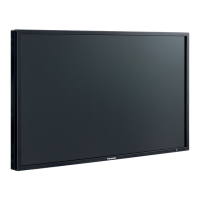
Panasonic TH-42LFE7W - User Manual

Panasonic TH-42LFE7W
60 pages
Print Icon
To Next Page IconTo Next Page
Loading...
h
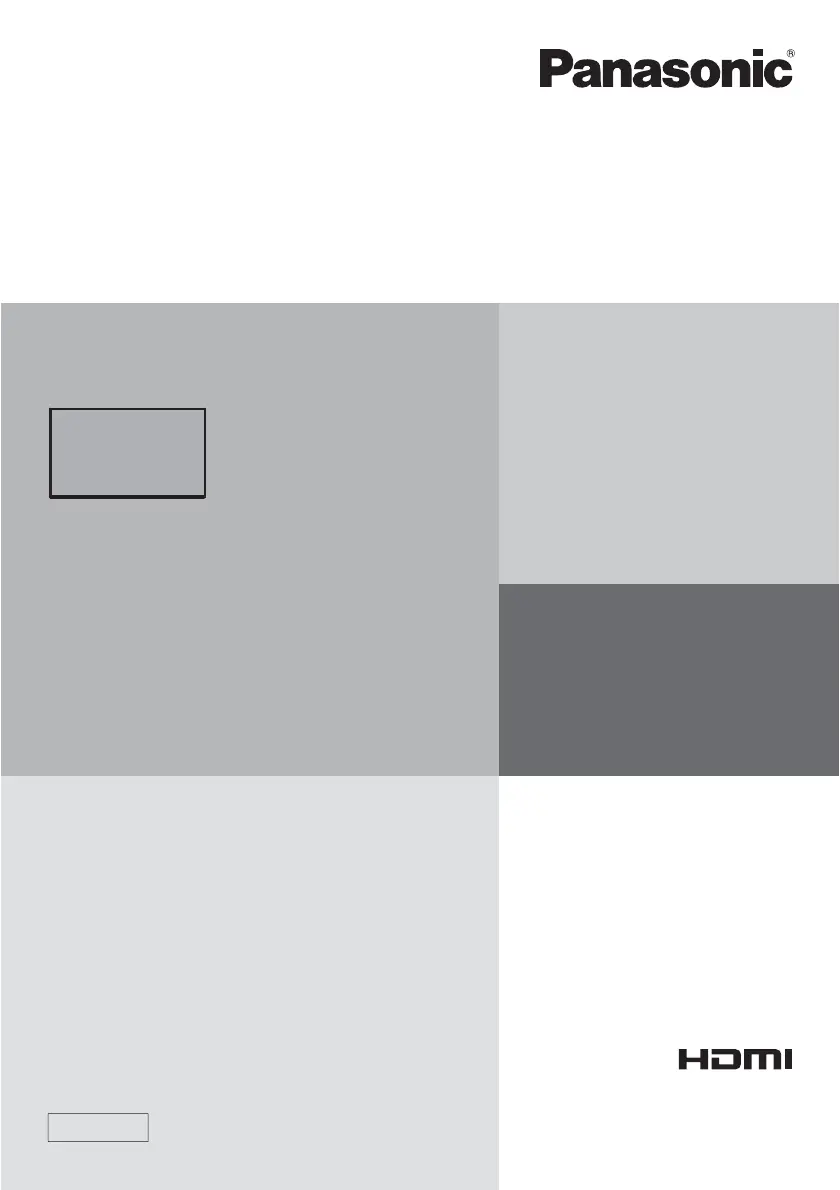
TH-42LFE7W
TH-50LFE7W
TH-65LFE7W
Operating Instructions
FULL HD LCD Display (for business use)
Model No.
English
TQB0AC0102-1
Please read these instructions before operating your set
and retain them for future reference.

Table of Contents

Questions and Answers

  • M
    Michael BrooksAug 11, 2025
    Why does my Panasonic Lcd dislpay power off automatically?
    • R
      Robert JonesAug 11, 2025
      Your Panasonic Lcd dislpay might be turning off unexpectedly because of certain power-saving settings. Check the settings for “No Signal power off”, “PC Power management”, “DVI-D Power management”, and “No activity power off”. Ensure that none of these are set to “On (Enable)”.
  • M
    Marie GonzalesAug 19, 2025
    What to do if my Panasonic Lcd dislpay LAN is uncontrollable?
    • L
      Laurie HernandezAug 19, 2025
      If the LAN is uncontrollable on your Panasonic Lcd dislpay, verify that the connection has been properly established. Ensure that “Control I/F Select” is set to “LAN” when using WEB browser control or command control. Also, check that “LAN Setup” is configured correctly. If connecting to an AMX or Crestron Electronics, Inc. device, configure “AMX D.D.” or “Crestron Connected™” according to the device you are using.
  • P
    pwhiteAug 26, 2025
    How to fix uncontrollable RS-232C on Panasonic Lcd dislpay?
    • M
      Megan HoAug 26, 2025
      If the RS-232C on your Panasonic Lcd dislpay is uncontrollable, first check that the connection is properly made. When controlling the RS-232C command from the RS-232C terminal on the display, ensure that “Control I/F Select” is set to “RS-232C”.
  • M
    Manuel ReevesSep 2, 2025
    What to do if there is no picture or sound on my Panasonic Lcd dislpay?
    • K
      Katherine WarnerSep 2, 2025
      If your Panasonic Lcd dislpay sometimes shows no picture or has no sound, try turning the power off and on again. Alternatively, consider replacing the selector or distributor.

Panasonic TH-42LFE7W Specifications

General IconGeneral
BrandPanasonic
ModelTH-42LFE7W
CategoryMonitor
LanguageEnglish

Related product manuals