- 13 -
Settings
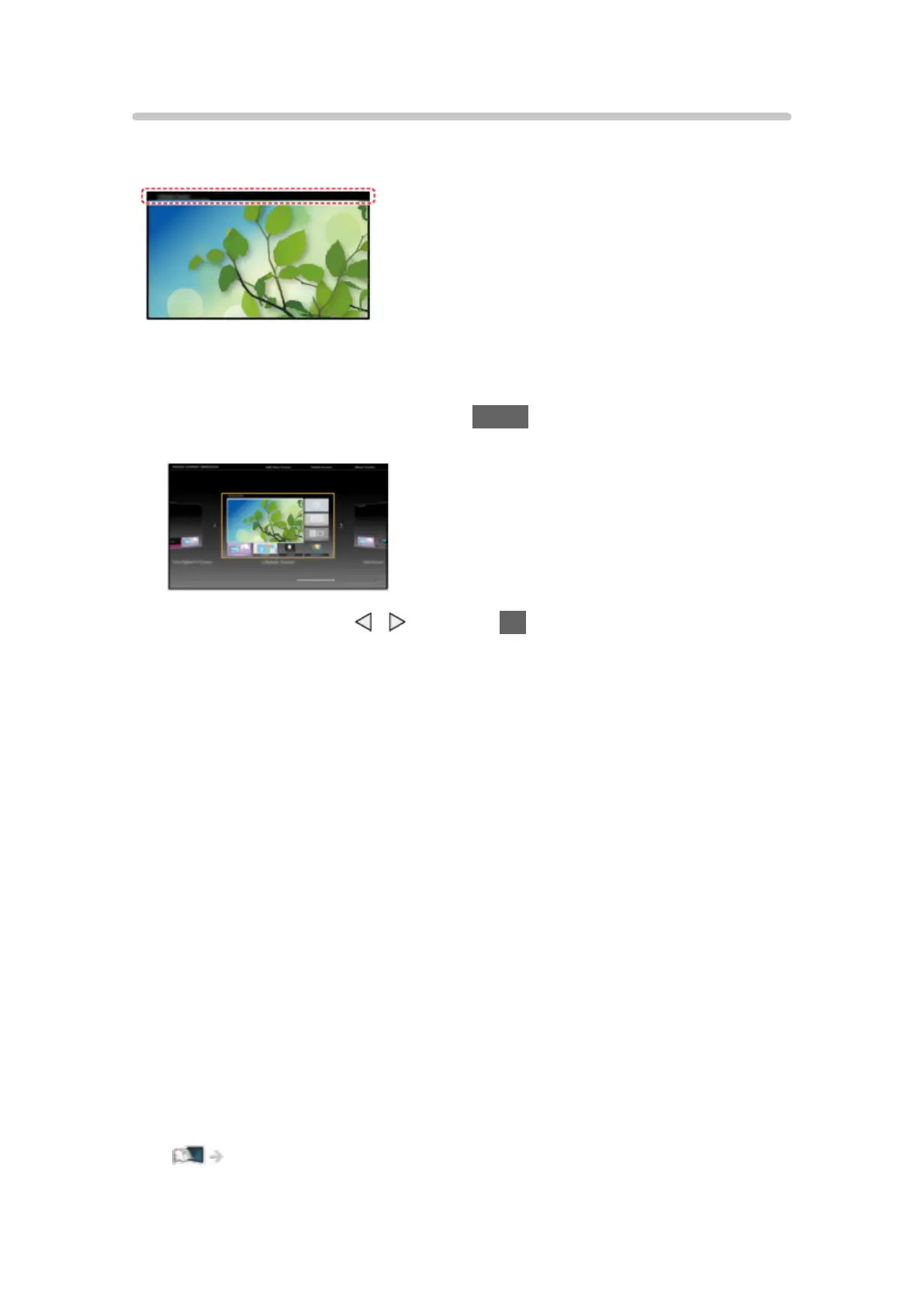
Select the setup menu from the tool guide on the top of the screen.
(Example)
■ Home Screen Selection
1. Display Home Screen Selection with HOME.
(Example)
2. Select the screen with / and press OK to set.
Full Screen TV:
Displays full-screen TV.
TV Home Screen:
To make your TV experience more convenient and comfortable
Lifestyle Screen:
Displays the TV with useful information and services for everyday life.
Info Screen:
Enjoy internet content while watching TV.
■ Face Recognition / Voice Print Recognition
By using the Communication Camera and Voice Control function, this TV
recognises your face / voice and displays the registered Home Screen.
●
Say “my Home Screen” into the microphone of the Touch Pad Controller to
use this function.
●
To use this function, you need to set up a user profile and register face /
voice data, preferred Home Screen, etc.
Functions > User profile > Settings



 To Next Page