EasyManua.ls Logo

Panasonic TH-65PHD7W - User Manual

Panasonic TH-65PHD7W
40 pages
Print Icon
To Next Page IconTo Next Page
Loading...
®
PLASMA DISPLAY
TQBC0937
Please read these instructions before operating your set and retain them for future reference.
English
TH-65PHD7W
High Definition Plasma Display
Model No.
Operating Instructions
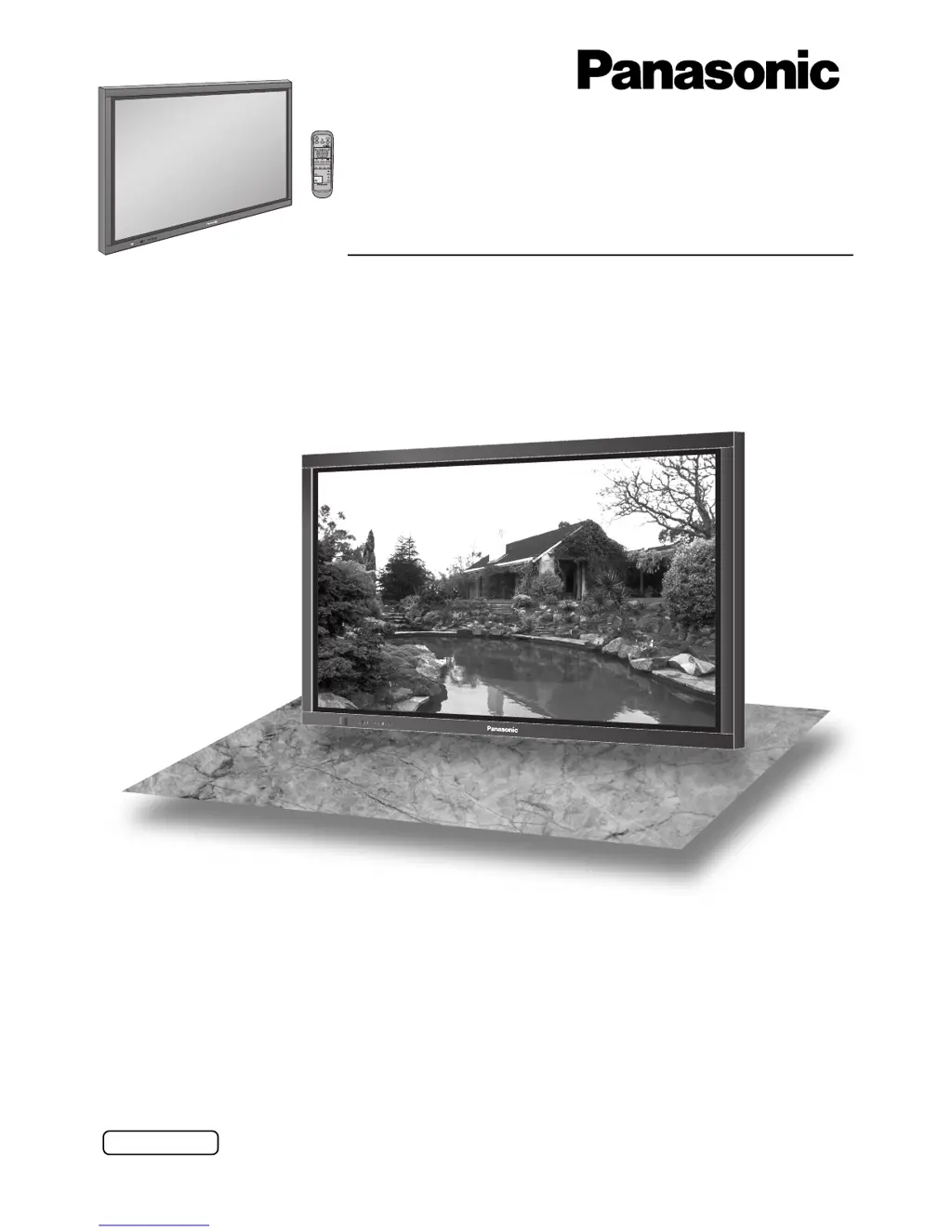
The illustration shown is an image.

Questions and Answers

  • M
    Michael KelleyAug 9, 2025
    Why is there no picture on my Panasonic Monitor?
    • D
      David CrawfordAug 10, 2025
      If your Panasonic Monitor is showing no picture, here are a few things to check: 1. Make sure the monitor is plugged into a working AC outlet. 2. Verify that the unit is switched on by pressing the power switch or the stand-by button on the remote control. 3. Adjust the Picture and Brightness/Volume settings to ensure they are properly configured.
  • S
    Stephanie WhiteAug 15, 2025
    What to do if my Panasonic Monitor remote control doesn't work?
    • D
      Donald RobbinsAug 15, 2025
      If your Panasonic Monitor's remote control isn't working, consider these potential causes and solutions: * Check if the batteries have discharged completely and replace them if needed. * Verify that the batteries were inserted properly, paying attention to polarity. * Ensure the remote control sensor is not exposed to strong light, such as outdoor light or strong fluorescent light. * Confirm that you are using the remote control specifically designed for this unit.
  • B
    Brady ClarkeAug 19, 2025
    What to do if there is no sound on Panasonic TH-65PHD7W Monitor?
    • D
      daniellemckenzieAug 19, 2025
      If there is no sound on your Panasonic Monitor, check whether the mute function has been activated on the remote control.
  • J
    John RobinsonAug 25, 2025
    What to do if after-images appear on my Panasonic Monitor?
    • B
      baldwincynthiaAug 25, 2025
      If after-images appear on your Panasonic Monitor, avoid displaying a still picture for an extended period.
  • M
    Michelle RiddleAug 29, 2025
    Why does my Panasonic Plasma Display have a time lag between image and audio?
    • A
      aaron19Aug 29, 2025
      The slight time lag between image and audio on your Panasonic Plasma Display is due to special image processing and is not a malfunction.
  • E
    erica08Sep 4, 2025
    Why does my Panasonic TH-65PHD7W make whirring sounds?
    • K
      Kevin PerrySep 4, 2025
      The whirring sound from your Panasonic Monitor is caused by the rotation of the fan and is not a malfunction.

Panasonic TH-65PHD7W Specifications

General IconGeneral
Screen Size65 inches
Panel TypePlasma
Contrast Ratio4000:1
Aspect Ratio16:9
Viewing Angle160°
InputsDVI, VGA, Component, Composite

Related product manuals