EasyManua.ls Logo

Panasonic TH-65PF12EK - User Manual

Panasonic TH-65PF12EK
64 pages
Print Icon
To Next Page IconTo Next Page
Loading...
Model No.
Operating Instructions
High De nition Plasma Display
TH-58PF12EK
TH-65PF12EK
Please read these instructions before operating your set
and retain them for future reference.
English
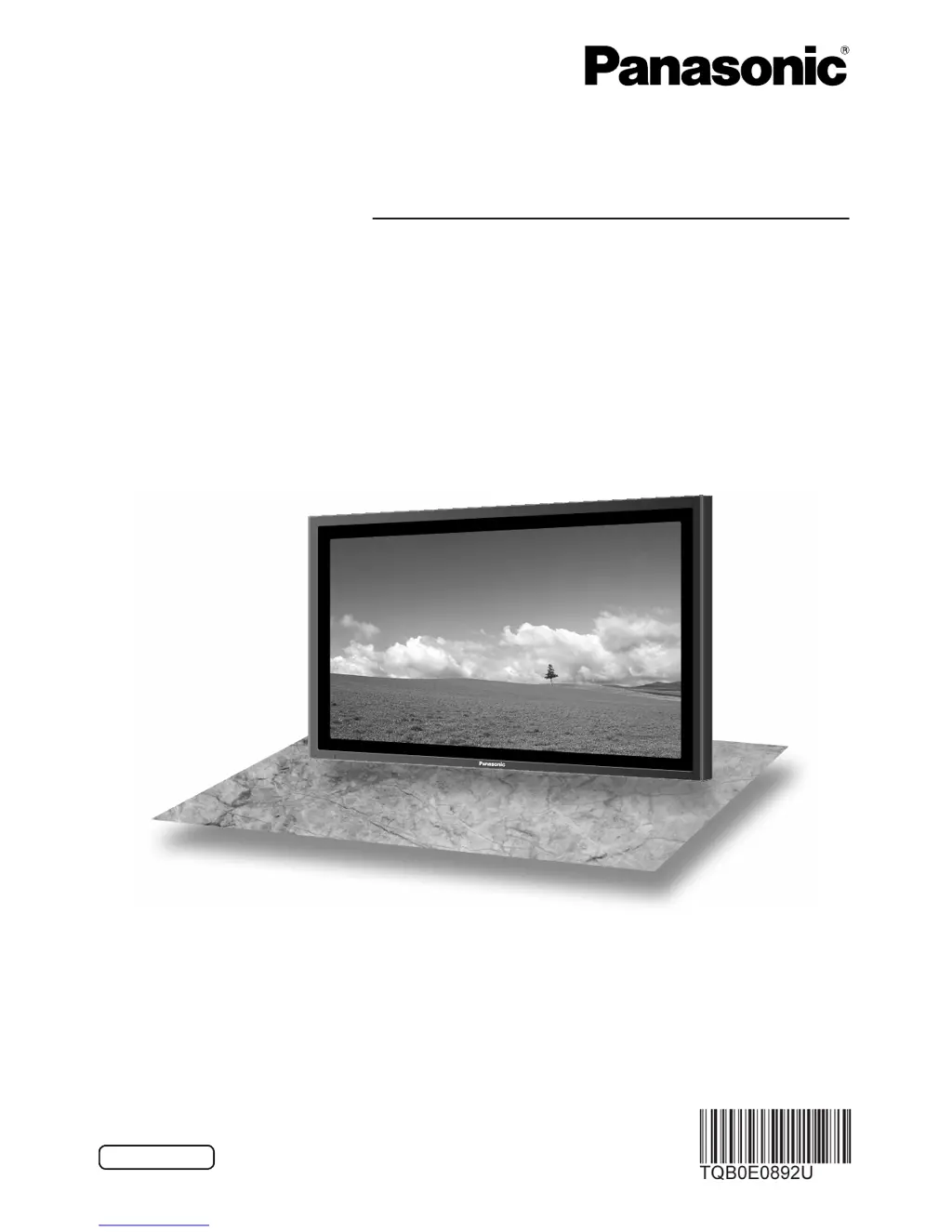
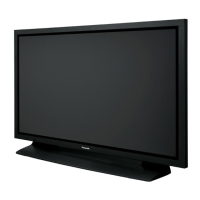
The illustration shown is an image.

Table of Contents

Other manuals for Panasonic TH-65PF12EK

Questions and Answers

  • K
    kanehannahAug 10, 2025
    Why is there no sound on my Panasonic Monitor?
    • L
      Lisa FranklinAug 10, 2025
      If there is no sound on your Panasonic Monitor, it may be due to several reasons. First, check if the mute function is activated on the remote control. Also, verify that the monitor is switched on by pressing the power switch or the stand-by button on the remote. Finally, check the Picture and Brightness/Volume settings.
  • B
    Brent MorrisAug 16, 2025
    What to do if my Panasonic TH-65PF12EK Monitor remote control isn't working?
    • W
      Wanda PerezAug 16, 2025
      If the remote control for your Panasonic Monitor isn't working, check if the batteries have discharged completely and whether they were inserted properly. Also, ensure that the remote control sensor is not exposed to outdoor light or strong fluorescent light. Finally, make sure that you are using the remote control designed specifically for use with this unit.
  • E
    elizabethmyersAug 22, 2025
    Why does it take a while for the picture to appear on my Panasonic TH-65PF12EK Monitor?
    • M
      Mark SmithAug 22, 2025
      It takes a few moments for the picture to appear on the Panasonic Monitor because the unit digitally processes the various signals in order to reproduce aesthetically pleasing images. This can occur when the power has been turned on, when the input has been switched, or when the images for the main picture and sub picture on the two screens are swapped.
  • D
    Dr. Michael SmithAug 28, 2025
    Why do areas at the top and bottom of the screen where the image is missing appear when I use the zoom function on my Panasonic TH-65PF12EK?
    • J
      Joann EvansAug 28, 2025
      When using a video software program (such as a cinema size program) with a screen wider than one in the 16:9 mode, blank areas separate from the images are formed at the top and bottom of the screen on your Panasonic Monitor.
  • T
    Terri RogersSep 3, 2025
    Why can I hear sounds coming from inside the Panasonic TH-65PF12EK?
    • F
      fstoneSep 3, 2025
      When the power is turned on, a sound of the display panel being driven may be heard from inside the Panasonic Monitor. This is normal and not indicative of malfunctioning.

Summary

Important Safety Notice

General Safety Warnings and Moulded Plug Precautions

Covers warnings about fire, shock hazards, grounding, and the fused mains plug.

Safety Precautions

Setup, Usage, and Ventilation Guidelines

Precautions for setup, accessory usage, ventilation, and operation.

Electrical Safety and Problem Response

Precautions against electric shock and actions for malfunctions.

Connections

Speaker and AC Cord Connections

Connecting optional speakers and the AC power cord.

Power On; Off Operations

Connecting Power and Initial Startup

Steps to connect the power cord and turn the display on.

Initial Unit Setup Sequence

Guided configuration steps for first-time use.

Selecting Input Signals

Input Signal Selection Process

How to cycle through and select connected input sources.

Aspect Ratio Controls

Aspect Mode Selection

How to adjust picture aspect ratios for various signal inputs.

Multi-Picture-in-Picture (PIP)

PIP Setup and Display Modes

Configuring PIP functions and selecting display layouts.

Digital Zoom Operation

Using the Digital Zoom Function

How to enlarge, navigate, and control the zoom feature.

On-Screen Menu Displays

Navigating the Menu System

Steps to access, select, adjust, and exit menu options.

Adjusting Picture Position and Size

Pos.;Size Menu and Auto Setup

Accessing settings and using the auto-adjust feature.

Picture Adjustments

Basic Picture Settings

Adjusting core picture parameters like mode, contrast, brightness, color.

Sound Adjustments

Basic Sound Settings

Adjusting volume, sound modes, and audio balance.

Timer Setup Functions

Programming Power On;Off Timers

Setting specific times for the display to turn on or off.

Screensaver for Image Retention

Screensaver Setup and Modes

Activating and selecting screensaver functions to prevent burn-in.

Reducing Image Retention and Extended Life

Extended Life Settings Overview

Features to reduce image retention and prolong display lifespan.

Setup for Multi-Display Configuration

Multi-Display Setup and Arrangement

Configuring multiple displays for an enlarged image.

Multi PIP Setup Details

PIP Mode Selection

Choosing between PIP, Advanced PIP, and Blend PIP modes.

Portrait Mode Setup

Input Signal Setup

Network Setup Configuration

Shipping Condition

Resetting to Factory Defaults

Procedure to restore the display to its original factory settings.

Using Network Function

PJLink Protocol Operations

Troubleshooting Guide

Common Picture and Sound Issues

Diagnosing and resolving typical audio-visual problems.

Plasma Display Panel Specific Issues

Addressing issues related to the plasma panel itself.

Panasonic TH-65PF12EK Specifications

General IconGeneral
Screen Size65 inches
Panel TypePlasma
Contrast Ratio5000:1
Audio Output10W x 2
Response Time0.001 ms
Aspect Ratio16:9
Resolution1920 x 1080
Input PortsHDMI, DVI, Component, Composite
Viewing Angle178°

Related product manuals