EasyManua.ls Logo

Panasonic TH-65PHD7E - User Manual

Panasonic TH-65PHD7E
40 pages
Print Icon
To Next Page IconTo Next Page
Loading...
PLASMA DISPLAY
TQBC0929
Please read these instructions before operating your set and retain them for future reference.
English
TH-65PHD7E
Operating Instructions
High Definition Plasma Display
Model No.
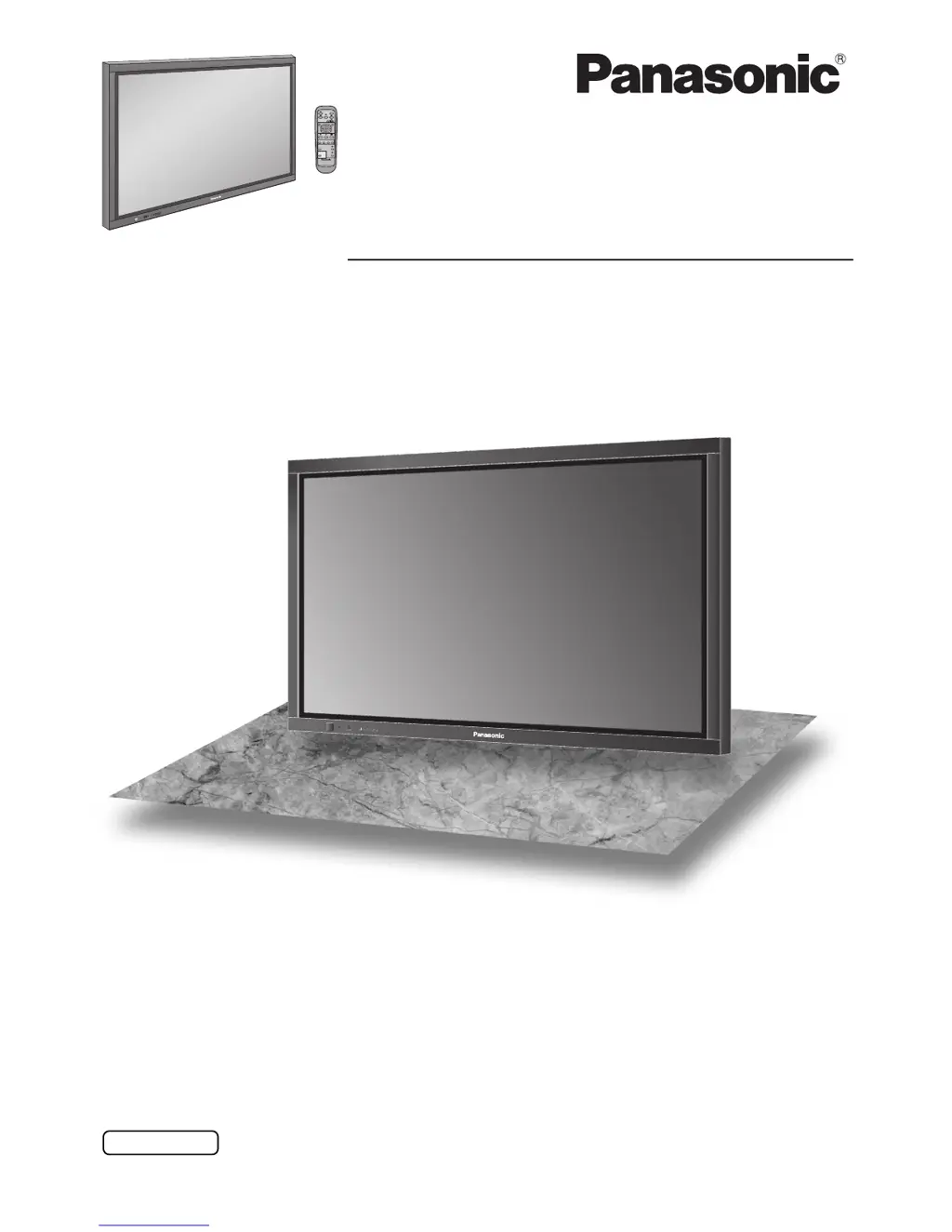
The illustration shown is an image.

Questions and Answers

  • J
    Judith RobinsonAug 20, 2025
    What to do if my Panasonic TH-65PHD7E has no picture?
    • H
      Hailey HortonAug 20, 2025
      If your Panasonic monitor shows no picture, ensure it is plugged into the AC outlet and switched on. Check this by pressing the power switch or the stand-by button on the remote control. Also, check the Picture and Brightness/Volume settings.
  • T
    Travis JordanAug 22, 2025
    How to fix no sound on Panasonic Monitor?
    • K
      Kenneth LambAug 22, 2025
      If there is no sound on your Panasonic monitor, check the volume settings. Ensure that the mute function has not been activated on the remote control.
  • C
    carlos64Aug 25, 2025
    Why is my Panasonic Monitor remote not working?
    • J
      Joe CooperAug 25, 2025
      If the remote control for your Panasonic monitor isn't working, check if the batteries have completely discharged or if they were inserted properly. Also, make sure the remote control sensor is not exposed to outdoor light or strong fluorescent light. Verify that the remote control being used is specifically designed for use with this unit.
  • R
    Roger SanchezAug 26, 2025
    How to prevent after-images on Panasonic Monitor?
    • L
      Lisa CrawfordAug 26, 2025
      To prevent after-images on your Panasonic monitor, avoid displaying a still picture for an extended period, as this can cause a permanent after-image to remain on the Plasma Display.
  • C
    Christian CastroAug 27, 2025
    Why does my Panasonic Monitor make whirring sounds?
    • F
      Francisco GriffinAug 27, 2025
      The whirring sounds from your Panasonic monitor are likely due to the cooling fan. The display unit is fitted with a cooling fan to dissipate heat generated during normal use.
  • S
    Steven NavarroAug 30, 2025
    Why is there no color on my Panasonic TH-65PHD7E Monitor?
    • M
      Michael Cox MDAug 30, 2025
      If your Panasonic monitor has no color, check the color controls to ensure they are not set at the minimum level. Also, check the color system settings.
  • J
    John JacksonSep 1, 2025
    Why do I hear sounds inside my Panasonic TH-65PHD7E?
    • D
      David PerrySep 1, 2025
      When the power is turned on, a sound of the display panel being driven may be heard. This is normal and not indicative of malfunctioning.
  • W
    wheelertroySep 2, 2025
    Why does my Panasonic Monitor screen darken?
    • D
      Dana AdamsSep 3, 2025
      The screen on your Panasonic monitor will darken slightly when photos, still images of a computer, or other pictures with minimal movements are shown for an extended period.
  • B
    Bryan TurnerSep 5, 2025
    Why does my Panasonic TH-65PHD7E make a cracking sound?
    • C
      Carla FoxSep 5, 2025
      If there is nothing wrong with the picture or sound, the cracking sound is the sound of the cabinet undergoing very slight contractions in response to changes in the room temperature.
  • N
    Nicholas PonceSep 7, 2025
    Why does it take long for a picture to appear on Panasonic TH-65PHD7E Monitor?
    • N
      Nathaniel RobinsonSep 7, 2025
      Your Panasonic monitor digitally processes the various signals in order to reproduce esthetically pleasing images.

Panasonic TH-65PHD7E Specifications

General IconGeneral
Screen Size65 inches
Resolution1920 x 1080
Panel TypePlasma
Contrast Ratio3000:1
Aspect Ratio16:9
Weight45 kg
Native Resolution1920 x 1080
Display TechnologyPlasma

Related product manuals