EasyManua.ls Logo

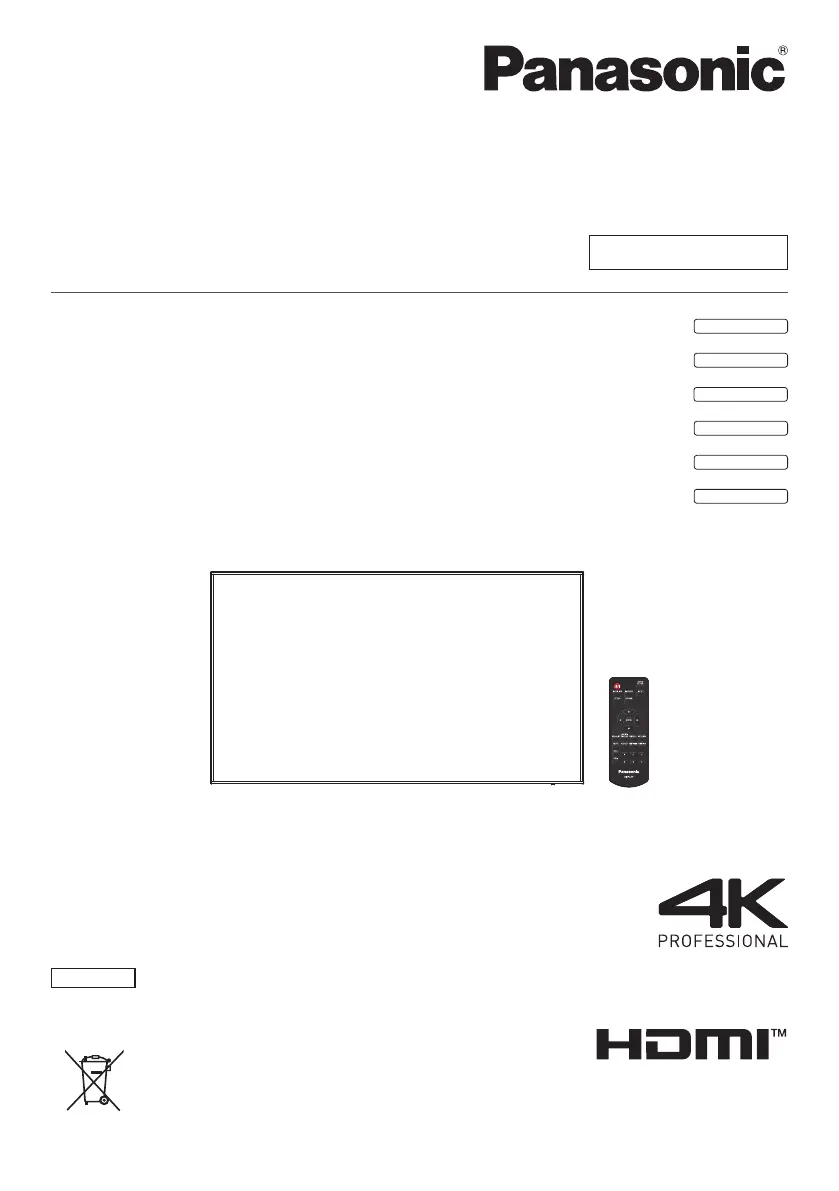
Panasonic TH-98SQ1W - User Manual

Panasonic TH-98SQ1W
150 pages
Print Icon
To Next Page IconTo Next Page
Loading...
EU
Operating Instructions
Functional Manual
UHD LCD Display For business use
Model No. TH-98SQ1W
98-inch model
TH-86SQ1W
86-inch model
TH-75SQ1W
75-inch model
TH-65SQ1W
65-inch model
TH-55SQ1W
55-inch model
TH-49SQ1W
49-inch model
English
Please read these instructions before operating your set
and retain them for future reference.
DPQP1288ZC/X1TP0819TS2060 -PB
*Actual resolution:
3840 × 2160p

Table of Contents

Other manuals for Panasonic TH-98SQ1W

Questions and Answers

  • M
    Mary MuellerSep 23, 2025
    Why does it take a while for the picture to appear on my Panasonic Monitor?
    • K
      Karen PadillaSep 23, 2025
      It takes a while for the picture to appear on your Panasonic Monitor because the unit digitally processes the various signals.
  • O
    oreyesAug 25, 2025
    How to restore colour on my Panasonic Monitor with normal sound?
    • M
      Michele RussellAug 25, 2025
      If your Panasonic Monitor displays no colour but the sound is normal, adjust the Colour controls. The colour controls may be set at the minimum level.
  • J
    Jessica LeeAug 26, 2025
    Why does my Panasonic TH-98SQ1W screen darken slightly with bright pictures?
    • J
      jasonolsonAug 26, 2025
      If the screen of your Panasonic Monitor darkens slightly when bright pictures with minimal movements are shown, it is normal and not indicative of malfunctioning.
  • B
    bryan06Aug 27, 2025
    Why do the edges of the images flicker on my Panasonic TH-98SQ1W?
    • R
      Rebecca GutierrezAug 27, 2025
      If the edges of the images flicker on your Panasonic Monitor, this is normal and not indicative of malfunctioning.
  • N
    Nicholas MartinSep 23, 2025
    Why Image retention appears on my Panasonic TH-98SQ1W?
    • P
      Patrick BlakeSep 23, 2025
      Image retention appears when you display a still picture for an extended period on your Panasonic Monitor.
  • S
    Steven SpearsSep 13, 2025
    How to fix no sound on my Panasonic Monitor but picture is normal?
    • W
      wrightstephanieSep 13, 2025
      If you have a normal picture but no sound on your Panasonic Monitor, check the volume settings. Ensure that the mute function has not been activated on the remote control.
  • K
    Kelly WilliamsSep 12, 2025
    What to do if there is no picture displayed or sound output from the [DIGITAL LINK] terminal on Panasonic Monitor?
    • D
      David HaleySep 12, 2025
      First, check whether the connection has been made properly between the video (output) equipment and twisted pair cable transmitter and between the twisted pair cable transmitter and this product. Also, check that [Network settings] - [DIGITAL LINK mode] is not set to [Ethernet].
  • B
    brownjaniceSep 12, 2025
    Why can the file be played back with “USB media player”, but not with “Memory viewer” on Panasonic Monitor?
    • C
      Christina FrazierSep 12, 2025
      Check the playback file specifications of “USB media player” and “Memory viewer.”
  • M
    melindanortonSep 4, 2025
    Why can't I play a file with 'Memory viewer' on my Panasonic TH-98SQ1W Monitor?
    • S
      stewartmichaelSep 4, 2025
      If a file can be played back with “USB media player” but not with “Memory viewer” on your Panasonic Monitor, check the playback file specifications of “USB media player” and “Memory viewer.”
  • D
    Danielle MitchellSep 2, 2025
    Why is there no picture or sound from the DIGITAL LINK terminal on my Panasonic TH-98SQ1W?
    • A
      Adam ColeSep 2, 2025
      If there is no picture displayed or sound output from the [DIGITAL LINK] terminal on your Panasonic Monitor, check whether the connection has been made properly between the video (output) equipment and twisted pair cable transmitter and between the twisted pair cable transmitter and this product.

Panasonic TH-98SQ1W Specifications

General IconGeneral
BrandPanasonic
ModelTH-98SQ1W
CategoryMonitor
LanguageEnglish

Related product manuals