Settings
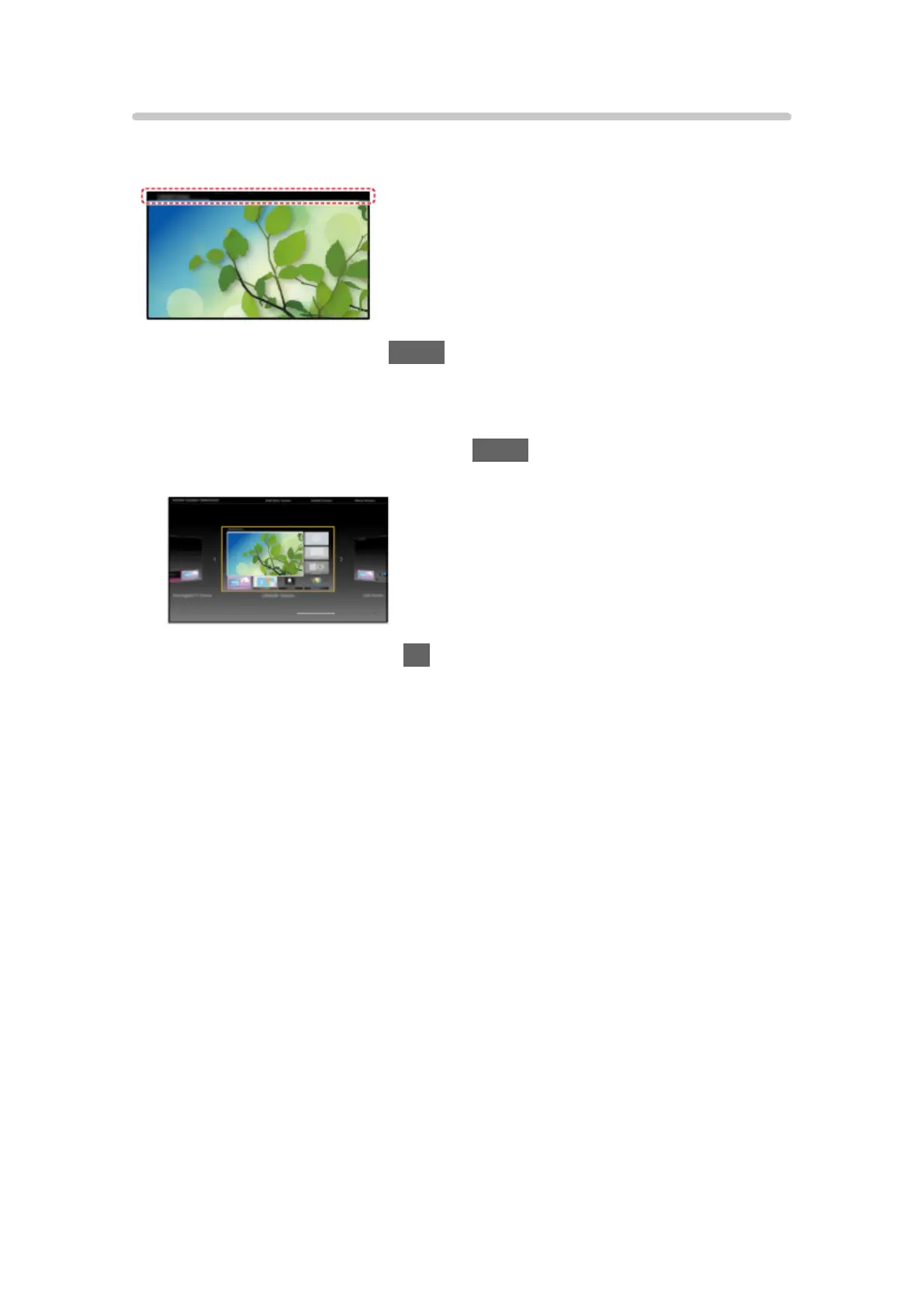
Select the setup menu from the tool guide on the top of the screen.
(Example)
●
Display the tool guide with HOME if it is not displayed.
■ Home Screen Selection
1. Display Home Screen Selection with HOME.
(Example)
2. Select the screen and press OK to set.
Full Screen TV:
Displays full-screen TV.
Free Digital TV Screen:
Displays the TV and Digital TV streaming services (if available). (UK
only)
TV Home Screen:
To make your TV experience more convenient and comfortable
Lifestyle Screen:
Displays the TV with useful information and services for everyday life.
Info Screen:
Enjoy internet content while watching TV.
- 12 -










 To Next Page