EasyManua.ls Logo

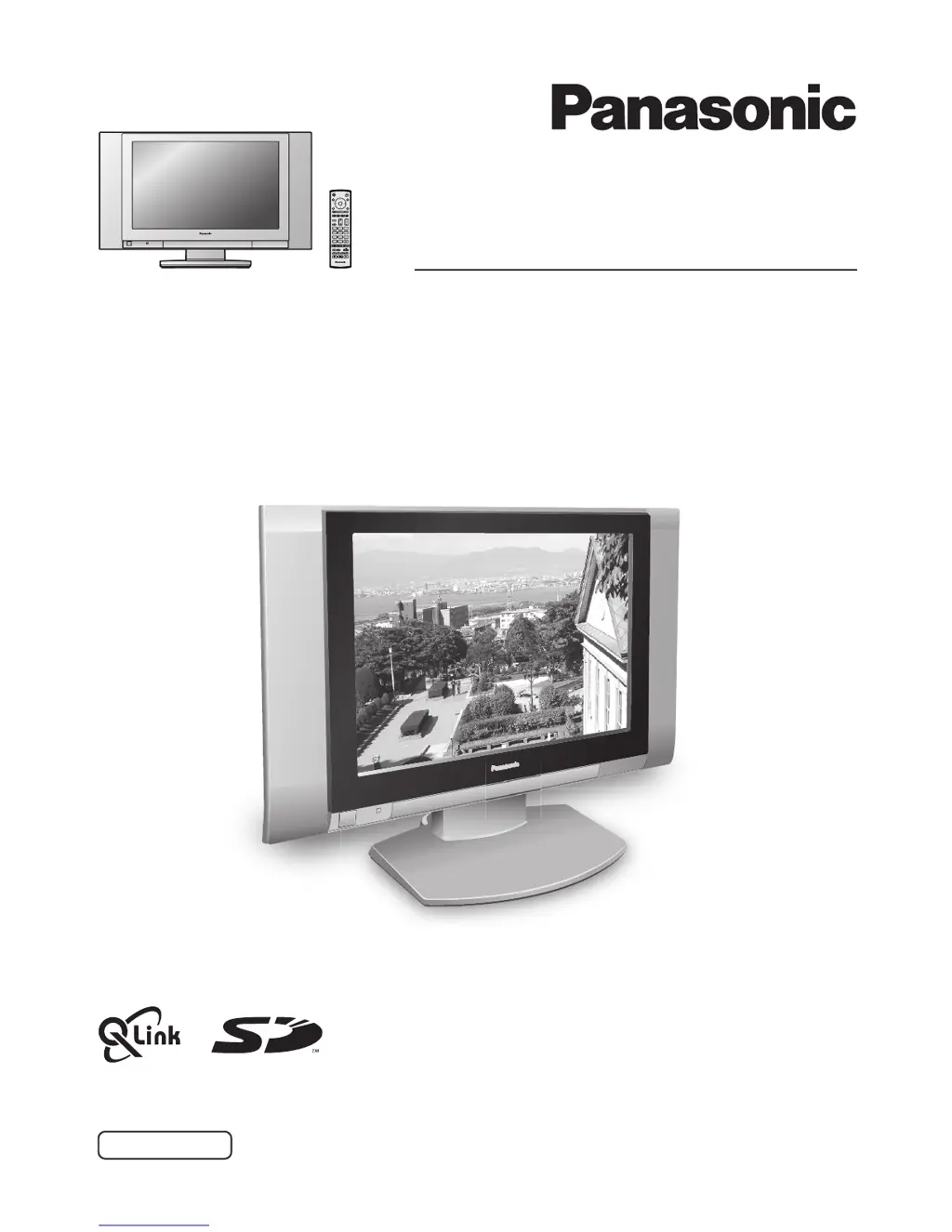
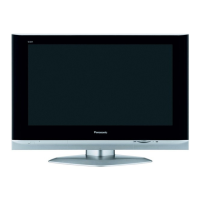
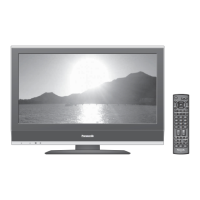
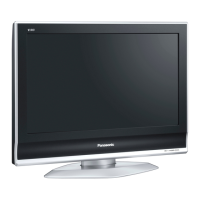
Panasonic TX-26LX1F - User Manual

Panasonic TX-26LX1F
36 pages
Print Icon
To Next Page IconTo Next Page
Loading...
TX-26LX1F
TX-32LX1F
TX-26LX1P
TX-32LX1P
Operating Instructions
LCD TV
Model No.
Please read these instructions before operating your set and retain them for future reference.
English
TQBC0697-1
1
N
23
456
789
C
0

Questions and Answers

  • K
    Kelly RussellAug 14, 2025
    What to do if my Panasonic LCD TV has no picture?
    • S
      Shannon NguyenAug 14, 2025
      If your Panasonic LCD TV shows no picture, ensure that it is not in AV mode, is properly plugged into the AC outlet, and is switched on. Also, verify that the picture and sound controls are not set to minimum levels and that the TV is not in standby mode.
  • M
    Mary CarrollAug 18, 2025
    Why does my Panasonic TX-26LX1F LCD TV have a snowy picture?
    • A
      Adam SmithAug 18, 2025
      A snowy picture on your Panasonic LCD TV may be due to issues with the aerial's location, direction, or connection. Check these elements to improve the picture quality.
  • D
    Dave FloresAug 21, 2025
    How to fix no color on Panasonic TX-26LX1F LCD TV?
    • C
      Chelsey HaleyAug 21, 2025
      If your Panasonic LCD TV has no color, adjust the color controls away from their minimum levels.
  • S
    Shane WhiteAug 25, 2025
    What to do if my Panasonic TX-26LX1F LCD TV has poor or distorted picture?
    • A
      Amanda NewmanAug 25, 2025
      If your Panasonic LCD TV displays a poor or distorted picture, retune the channels.
  • I
    Ian WalterAug 27, 2025
    How to reduce interference on my Panasonic TX-26LX1F?
    • M
      Mark HernandezAug 28, 2025
      To reduce picture noise caused by interference from electrical appliances, cars, motorcycles, or fluorescent lights on your Panasonic LCD TV, switch on the P-NR feature in the Picture menu.
  • O
    Olivia HartAug 31, 2025
    What causes multiple images on my Panasonic LCD TV?
    • M
      Michael WalkerAug 31, 2025
      Multiple images on your Panasonic LCD TV screen can be caused by issues with the aerial location, direction, or connection. Check the aerial setup.
  • J
    John MatthewsSep 3, 2025
    Why has the sound quality deteriorated on my Panasonic TX-26LX1F LCD TV?
    • J
      Joshua CameronSep 4, 2025
      If the sound reception on your Panasonic LCD TV has deteriorated, switch the MPX setting (found in the Sound menu) to Off until the reception improves.
  • C
    Cathy HartSep 6, 2025
    What to check if there is no sound on my Panasonic LCD TV?
    • W
      wolfaliciaSep 6, 2025
      If there is no sound on your Panasonic LCD TV, check the volume level and ensure that the sound mute is not switched on.
  • J
    Justin StricklandSep 10, 2025
    Why are there red, blue, and green spots on my Panasonic TX-26LX1F LCD TV screen?
    • S
      sabrinadavisSep 10, 2025
      The presence of red, blue, and green spots on the screen is a characteristic of liquid crystal panels and is not a problem.

Panasonic TX-26LX1F Specifications

General IconGeneral
Screen Size26 inches
Resolution1366 x 768
Display TypeLCD
HD FormatHD Ready
Brightness500 cd/m²
Response Time16 ms
Viewing Angle170°
Aspect Ratio16:9
Audio OutputStereo
Input PortsHDMI, SCART, Component, Composite, S-Video
Sound Output20 W

Related product manuals