5
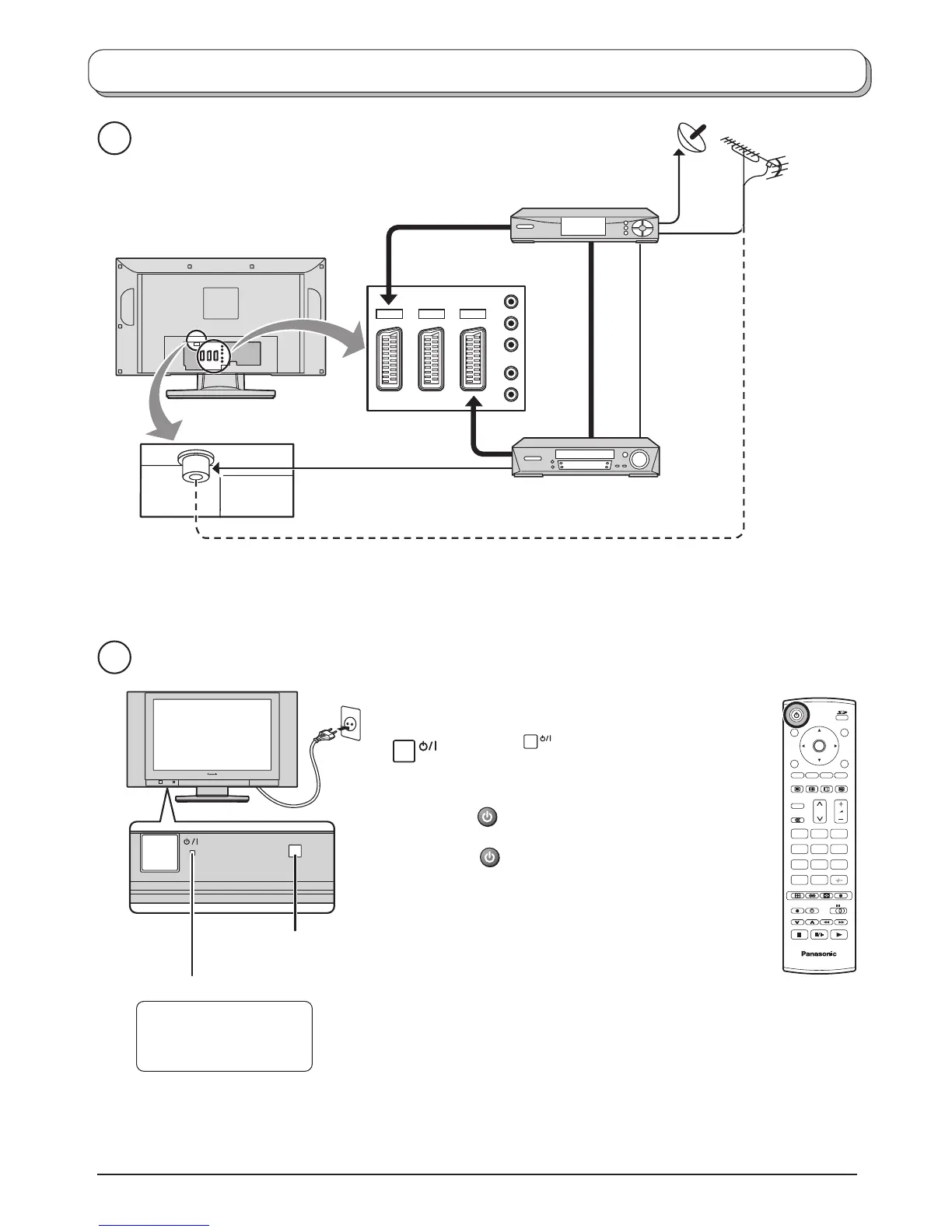
AV1 AV2 AV4
Y
L
R
P
b
P
r
Quick Start Guide
2
1
Scart cables
(Not supplied)
SET TOP BOX
VCR / DVD recorder
OR
RF cable
(Not supplied)
Plug in aerial and connect ancillary equipment.
Connect the mains plug to the wall socket.
Press the
switch on the TV set to turn
the set on.
To switch the TV set to Standby mode, press
the button on the remote control.
The TV set can be switched on by pressing
the button again if it was switched to
Standby mode.
Note:
This TV will still consume some power as long
as the mains plug is still inserted into the wall
socket.
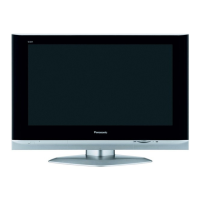
Power Indicator
Remote control signal sensor
LED Indicator
Standby : Red
On : No Light
TV
123
456
789
C
0
OK
N



 To Next Page