2 Service Hints
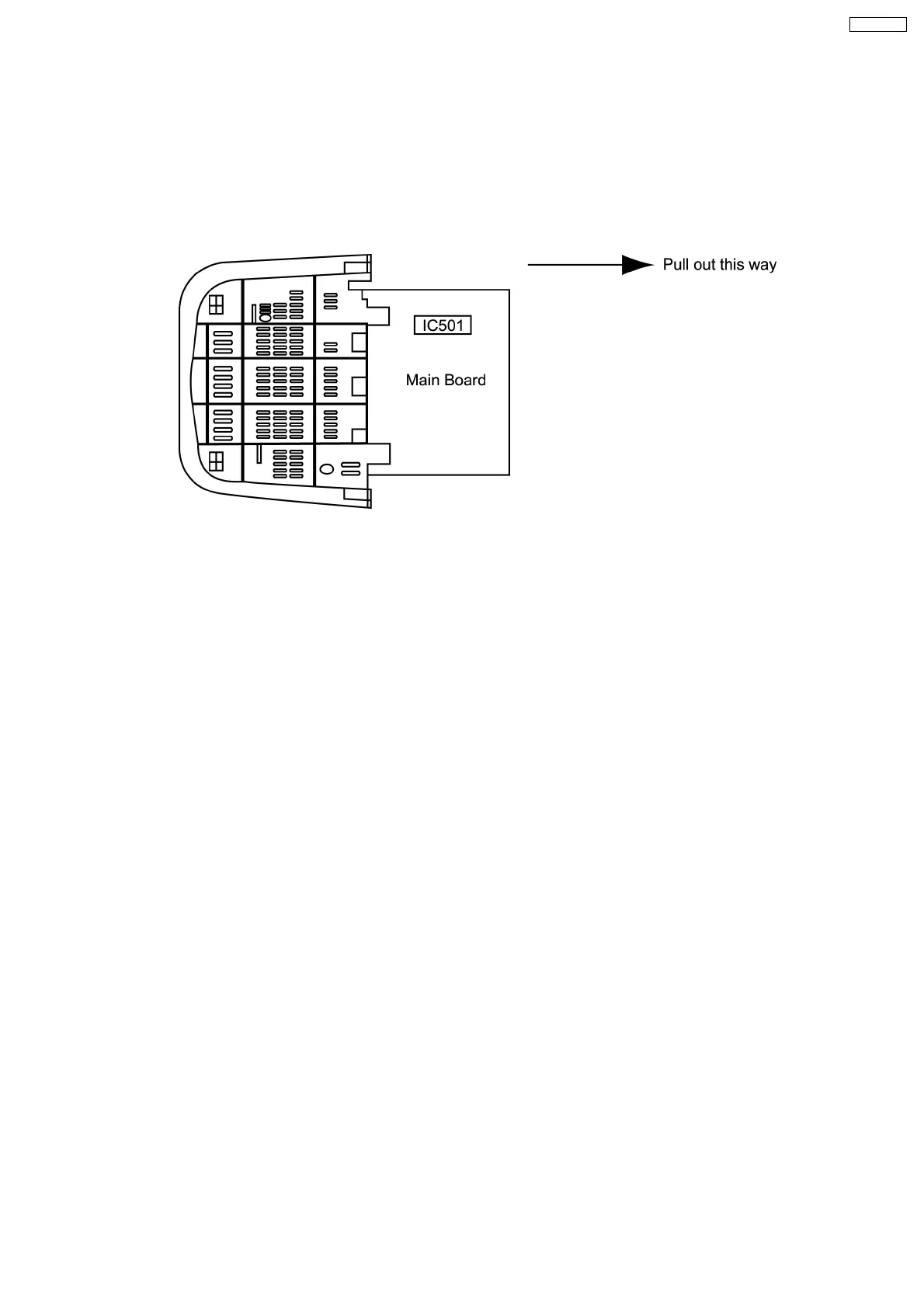
2.1. Service Position for E-Board
1. Remove the back cover.
2. Stand the TV set as shown in Fig. 2.
3. Remove the A-Board from the TV set by pulling the main board out as shown in Figure 2.
Fig. 2
2.2. Factory Mode Adjustment
How to set : To set the Factory mode, press Volume 0 dac on the TV and Timer Setting 30 min. on
the remote control and press Volume (-) Down button on the TV together press recall on
the remote control.
CHK should appear on right of TV screen.
To Set Self-Check : Press the Volume Down button on TV then press the Off Timer button on remote
control.
5
TX-29F350T







 To Next Page