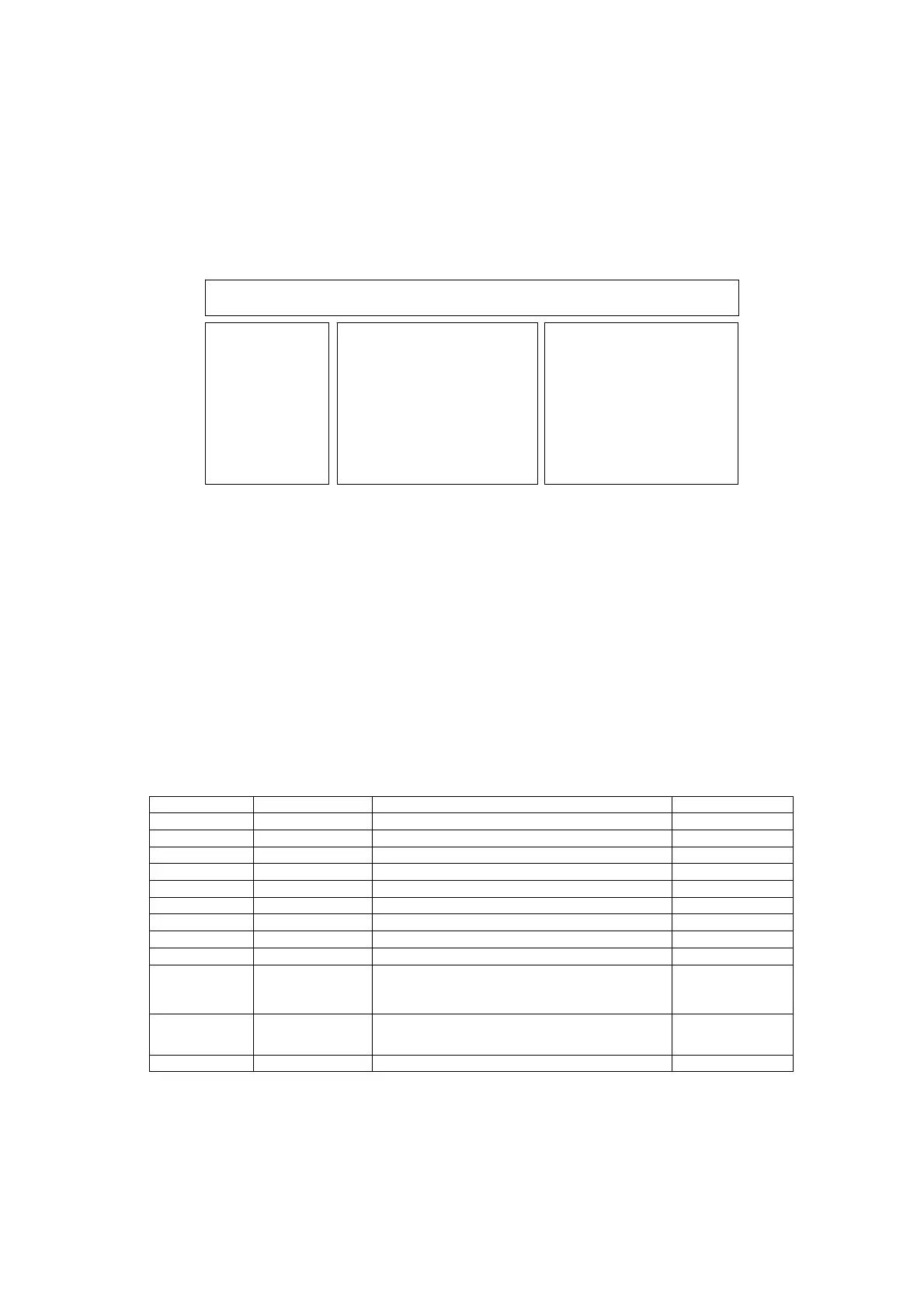
Self Check
How to access
Self-check indication only:
While pressing [VOLUME ( - )] button on the main unit, press [BLUE] button on the remote control.
Self-check indication and forced to factory shipment setting:
While pressing [VOLUME ( - )] button on the main unit, press [MENU] button on the remote control for more than 3 seconds.
How to exit
Switch off the power with the [POWER] button on the main unit.
Display Ref. No. Description P.C.B.
H14TUN TU6708 TUNER A/DVB-T/T2/C/S DUAL A-Board
H15TUN2 TU6708 TUNER A/DVB-T/T2/C/S DUAL A-Board
H38FRC IC9000 IC FRC (MSTAR) A-Board
H07TEMP IC5911 Temperature Sensor A-Board
H17LAN IC8000/IC8920 Ethernet/MAC A-Board/LAN
H00FE IC6800 DVB-T2/T/C/S2/S Demodulator A-Board
H00SAT-TU IC6802 DVB-T2/T/C/S2/S Demodulator A-Board
H96ID IC8920 CI+,HDCP2.2, DTCP-IP, C2MOD A-Board
H97ID2 IC8920 Dimora, Netflix, Widevine,Freetime A-Board
H45BT
IC8000
IC8705
N5HZZ0000173
IC Peaks-MTK
USB HUB
BT Dongle
A-Board
BT Dongle
H42WIFI
IC8000
N5HBZ0000114
IC Peaks-MTK
Wifi Dongle
A-Board
Wifi Dongle
H80HDMISW1 IC4500 IC HDMI A-Board
If the CCU
orts have been checked and found to be incorrect or not located then " - - " will a
ear in
lace of "O.K.".
TX-50DX802B
H14TUN O.K.
H15TUN2 O.K.
H38FRC O.K.
H07TEMP O.K.
H17LAN O.K.
H00FE O.K.
H00SAT-TU O.K.
H96ID O.K.
H97ID2 O.K.
H45BT O.K.
H42WIFI O.K.
H80HDMISW1 O.K.
PEAKS-SOFT *.***
PEAKS-EEP **.**.****
LSI-PACKAGE *.***
LSI-RELEASE *.**
STBY-SOFT *.**.**
STBY-EEP *.**.****
FRC SOFT ********
FRC DATA ********
MODEL ID 0D
03000120
00008000
Self Check Com
lete



 To Next Page