35
Remote Control VCR/LD/DVD Operation
Manufacturers’ Code Settings
This remote control has been designed to work with a variety of VCRs, Laser Discs and DVD players. In order
for this to occur, the setting for the VCR, LD or DVD must be programmed into the Remote Control.
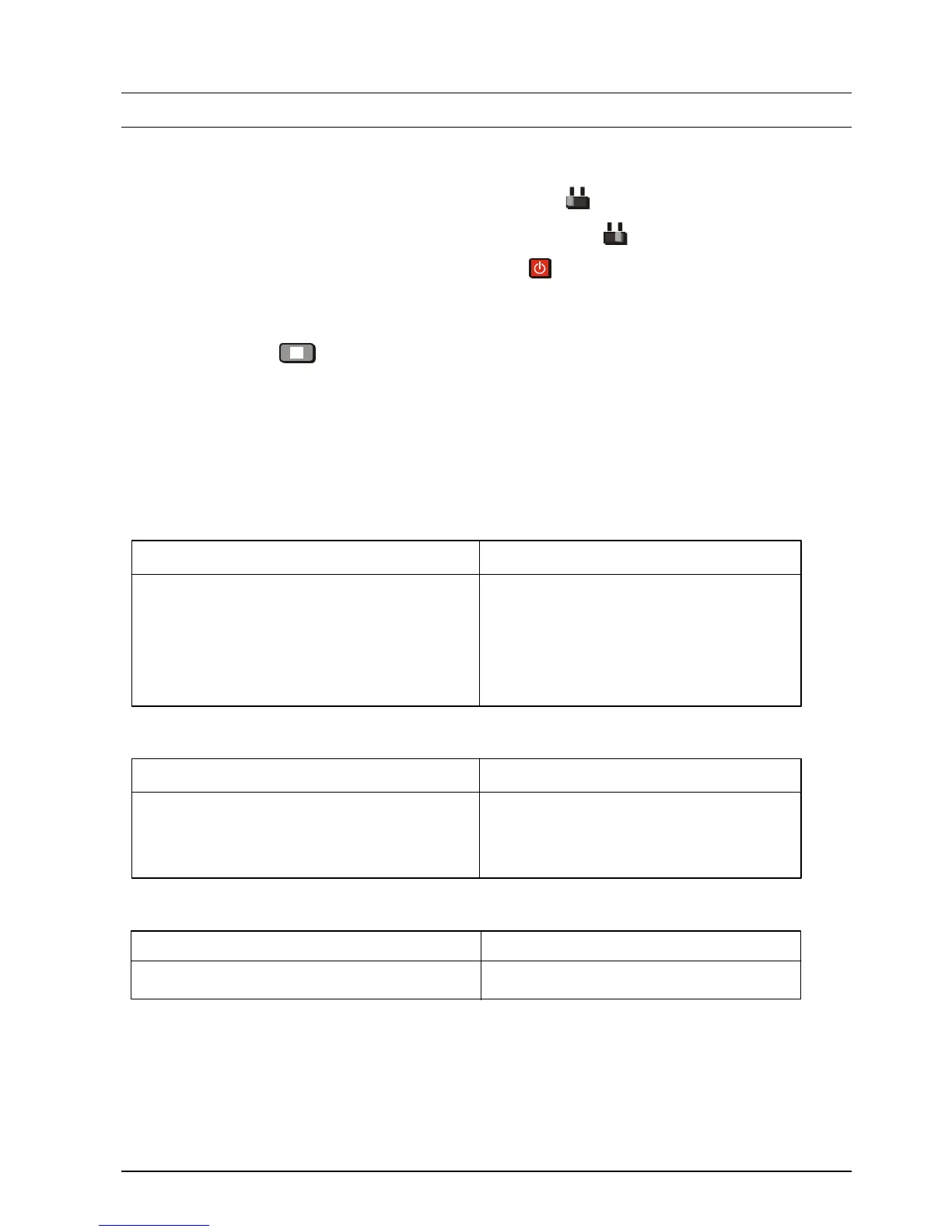
1. To set a VCR, slide the remote control VCR-LD/DVD switch to VCR.
To set a LD or DVD, slide the remote control VCR-LD/DVD switch to LD/DVD.
2. Push the remote control VCR - LD/DVD Power Button and keep it Pushed.
3. Enter the Manufacturer’s two-digit code number using the remote control Number Buttons (The codes
are shown below).
4. Push the STOP button .
5. Release the remote control VCR or LD/DVD Power button.
6. Check the operation of the VCR, LD or DVD. If it does not operate correctly, repeat steps 1 to 5 and use
an alternate code (if there is one).
VCR CODES
Manufacturer Code Manufacturer Code
Panasonic / 10, 11, 12, 13 NEC 40, 41, 42, 43
National ORION 45, 46
AIWA 15, 16 Philips 50
FUJITSU 20 SANYO 55, 56, 57, 58
HITACHI 25, 26, 27 SHARP 60, 61
JVC 30, 31, 32 SONY 65, 66, 67
MITSUBISHI 35, 36 TOSHIBA 70, 71
LD CODES
Manufacturer Code Manufacturer Code
Panasonic 10, 11, 12, 13 SAMSUNG 30
KENWOOD 15, 16 SHARP 35
PHILIPS 20 SONY 40, 41, 42, 43
PIONEER 25
DVD CODES
Manufacturer Code
Panasonic 70
NOTES:
1. If the batteries are removed from the remote control the Manufacturer’s codes are lost and must be
reprogrammed.
2. The list of manufacturer’s codes is given as a guideline only. Panasonic cannot guarantee that any
other manufacturer’s product will work with this remote control.






 To Next Page