- 149 -
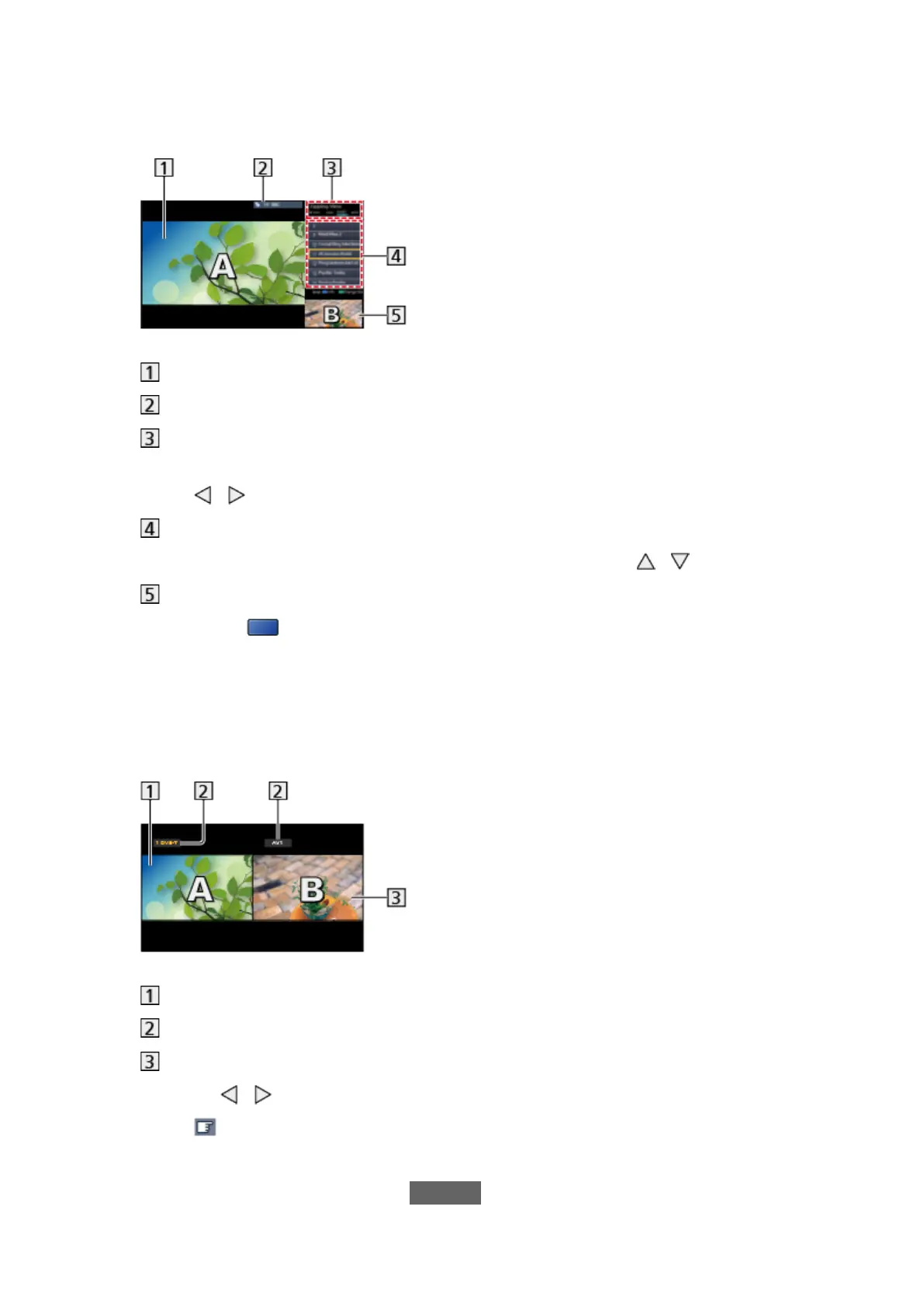
■ Zapping View
(Example)
Main screen
TV mode / input mode / channel position and name (for main screen)
TV mode / input mode (for sub screen)
– You can select the TV mode / input mode of the sub screen with
/ .
Current programme information (if available) (for sub screen)
– You can select the programme of the sub screen with
/ .
Sub screen / information screen
– Press
(blue) to change the screen.
●
The sound comes only from the main screen.
■ Watching View
(Example)
Main screen
TV mode / input mode / channel position and name
Sub screen
●
Press / to select the screen to operate.
–
displays on the screen.
●
To select the sound
1) Display Option Menu with OPTION








 To Next Page