- 148 -
Multi Window
Information
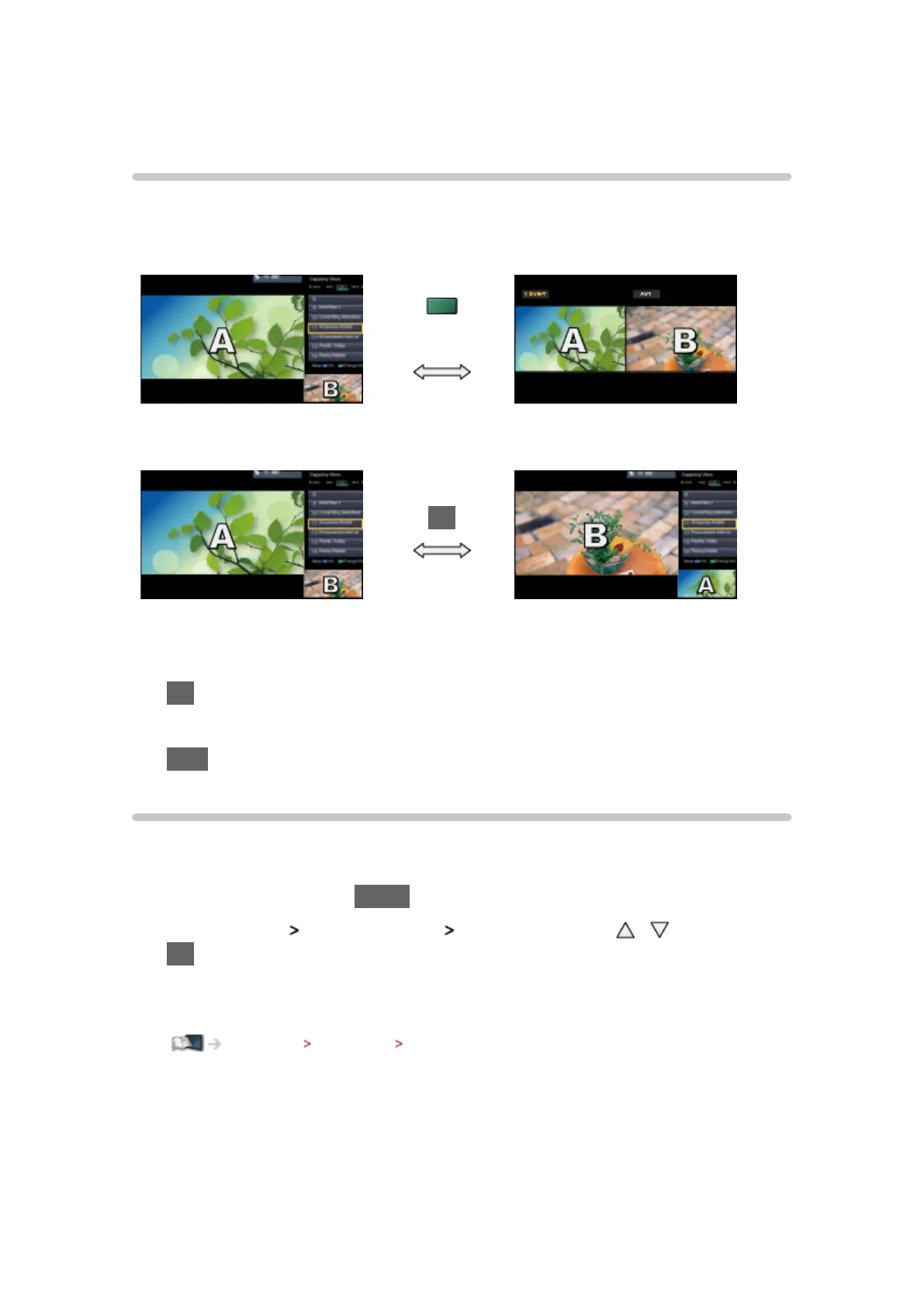
Displays two windows at once for viewing the TV programmes or external
input (AV, Component or HDMI) as shown below (example).
(green)
Zapping View Watching View
OK
Zapping View Zapping View
●
To swap windows
OK
●
To exit multi window
EXIT
How to use
You can select a channel while watching another programme or external
input.
1. Display the menu with MENU
2. Select Picture
Screen Settings Multi Window with / and press
OK to access
●
You can also access the multi window mode by selecting Multi Window
from APPS List.
Functions APPS List How to use








 To Next Page