- 152 -
HD Video Camera / LUMIX Camera
●
Easy playback
●
Power on link
●
Power off link
●
VIERA Link Control
: For equipment which has “HDAVI Control 2 or later” function.
: For equipment which has “HDAVI Control 4 or later” function.
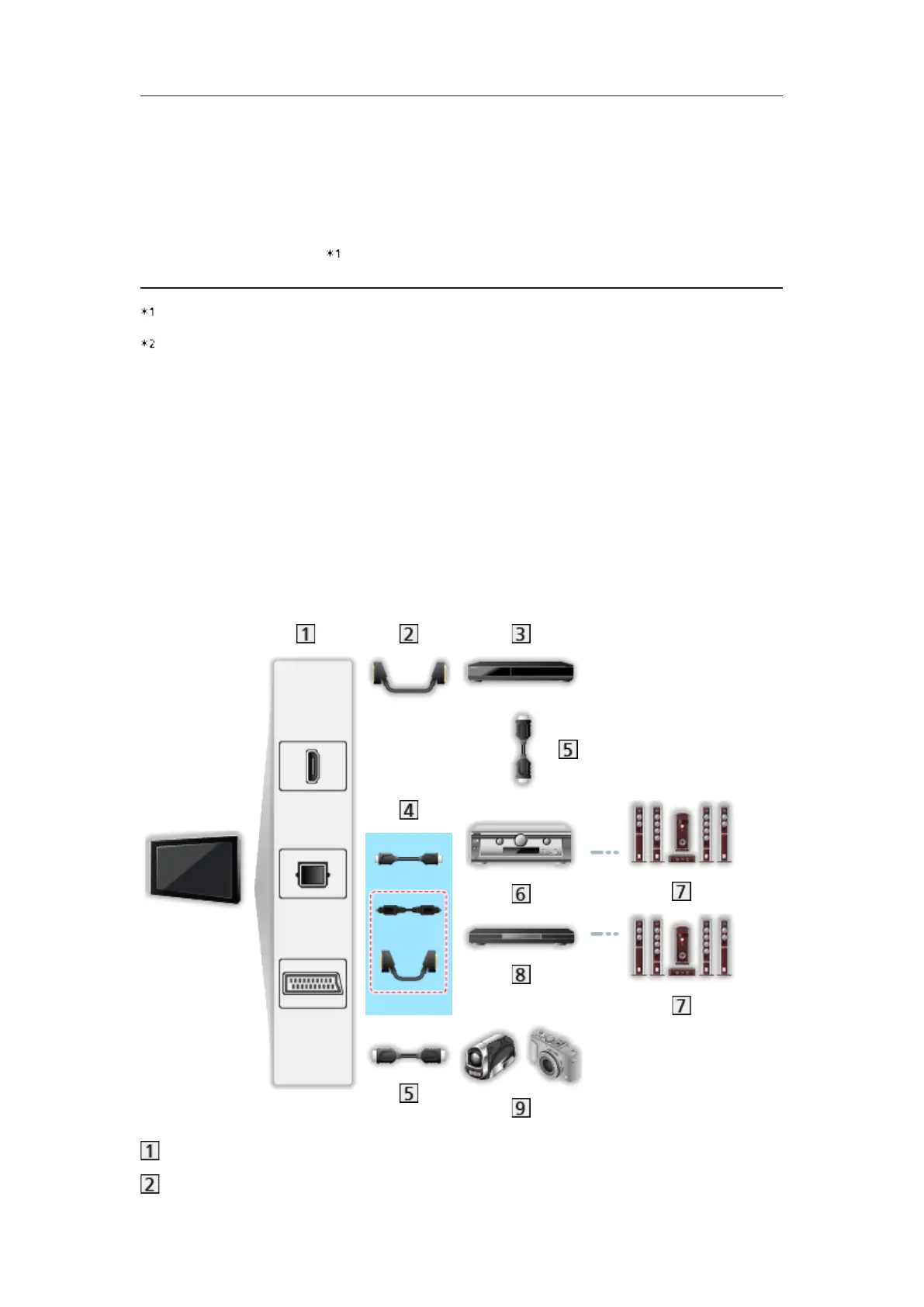
■ VIERA Link (HDMI and Audio out connections)
●
Use a fully wired HDMI compliant cable.
●
Connect the equipment supporting VIERA Link to the TV’s HDMI terminal
via an HDMI cable.
●
Use a fully wired SCART cable.
●
Use the optical digital audio cable or SCART cable for audio output from
the TV.
HDMI terminal / DIGITAL AUDIO / AV1 (SCART) terminal
SCART cable








 To Next Page