User Manual For CYCLONE FX Programmers 97
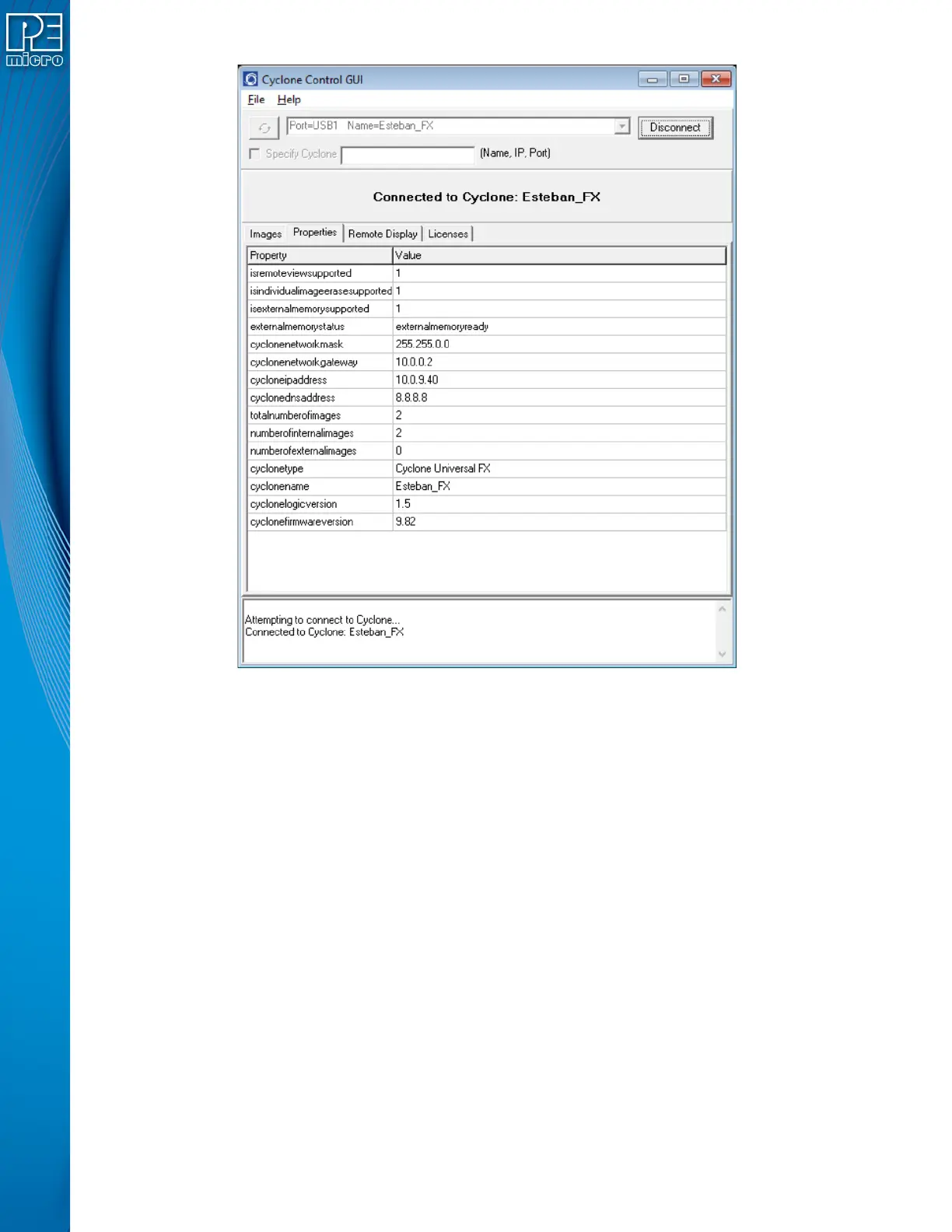
Figure 10-1: Cyclone Control GUI: Properties Tab Selected
From this tab, all Cyclone and Network properties can be accessed. Some of this properties are
modifiable, including all the properties needed for network configuration. A property that can be
edited will show three dots to the right of the property when you select it by clicking on its box. You
can click on the three dots or double click on the property value to bring up the edit window.


 To Next Page