12
Stop&Go function
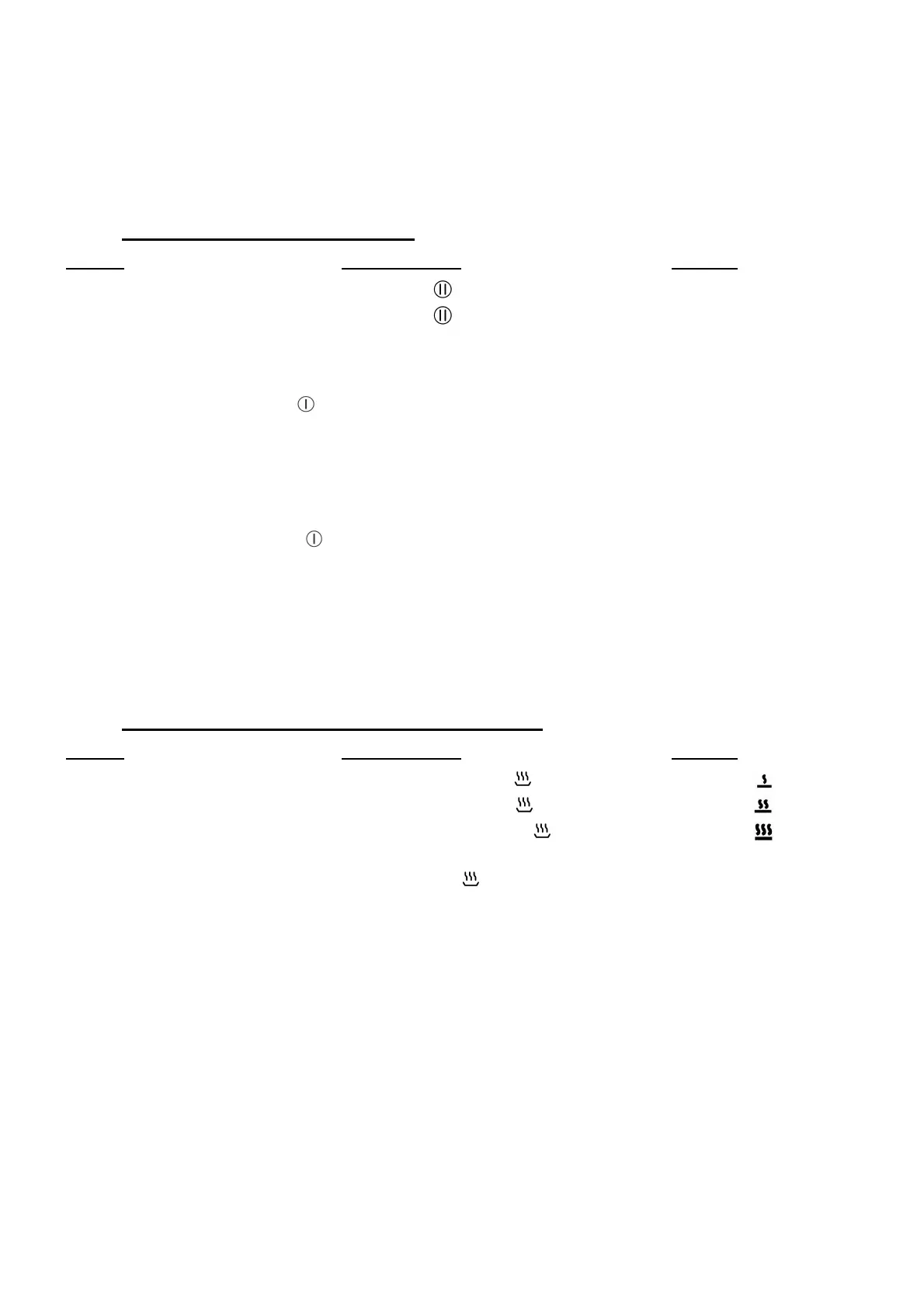
This function brakes all the hob’s cooking activity temporarily and allows restarting with the same
settings.
• Start up/stop the pause function:
Action Control panel Display
Engage pause press key [ ] [ II ] and control light on
Stop the pause press key [ ] “Slider” animated
Press on the animated “slider” previous settings
Recall Function
After switching off the hob ( ), it is possible to recall the last settings.
• cooking stages of all cooking zones (Booster)
• minutes and seconds of programmed cooking zone-related timers
• Keep warm function
• Automatic cooking function
The recall procedure is following:
• Press the key [ ]
• Then press pause key before the light stops blinking.
The previous settings are again active.
“Keep warm” Function
This function allows the reach and automatically maintains at the temperature of 42, 70 or 94°C.
This will avoid liquids overflowing and fast burning at the bottom of the pan.
• To engage, to start the function « Keep warm »:
Action Control panel Display
42°C to engage Press once on key [ ] [ U ] and [ ]
72°C to engage Press twice on key [ ] [ U ] and [ ]
94°C to engage Press 3 times on key [ ] [ U ] and [ ]
To stop Slide on the “SLIDER“ [ 0 ] to [ 9 ]
or press key [ ] until [ 0 ] [ 0 ]
The maximum duration of keeping warm is 2 hours.



 To Next Page