13
Bridge and automatic Bridge Function
This function allows the use of 2 cooking zones at the same time with the same features as a
single cooking zone. With this function the Booster function is allowed on the left and center
zones.
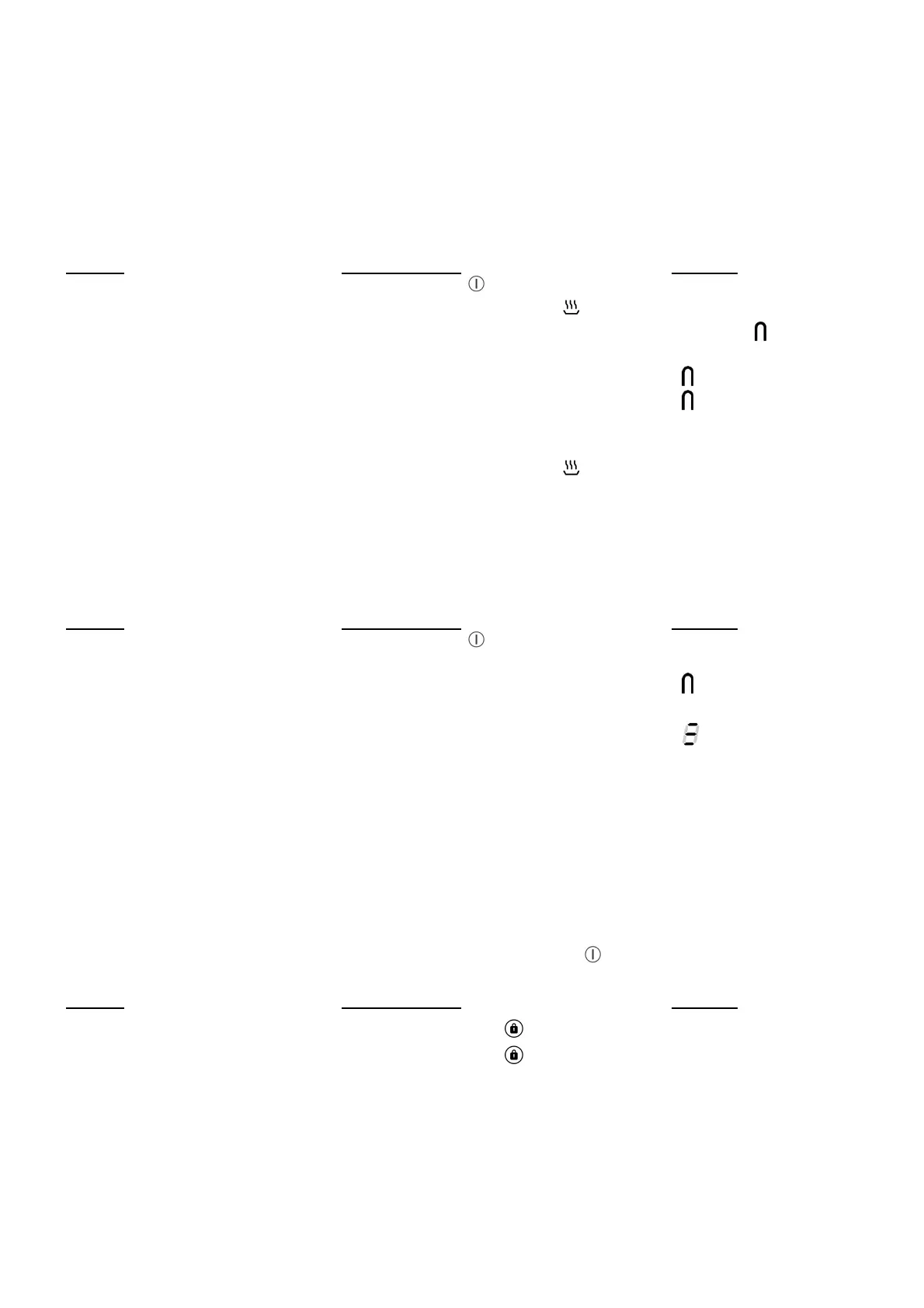
Action Control panel Display
Activate the hob Press display [ ] [ 0 ]
Activate the bridge Press simultaneously on [ ]
of the 2 cooking zones [ 0 ] and [ ]
or
put a great pan on the 2 zones [ ] blink
and press on the 2 “SLIDER” [ ]
Increase bridge Slide on the “SLIDER“
witch indicates the power [ 1 ] to [ 9 ]
Stop the bridge Press simultaneously on [ ]
of the 2 cooking zones [ 0 ]
Grill Function
This function allows the optimal use of your frying pan/grill/rectangular grill plate with combining
two areas and using appropriate powers.
Action Control panel Display
Activate the hob Press display [ ] [ 0 ]
Place the grill plate on the
2 zones to use [ ] blink
Activate the Grill Press simultaneously on the
« SLIDER » of the 2 cooking zones [ ]
Increase the Grill Slide on the “SLIDER“
witch indicates the power power level on the
slider
Stop the Grill Press simultaneously on the
« SLIDER » of the 2 cooking zones [ 0 ]
Control panel locking
To avoid modification of the setting of the cooking zones , in particular during cleaning, the
control panel can be locked (with exception to the On/Off key [ ]).
Action Control panel Display
Locking the hob Press locking key [ ] during 6s locking light on
Unlock the hob Press locking key [ ] during 6s locking light off



 To Next Page