32
PANDORA MINI MOTO
Pandora Specialist application
The Pandora Specialist mobile application (Android only) is
available for system configuration:
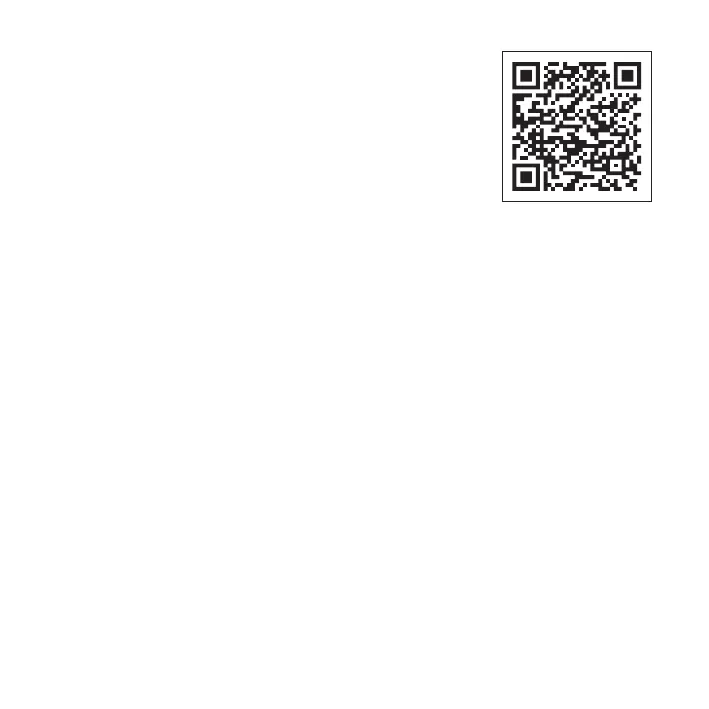
• Download and install the Pandora Specialist mobile app (scan the
QR-code or go to the Google Play app store);
• Connect the system and mobile device using USB cable or
Bluetooth connection.
Bluetooth connection
• Enter the programming level №50;
• Open the mobile app, go to «Advanced
mounting», when choose «Bluetooth»
• Choose the system in a search field;
• When changing the settings enter the
«Service PIN-code» (default value is 1-1-1-1).
!
afTEr ThE sETTiNgs wErE madE dElETE ThE mObilE
dEvicE frOm ThE sysTEm mEmOry by ENTEriNg
prOgrammiNg lEvEl №50
USB connection
• Connect the USB-OTG adapter to your
smartphone or tablet;
• Connect the USB cable to the system;
• Connect the USB-OTG adapter to the USB
cable;
• Open the mobile app, go to «Advanced
mounting», when choose «USB-OTG»;
• Enter the «Service PIN» (default value is 1-1-1-1).
!
usb-OTg adapTEr is NOT iNcludEd iN ThE sET. caN bE
OrdErEd sEparaTEly.
andora larm Studio
The Pandora Alarm Studio allows you to change the main settings and parameters of the
system, update firmware, download installation manuals. A current version of the Pandora Alarm
Studio can be downloaded from pandorainfo.com. The Pandora Alarm Studio is provided only to
authorized installers of Pandora systems.
• Download the Pandora Alarm Studio to a PC with Windows XP/Vista/7/8/10.
• Run the Pandora Alarm Studio;
• Connect the system to the PC via a USB cable;
• Put the system to the programming mode;
• The Pandora Alarm Studio will automatically connect to the system and you will be able to configure
settings and update firmware.


 To Next Page