DWG# 1003659 Rev 1100
Download the Firmware Updater
Download “UpdaterMP300_V1100.exe” from Panduit website, and save it to your desktop.
https://www.panduit.com/en/support/download-center/identification-software-firmware-and-printers.html
2. Firmware Update Procedure
Follow the procedure below to update the firmware of your MP300.
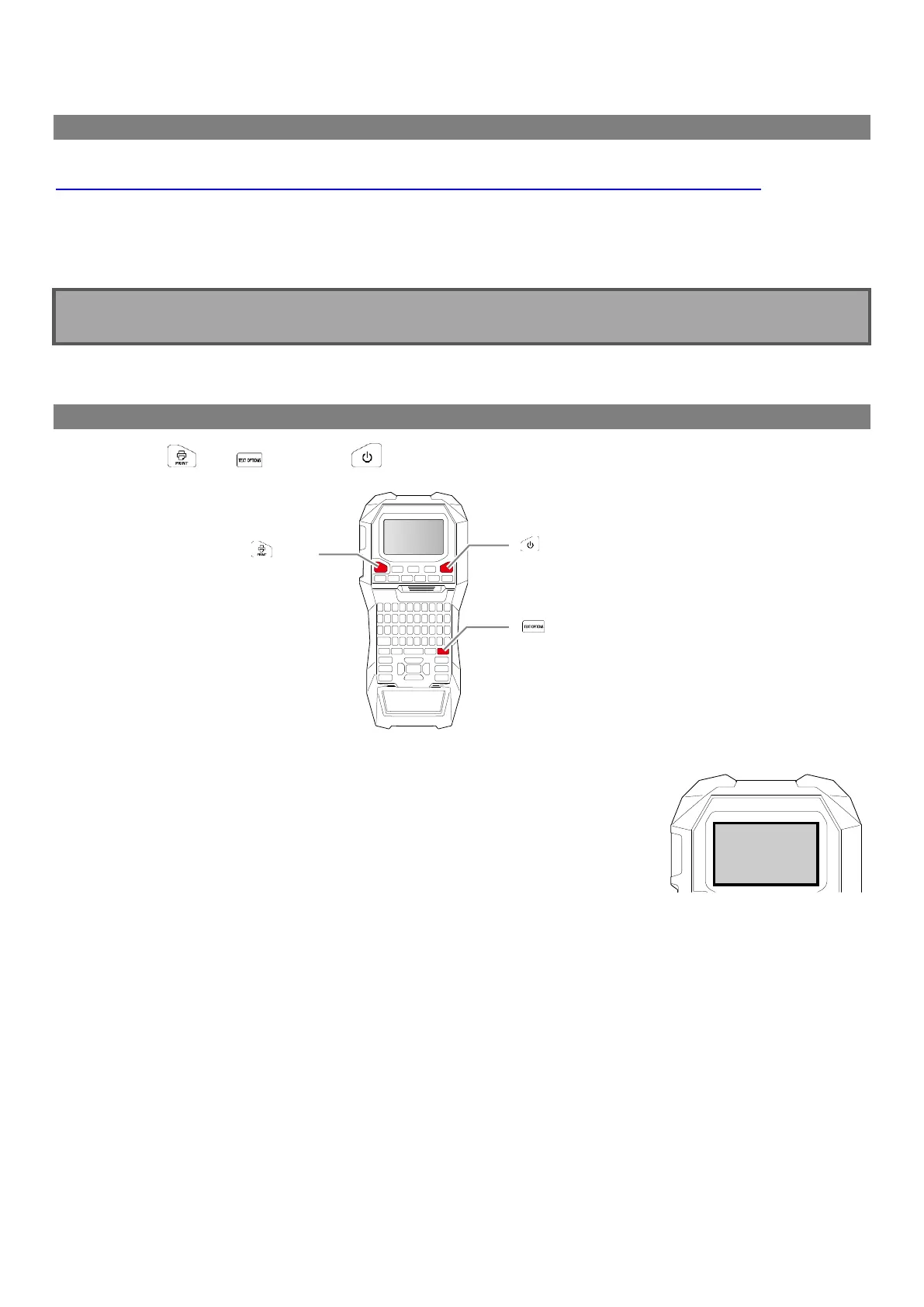
1. Put the MP300 into “update” mode
Press and hold and , then press to turn on the printer in the “update” mode.
How to confirm that the printer has entered in the update mode
A message “Downloading” appears when the printer is in the update mode.


 To Next Page
 Loading...









