www.panduit.com 10
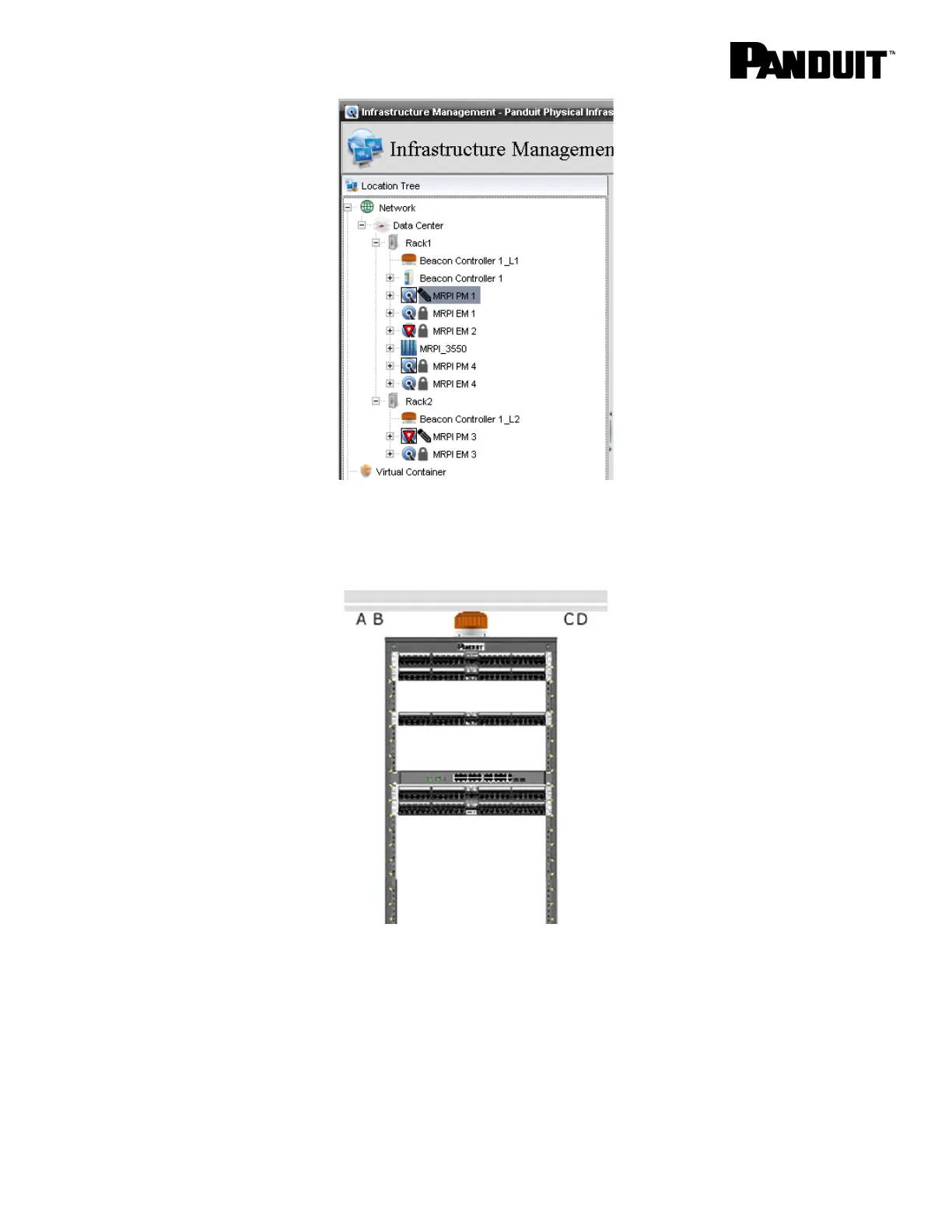
When the beacon is illuminated, SmartZone will also reflect it in graphical view. For example, by
selecting graphical view for rack 1, the beacon is depicted in an illuminated state.
Returning the panels to secure mode, turns off the beacons on top of the racks in the data center and
SmartZone reflects this by showing a gray beacon image.



 To Next Page