CRAC/CRAH Sensor Hardware Installation Manual
- 25 -
Downflow Units – Floor Stand
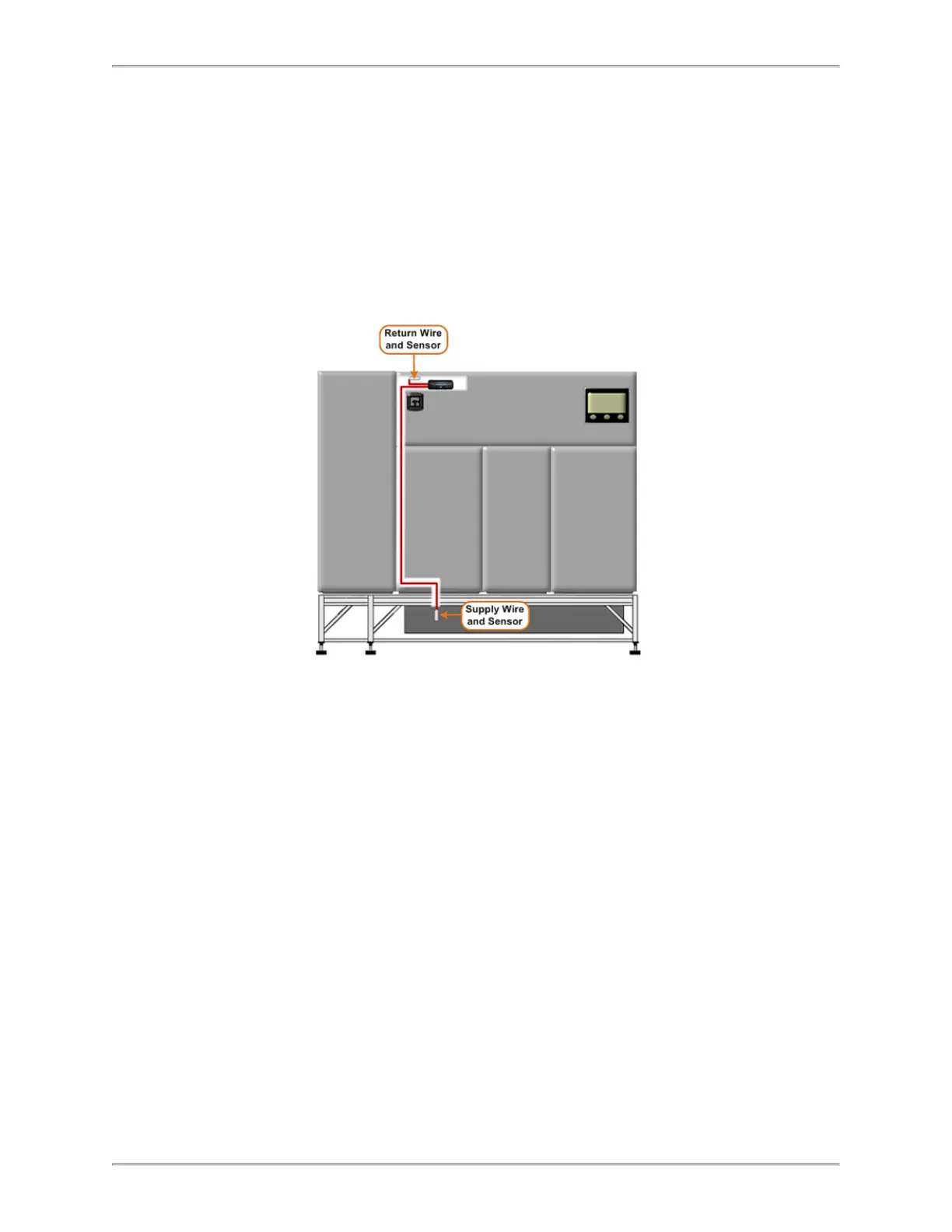
The image below depicts a downflow CRAC/CRAH installed on a stand with a turning
vane (non-raised floor).
The return air (hot) enters the top of the CRAC/CRAH (or via optional plenums – not
shown) where the cooled air discharges through the bottom of the unit.
The supply sensor installs through a hole in the bottom of the unit and secures to the turn-
ing vane of the stand with a plenum-rated, fire code compliant, zip tie (purple).
Follow these steps to install a sensor kit in a downflow CRAC/CRAH unit with a floor
stand
1. Route and install the supply sensor.
a. Locate an access hole (or turning vane area) on the unit through which to route
the supply sensor and wire.
b. Feed the supply sensor through the access hole.
c. Pull the supply wire through turning vane area under the unit. Make sure wire
does not catch or run against any sharp edges.



 To Next Page