Installation 6-7
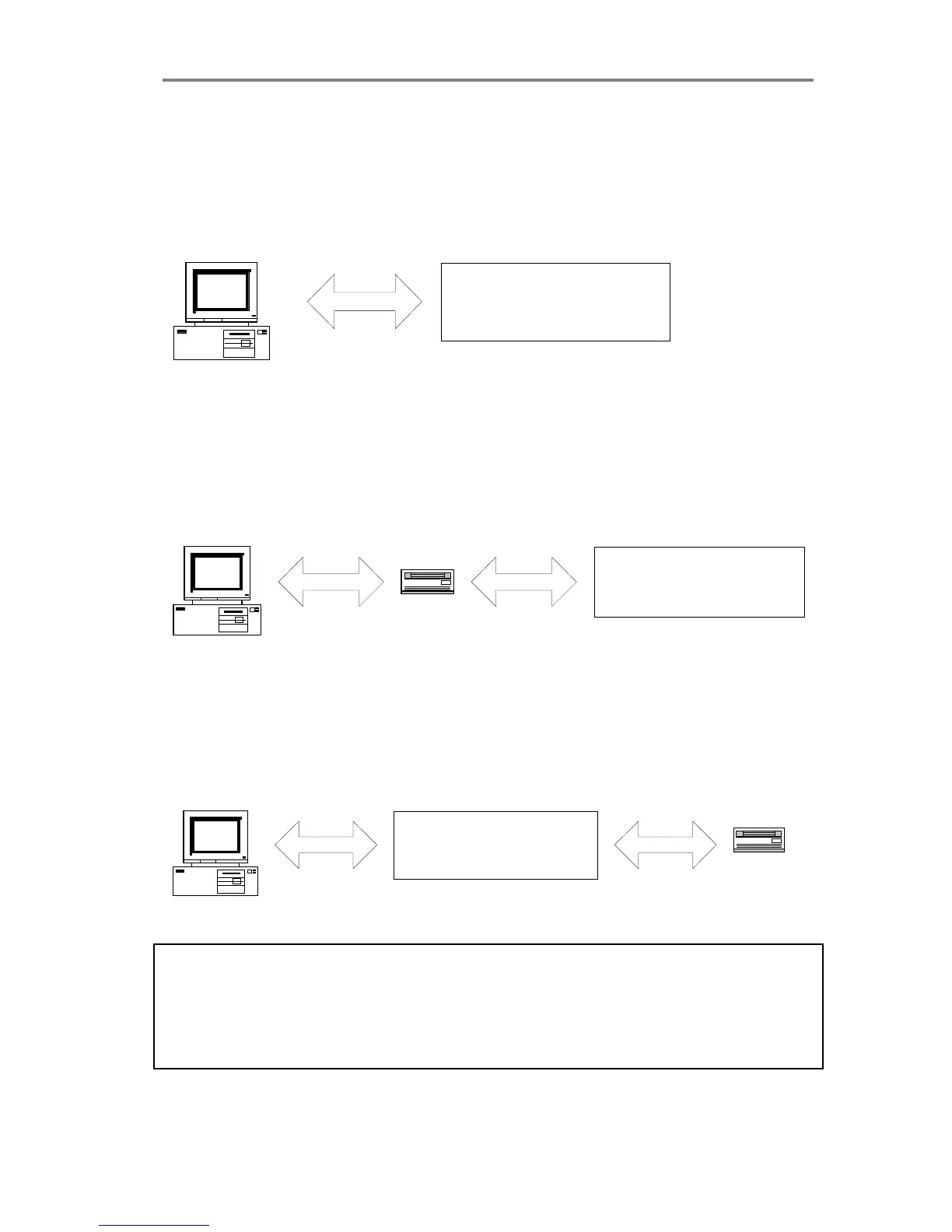
The following 3 scenarios show how to terminate the SCSI bus
correctly:
A. The Scanner is the only external device on the SCSI bus
Host Computer
SCSI SCANNER
Switch 4 must be ON
B. The Scanner is the last device on the SCSI bus
SCANNER
Switch 4 must be ON
Host Computer
SCSI
CD-ROM
SCSI
C. The Scanner is not the last device on the SCSI bus
SCANNER
Switch 4 must be OFF
Host Computer
SCSI
CD-ROM
SCSI
Must be
terminated
Note: If the scanner is connected to an existing SCSI controller in the
PC that is used together with an internal SCSI device (f.ex. a hard
disk), make sure that the on-board SCSI termination is removed
before attaching the scanner. Please refer to the documentation for
the internal device for instruction.



 To Next Page